外掛標籤
開發者團隊
原文外掛簡介
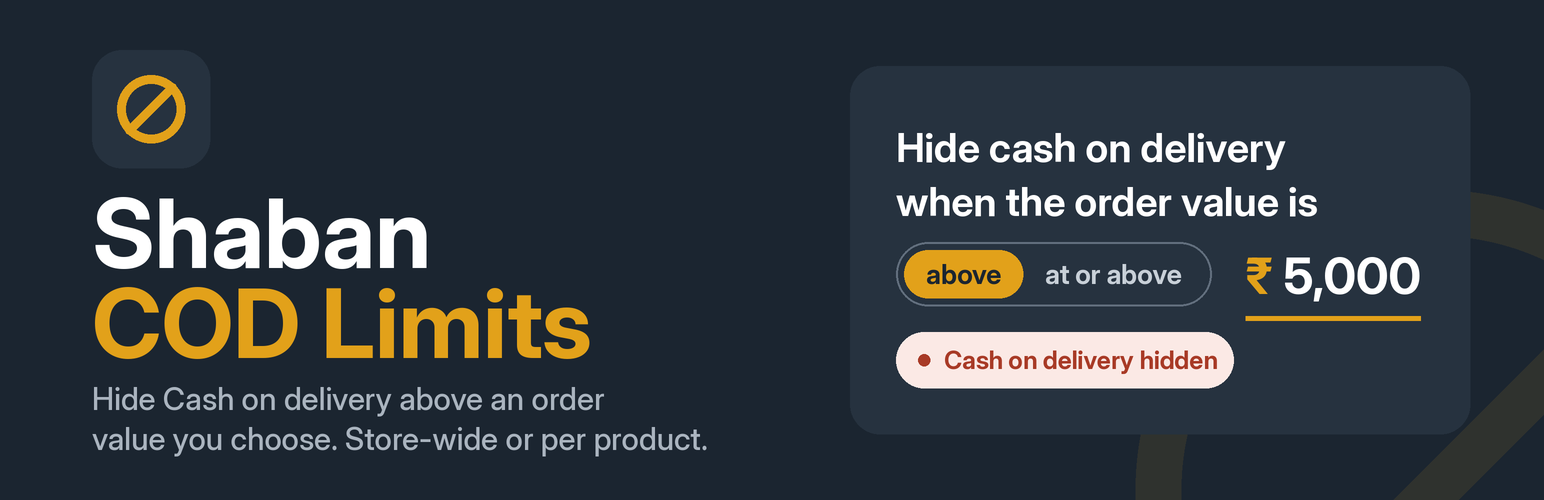
Shaban COD Limits lets you stop Cash on delivery (COD) on high-value orders, without touching code. Everything is managed from one dashboard under WooCommerce > COD Limits, so a shop owner can change the rule on their own.
What you can set
Limit amount: hide the payment method when the order value is “above” or “at or above” your amount. There is no preset amount: nothing is restricted until you enter your own and save.
How the value is counted: the cart total (with shipping, tax and fees) or products only (after discounts).
Where it applies: the whole store, only selected products or categories, or everything except selected products or categories.
Which payment methods are hidden: Cash on delivery by default. Any other WooCommerce payment method can be added, which helps with custom COD plugins.
Customer message: an editable message on the checkout page, with {limit} replaced by the amount.
Order tester: type an order value on the settings page and see straight away whether COD would be shown.
Built-in support form: if something is not working, send a message to the developer from the bottom of the settings page.
How it works
The plugin removes the chosen payment methods from the list WooCommerce offers to the customer. Because the method is removed from the list itself, WooCommerce also refuses it on the server if someone tries to submit it anyway.
Compatible with
WooCommerce High-Performance Order Storage (HPOS).
The classic and the block-based checkout. The payment method is hidden in both. The explanatory message is shown on the classic checkout and the pay-for-order page.
Privacy
The plugin does not collect or send any data on its own, does not set cookies and makes no external requests. It stores its settings in one option in your database.
The only time anything leaves your site is when an administrator fills in the Support form at the bottom of the settings page and clicks “Send message”. The name, email address and message they typed (plus technical details, only if they tick the box) are emailed to the plugin developer through your site’s normal email system. A short-lived marker is kept for one minute to stop double sending.