內容簡介
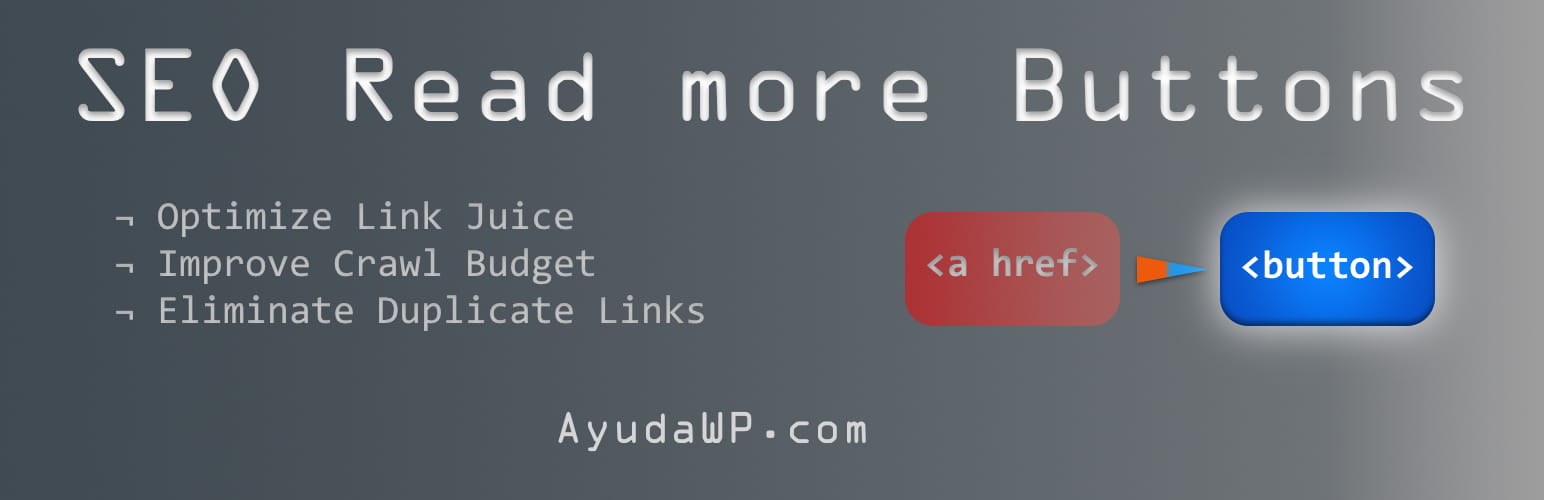
SEO Read More Buttons 外掛自動將部落格及檔案頁面的「閱讀更多」連結轉換為按鈕元素,提供顯著的 SEO 優勢,同時保持出色的可用性和可及性。
【主要功能】
• 與多種佈景主題兼容
• 按鈕樣式自動匹配佈景主題
• 減少爬蟲預算浪費
• 完全遵循 WCAG 可及性標準
• 可自訂按鈕文字與行為
• 輕量級,性能影響小
外掛標籤
開發者團隊
原文外掛簡介
SEO Read More Buttons plugin by AyudaWP.com automatically converts all “read more” links on your blog and archive pages into button elements, providing significant SEO benefits while maintaining excellent usability and accessibility.
Why Use Buttons Instead of Links?
Traditional “read more” links create several SEO problems:
* Duplicate links – Each post has two identical links (title + read more) pointing to the same URL
* Wasted crawl budget – Search engines waste time crawling redundant links
* Poor link juice distribution – Link equity gets diluted across duplicate URLs
* Repetitive anchor text – “Read more” appears hundreds of times across your site
By converting these links to buttons, you eliminate these issues while keeping the user experience intact.
Key Features
Universal theme compatibility – Works with Astra, OceanWP, Kadence, Blocksy, Twenty themes, Elementor, Divi, and more
Inherits theme styles – Buttons automatically match your theme’s read more link styling
SEO optimized – Reduces crawl budget waste and improves link juice distribution
Advanced accessibility – Full WCAG compliance with customizable ARIA labels and keyboard navigation
Granular control – Configure which post types and pages should use buttons
Customizable – Configure button text and behavior through admin settings
Lightweight – Minimal performance impact with efficient JavaScript
Translation ready – Full internationalization support
SEO Control Features
Post type selection – Choose which post types (posts, products, custom types) should have buttons
Page type control – Enable on blog homepage, category archives, tag archives, search results, etc.
Minimum posts threshold – Only apply when pages have sufficient posts
Smart detection – Automatically detects WooCommerce products and other custom post types
Accessibility Features
Custom ARIA labels – Personalize screen reader announcements
Enhanced keyboard navigation – Full Enter and Space key support
Visual focus indicators – Improved keyboard navigation visibility
Screen reader support – Additional context text for assistive technologies
WCAG compliance – Meets accessibility standards out of the box
Supported Themes
This plugin has been extensively tested with:
* Astra and Astra Pro
* OceanWP and OceanWP Pro
* Kadence and Kadence Pro
* Blocksy and Blocksy Pro
* Twenty Twenty-Five, Twenty Twenty-Four, and other Twenty themes
* Hello Elementor and Elementor Pro
* StoreFront and WooCommerce themes
* Divi and Extra by Elegant Themes
* Most Gutenberg Full Site Editing (FSE) themes
* Standard WordPress themes following coding standards
How It Works
Detects existing read more links using comprehensive selectors
Captures styling information from your theme’s read more links
Removes the original read more links to eliminate SEO issues
Creates properly styled and accessible button elements in their place
Maintains functionality – buttons still navigate to the full post
The process is completely automatic and requires no theme modifications.
Performance
Lightweight JavaScript (less than 3KB)
Only loads on archive/blog pages (not single posts)
No external dependencies
Minimal DOM manipulation
Efficient caching and optimization
Customization
While the plugin automatically inherits your theme’s styles, you can add custom CSS through the WordPress Customizer (Appearance > Customize > Additional CSS) if you want to further customize the button appearance. The plugin settings page includes helpful CSS examples to get you started.
Technical Details
Supported Post Types
Posts
Pages (when displayed in archives)
WooCommerce products
Custom post types
Works on any archive page displaying multiple posts
Accessibility Compliance
WCAG 2.1 AA compliant
Proper ARIA labeling
Keyboard navigation support
Screen reader compatibility
Focus management
Semantic HTML structure
SEO Benefits
Eliminates duplicate internal links
Improves crawl budget efficiency
Reduces link juice dilution
Maintains user experience
No impact on single post pages
Customization
Inherits theme styles automatically
Optional custom CSS via WordPress Customizer
Configurable button text
Selective post type and page type activation
Comprehensive accessibility options
Minimum Requirements
WordPress 5.0 or higher
PHP 7.4 or higher
Modern browser with JavaScript enabled
Support
Need help or have suggestions?
Official website
WordPress support forum
YouTube channel
Documentation and tutorials
Love the plugin? Please leave us a 5-star review and help spread the word!
About AyudaWP
We are specialists in WordPress security, SEO, and performance optimization plugins. We create tools that solve real problems for WordPress site owners while maintaining the highest coding standards and accessibility requirements.