內容簡介
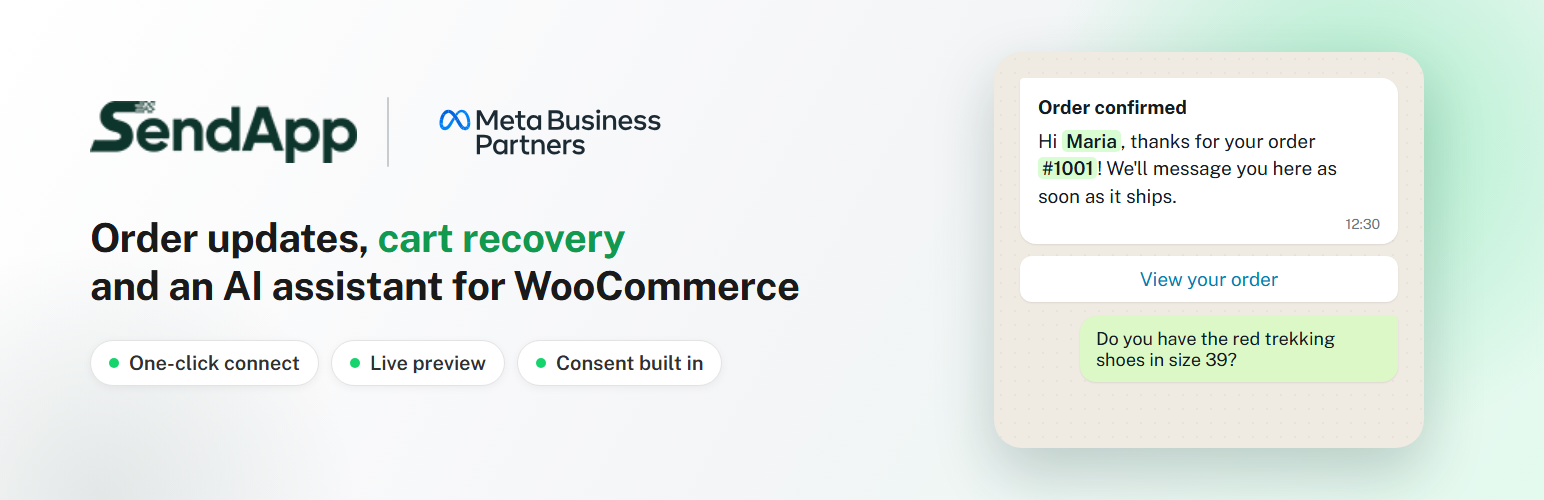
SendApp 是一個強大的 WordPress 外掛,能將網站事件即時轉換為 WhatsApp 訊息。透過官方的 SendApp WhatsApp Business API,自動發送經批准的模板訊息,幫助商家有效地與顧客溝通,提升客戶滿意度與銷售轉換率。
【主要功能】
• 自動提醒顧客完成購物車結帳
• 發送 WooCommerce 訂單狀態通知
• 透過 WhatsApp 獲取商業通知
• 添加浮動 WhatsApp 聊天按鈕
• 連接 25 種以上的外掛
• 支援多語言訊息發送
外掛標籤
開發者團隊
② 後台搜尋「SendApp – Message Notifications for WooCommerce & more」→ 直接安裝(推薦)
原文外掛簡介
SendApp brings your WooCommerce store to WhatsApp. Click “Connect to SendApp”, log in to your SendApp account, pick your WhatsApp number and you are done: no API key to copy.
Order notifications — order confirmation, shipping update with the tracking link, cancellation and any other status, sent with your WhatsApp templates approved by Meta. Choose the template and what fills each variable from a menu, and see a live WhatsApp preview.
Abandoned cart recovery — a WhatsApp reminder after the time you choose, with a link that restores the cart. By default only customers who ticked the marketing consent checkbox at checkout (classic and blocks checkout) are reminded.
AI assistant — the SendApp assistant searches your products in real time and answers about your customers’ order status, recognising them by their WhatsApp number. SendApp does not copy or modify your catalog: every answer is read from your store at that moment, through signed requests.
Chat on your site — the SendApp chat widget (AI + WhatsApp) or a simple WhatsApp button.
Shop notifications — get a WhatsApp on your own phone for new orders or anything else.
Results — messages sent, carts reminded and recovered, and the recovered value over the last 30 days, plus a full activity log.
Integrations — WhatsApp messages from WPForms and Elementor Pro forms, and from 25+ plugins: subscriptions, bookings, memberships, courses, marketplaces, shipping tracking (WooCommerce Shipment Tracking, AST, AfterShip and more).
Two ways to send:
Manage from SendApp (recommended) — orders and abandoned carts are sent to your SendApp account through a signed webhook, and messages, templates and timing are set in SendApp → Automations.
Send from WordPress — the plugin sends the templates you configure on the Order notifications page.
Already a SendApp Official customer? You can keep using your SendApp Official (official.sendapp.cloud) API key: choose “Do you use SendApp Official? Connect with your API key” on the Overview page.
Built for performance and privacy: messages are sent in the background (Action Scheduler) and never slow down the checkout; HPOS and the blocks checkout are supported; connection keys are stored encrypted and never shown in pages or logs.
External services
This plugin connects to services provided by SendApp (EVERYSOFT SRLS). It sends data only after you connect your store, and only for the features you turn on.
SendApp (app.sendapp.ai) — the SendApp platform.
https://app.sendapp.ai/connect/store — opened in your browser when you click “Connect to SendApp”, with your site address, the return address in your admin and a one-time security code.
https://app.sendapp.ai/api/store-connect/token and https://app.sendapp.ai/api/store-connect/disconnect — to complete the connection (exchange of a one-time code for the store keys) and to revoke the key when you disconnect or uninstall.
https://app.sendapp.ai/api/whatsapp-meta/get_templates and https://app.sendapp.ai/api/whatsapp-meta/send — to list your approved WhatsApp templates and to send a template message: the recipient’s phone number and the values of the template variables (for example customer name, order number, total, products, tracking link, cart recovery link).
https://app.sendapp.ai/api/ecommerce/woocommerce/webhook/… — order data when an order is created, paid or completed (customer name, email, phone, address, products, totals, status, marketing consent), so SendApp can record the order, the contact and the revenue; with “Send from WordPress” these events are marked so that SendApp does not message the customer again. When SendApp manages the messages, also abandoned carts (customer name, email, phone, products, total, consent, recovery link).
https://app.sendapp.ai/apps/widget/script/… — the SendApp chat widget script, loaded on your site’s pages only when you turn the widget on.
Incoming requests: SendApp calls /wp-json/sendapp/v1/products/search and /wp-json/sendapp/v1/orders on your site to answer customers. Every request is signed; product answers contain public catalog data, order answers only number, date, status, total, products, tracking and the customer’s own phone.
Terms: https://sendapp.live/en/terms/ — Privacy policy: https://sendapp.live/en/privacy/
SendApp Official (official.sendapp.cloud) — only if you connect with a SendApp Official API key: https://official.sendapp.cloud/api/verify, /api/templates and /api/send/template, with the recipient’s phone number and the template variable values. Same terms and privacy policy.
YouTube (youtube-nocookie.com) — the official setup video on the Overview page is loaded from https://www.youtube-nocookie.com/embed/… only when you press play; nothing is requested from YouTube before that. Google privacy policy: https://policies.google.com/privacy
WhatsApp (wa.me) — the simple WhatsApp button links to https://wa.me/
Privacy
When connected, the plugin sends to SendApp the data listed under External services, to deliver WhatsApp messages about orders, abandoned cart reminders (only with consent by default) and the answers of the AI assistant. On your site it keeps a log of sent messages and the abandoned carts for up to 90 days. Both are included in WordPress’ personal data export and erasure tools (Tools → Export / Erase Personal Data), and a suggested text is added to your privacy policy guide. Connection keys are stored encrypted with your site’s salts. Uninstalling the plugin revokes the key and deletes its data.