
內容簡介
Seeallseo 是一款專為 WordPress 設計的 SEO 外掛,能夠檢查您的文章或頁面,並以簡單明瞭的方式告訴您需要修正的地方。它分析頁面設置,提供具體的改進建議,幫助提升網站的搜尋引擎優化效果。
【主要功能】
• 檢查 SEO 標題和 meta 描述長度
• 評估 H1 標題及其順序
• 分析內部連結的有效性
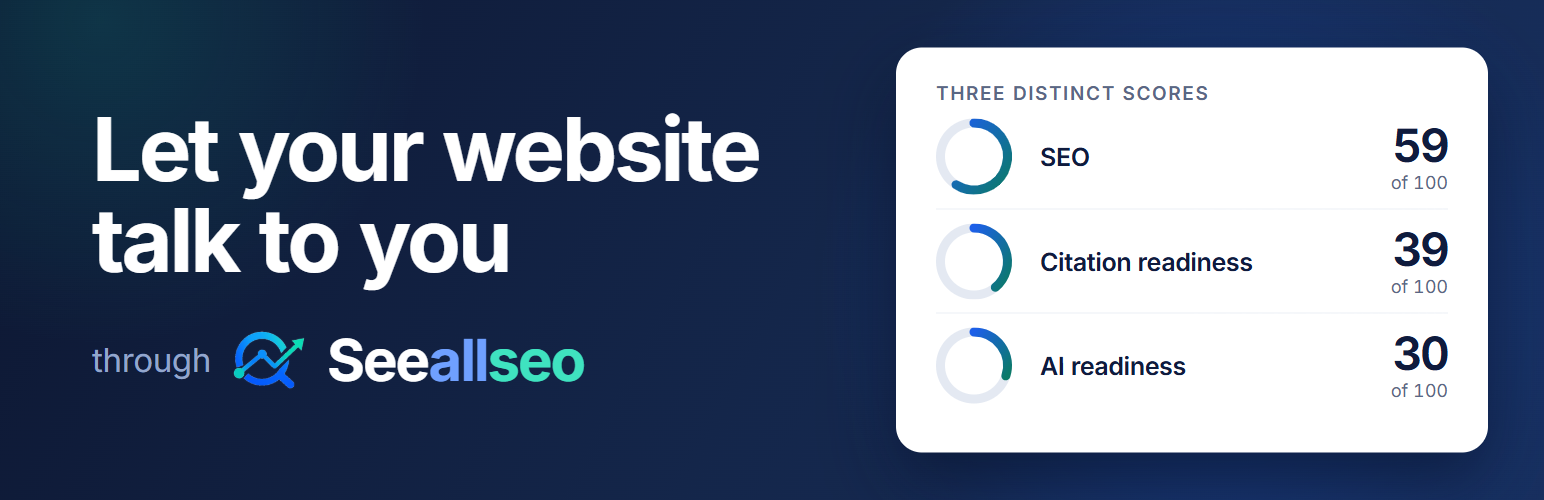
• 提供 SEO、引用準備度和 AI 準備度三項評分
• 支援與多種 SEO 外掛整合
• 隱私保護,不需外部服務連接
外掛標籤
開發者團隊
② 後台搜尋「Seeallseo – Page SEO & AI GEO Readiness Audit」→ 直接安裝(推薦)
原文外掛簡介
Seeallseo checks a post or page on your site and tells you, in plain language, what to fix. It looks at the page as your visitors get it, including what your theme and other plugins add.
Each result says what was checked, why it matters and how to fix it. When something cannot be checked, for example on a draft, Seeallseo says why and does not count it as passed.
What Seeallseo checks
Search basics
SEO title and meta description length, measured in pixels
H1 heading and heading order
Canonical URL and noindex settings
The “Discourage search engines” setting in WordPress
Internal links that may be broken or use an outdated address
Image alt text and file names
Parameters, uppercase letters and underscores in the URL
Content length for the type of page
Your focus keyword in the headings, if your SEO plugin has one
AI search and AI assistants
Short answers under your headings
Links to sources, and concrete figures and dates
Structured data (JSON-LD) and your organization details
robots.txt rules for AI crawlers, shown separately for AI training, AI search and AI assistants
Your llms.txt file, if you have one
The text that is available without JavaScript
Three scores
SEO: how well the page is set up for search engines.
Citation readiness: signals that help AI assistants quote the page.
AI readiness: signals that help AI tools read and use the page.
Each score shows how it was calculated. Checks that could not run are left out of the score and listed with the reason.
Where to find it
Seeallseo in the admin menu: choose a post or page, or enter its address, and see the full report on six tabs.
The block editor: the Seeallseo sidebar shows the scores for the page you are editing, and a short summary before you publish.
Tools > Site Health: Seeallseo tells you if your robots.txt file blocks AI search crawlers, or if more than one SEO plugin is active.
Works with your SEO plugin
If Yoast SEO, Rank Math, All in One SEO or SEOPress is active, Seeallseo reads the SEO title, meta description and focus keyword you set there. It does not change their settings. Seeallseo also works without an SEO plugin.
Privacy
Seeallseo does not connect to any external service, and it needs no account or API key. When you run an audit, your browser loads the page, your home page and /llms.txt from your own site, then sends them to your site’s admin-ajax.php to be analyzed. Seeallseo does not store audit results and does not add anything to your pages.














