內容簡介
SecureHold 是一款專為 WooCommerce 設計的外掛,能夠在租賃和預訂過程中使用 Stripe 進行安全押金保留。它允許商家在結帳時暫時保留顧客的信用卡資金,並可根據需求選擇捕捉或釋放押金,無需提前收費。
【主要功能】
• 支援租賃押金及活動預訂押金
• 只進行資金保留,不收取費用
• 可手動或立即創建押金保留
• 提供可配置的結帳押金通知
• 支援全額或部分捕捉押金
外掛標籤
開發者團隊
② 後台搜尋「SecureHold Security Deposit Holds with Stripe for WooCommerce」→ 直接安裝(推薦)
原文外掛簡介
Protect your rentals and bookings with a Stripe security deposit hold on WooCommerce. Reserve the card at checkout, then decide later whether to capture or release. No upfront charge required.
Perfect for:
rental deposits (equipment, vehicles, accommodations)
booking deposits for events and reservations
damage deposits for services and short-term use
A hold is not a charge
SecureHold only reserves funds temporarily on the customer’s card. The deposit stays fully refundable until you capture it.
Nothing transfers to you unless you explicitly capture the hold.
Authorization windows are time-limited and vary by card network and payment method. Capture or release as soon as your workflow allows.
Not a partial payment plugin
SecureHold never charges anything at checkout. If you’re looking for a plugin that collects a partial payment upfront, a deposit-on-order plugin, this isn’t it. SecureHold only places holds.
How it works
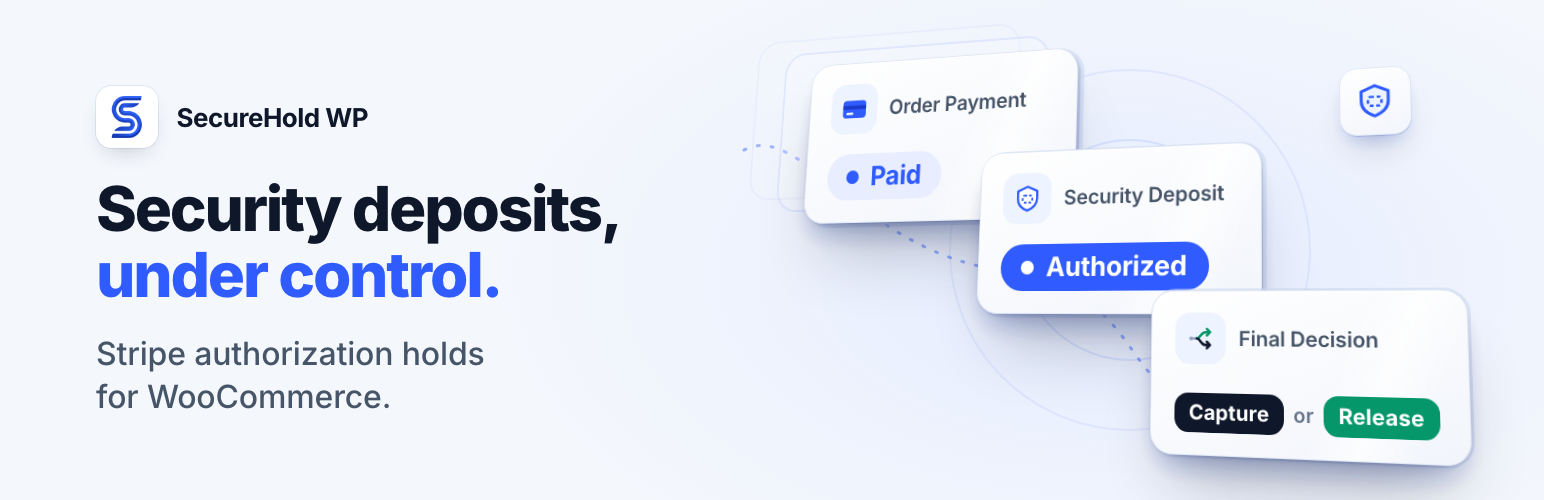
Customer places an order in WooCommerce
SecureHold places a Stripe hold, not a charge
From the order screen, you capture (take some or all of the money, up to the authorized amount) or release (no charge) the hold
Built for production
HPOS (High-Performance Order Storage) ready
Signed and verified Stripe webhooks
Stripe PHP SDK loaded in an isolated namespace, reducing the risk of PHP class conflicts with other plugins
Guided Setup Wizard and one-click Health Check
Card numbers never touch your server. Tokenization happens through Stripe.js via the required WooCommerce Stripe Gateway plugin.
FREE Features
Configuration
Global deposit amount, fixed or percentage
Manual or immediate hold creation
Priority Chain and Highest Deposit Wins conflict resolution
Per-order and per-item aggregated deposit calculation
Checkout
Configurable checkout deposit notice: text, style, and position
Day-to-day management
Capture the full amount or part of it (up to what was authorized), or release the hold
Deposits list and detail view with a detailed status timeline and the configuration applied to each hold
WooCommerce order integration (metabox actions)
Customer-facing “My Deposits” page in My Account
Integrations
Settings > Integrations shows what SecureHold works with and the status of each integration
Optional Booking and Rental Manager (MagePeople) bridge: reuse a rent item’s fixed security deposit amount (opt-in, fixed amounts only)
Booking Activities: coming soon, not available yet
Automation
Automatic release after a configurable number of days (1–7)
Emails
Customer and admin email notifications
Diagnostics
Setup Wizard and Health Check tools
Sanitized diagnostic bundle export for support requests
PRO Features
Upgrade to PRO to unlock:
Per-product and per-category deposit rules
WooCommerce Native Multi-Hold: set Hold Structure to Multiple Hold Groups to place one independent hold per eligible order item, each captured or released on its own. Optional and off by default. Without PRO, SecureHold keeps a single hold per order (Per Item Aggregated adds the items into that one hold)
Live rule simulator: preview which rule applies before checkout
Delayed, Scheduled, and By-Status timing strategies
Full email branding (logo, colors, footer text)
Extended log pagination and diagnostic tools (Stripe Inspector, database integrity check)
Priority email support
Documentation and Support
Documentation: https://secureholdwp.com/docs/
Support: https://secureholdwp.com/support/
Free vs Pro comparison: https://secureholdwp.com/pricing/
Refund Policy: https://secureholdwp.com/refund-policy/
Requirements
WordPress 6.0+
WooCommerce
WooCommerce Stripe Gateway plugin (required)
A Stripe account (test or live mode)
External Services
This plugin connects to the Stripe API to create and manage payment authorization holds (pre-authorizations) on behalf of the store owner.
Stripe API
Service: Stripe payment processing
Endpoint: https://api.stripe.com
Data transmitted: payment method data is collected and processed by Stripe.js and Stripe’s servers. This plugin stores the following Stripe object IDs locally in the WordPress database for authorization hold management: PaymentIntent ID, Customer ID, and PaymentMethod ID. Order amount, currency, and order ID are also transmitted to Stripe as PaymentIntent parameters.
Stripe Terms of Service: https://stripe.com/tos
Stripe Privacy Policy: https://stripe.com/privacy
SecureHold Usage Telemetry (opt-in)
This plugin can optionally send minimal pseudonymous usage data to secureholdwp.com (SecureHold’s own servers). This is off by default and strictly opt-in: nothing is sent unless you enable “Share usage data” in Connection settings, and you can turn it off at any time, which stops all future check-ins immediately.
Service: SecureHold usage telemetry
Endpoint: https://secureholdwp.com
Data transmitted, once a day while enabled: a randomly generated site identifier that is not derived from your domain or any personal data; the SecureHold, WordPress, and WooCommerce version numbers; the dates SecureHold was first activated and usage sharing was enabled, when available; whether a compatible Stripe configuration appears to be present (yes/no only); and whether a deposit hold has ever been created on your site (yes/no only).
Data never transmitted: your domain or site URL, your email address, any WooCommerce order or customer data, any Stripe account/key/payment data, any SecureHold PRO license data, or any cookie/session data.
Privacy Policy: https://secureholdwp.com/privacy-policy/
Terms of Use: https://secureholdwp.com/terms/
Deactivation feedback (optional)
When the plugin is deactivated, an optional feedback form appears in the WordPress admin. If the form is submitted, the following data is sent by email to [email protected]: site URL, plugin version, deactivation reason, and any additional details provided. Submission is entirely optional. Clicking “Skip and Deactivate” deactivates the plugin without sending any data.