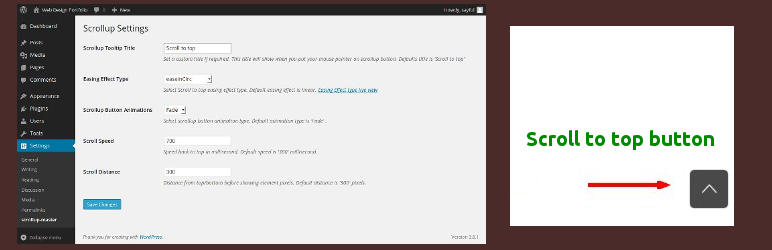
內容簡介
這個外掛可以在你的網站頁尾增加一個浮動式的導覽按鈕,當你向下捲動頁面時它會自動出現,點擊後可以輕鬆地將頁面滾動回頂部,而且不需要修改你的模板。
完整功能設置
非常輕量級,總內容少於1KB,隨著網站一起載入
沒有依賴,使用 Vanilla JavaScript 編寫
支援所有主要瀏覽器,包括 Firefox、Chrome、Opera、Edge、IE9及更高版本
五種SVG圖示類型
兩種圖示形狀:正方形或圓形
背景和圖示無限顏色
外掛標籤
開發者團隊
原文外掛簡介
The plugin adds a floating navigation button right bottom in the footer of your site that only appears when you scroll the page down, and when clicked gently roll the site to the top. All this without any modification to your template.
Full Feature Set
Very lightweight, Total content is less than 1 kb and load when the site load
No dependency, Written in Vanilla JavaScript
Support all major browsers including Firefox, Chrome, Opera, Edge, IE9 and higher
Five SVG icon type
Two icon shape: Square or Circle
Unlimited Colors for background and icon