內容簡介
Scroll To CK 可讓您使用頁面上的鏈結滾動頁面,並在滾動時添加一個回到頂部按鈕。
功能
將 CSS 類 ‘scrollTo’ 添加到菜單項目或頁面上的任何鏈結,以滾動到所需的 HTML ID。
滾動到頁面上的任何元素(使用其 ID)
適用於任何鏈接,甚至於任何菜單中
易於使用,只需添加一個 CSS 類到該鏈結
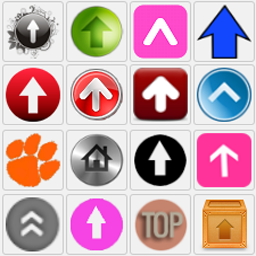
啟用“回到頂部”按鈕的選項
為每個鏈結提供自定義選項(持續時間和偏移量)
選項以隱藏自定義分辨率值為基礎的“回到頂部”按鈕
如何使用
您唯一需要做的就是為您的鏈結添加 CSS 類。您可以在“CSS 類”可選字段中的菜單項目中執行此操作,或在頁面上任何位置使用添加了該類的鏈結。以下是鏈結代碼示例:
<a href=”#idoftheelement” class=”scrollTo” />前往第一節</a>
在 https://www.ceikay.com 上瞭解更多信息並查看演示。
外掛標籤
開發者團隊
📦 歷史版本下載
原文外掛簡介
Scroll To CK allows you to scroll your page with you links and add a go to top button on scroll.
Features
Add the CSS class ‘scrollTo’ to your menu item, or any link in your page to scroll to the desired html ID.
Scroll to any element in the page (using its ID)
Works on any link, even in any menu
Easy to use, just add a css class to the link
Option to activate the Go To Top button
Custom options for each link (duration and offset)
Option to hide the Go To Top button under a custom resolution value
How to use it
The only thing you have to do is to add the CSS class on your links. You can do it in a menu item with the optional field “CSS class”, or use a link anywhere in your page by adding it the class. Example of a link source code :
Go to Section 1
Get more informations and see the demo on https://www.ceikay.com