內容簡介
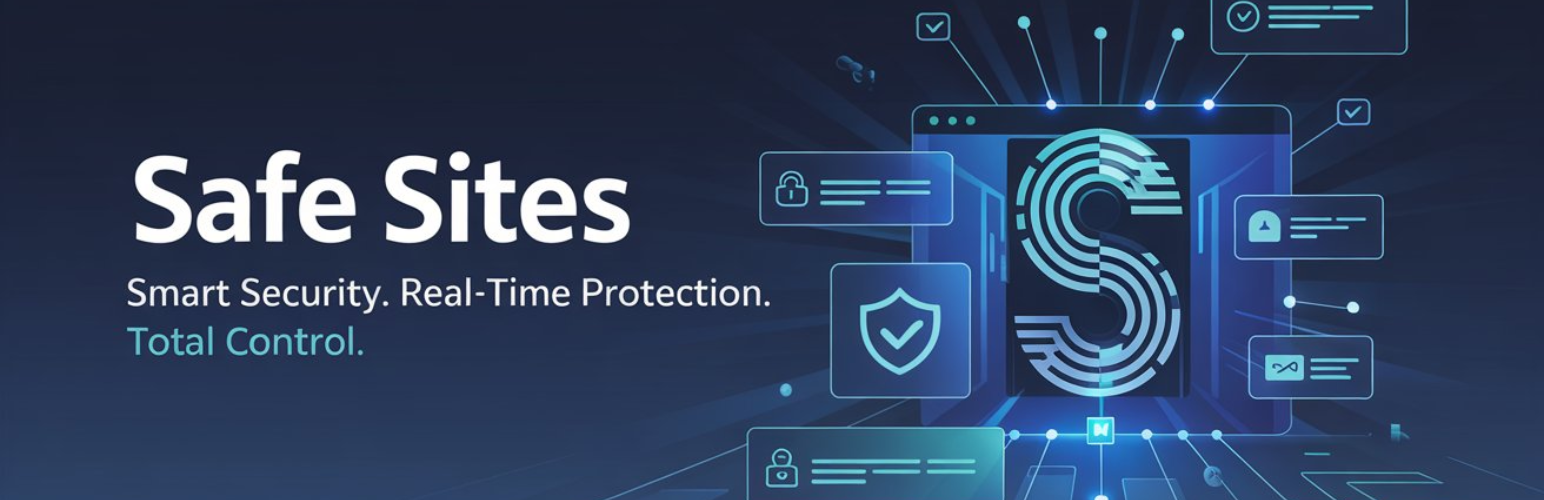
Safe Sites 提供先進的安全功能,幫助保護您的 WordPress 網站免受威脅。透過即時監控、詳細的安全洞察和易於使用的權限管理,確保您的網站始終安全。
【主要功能】
• 兩步驟驗證 (2FA) – 使用 TOTP 增強登錄安全性
• 智能檔案權限控制 – 根據伺服器類型輕鬆管理檔案權限
• 惡意程式掃描器 – 檢查域名和 URL 的安全性
• 安全儀表板 – 總覽網站的安全健康狀況
• 外掛與佈景主題安全 – 偵測外掛和佈景主題的漏洞
• 登錄與用戶安全 – 監控登錄嘗試和管理用戶會話
外掛標籤
開發者團隊
原文外掛簡介
Safe Sites provides advanced security features to help keep your WordPress website safe from threats. With real-time monitoring, detailed security insights, and easy-to-use permission management, you can ensure your site is always protected.
Key Features
Two-Factor Authentication (2FA) – Secure your login with TOTP-based 2FA.
Smart File Permission Control – Easily manage file permissions based on your server type (Windows/Linux).
Visual File Permissions Map – See a color-coded structure of your site’s file security.
Malware Scanner – Analyze your domain, URLs, and HTML security headers for vulnerabilities via VirusTotal.
Security Dashboard – View a complete overview of your site’s security health.
Plugin & Theme Security – Detect vulnerabilities in plugins and themes and receive alerts.
Login & User Security – Monitor login attempts and manage user sessions.
Site Hardening – Apply recommended security tweaks to your WordPress installation.
Code Signing – Verify the integrity of your plugin files.
Detailed Features
General Security & Server Health:
SSL Status – Check if SSL is active for secure connections.
Site Health & Server Info – Displays PHP version, database version, and server details.
Panic Mode – Quickly lock down your site in case of an emergency.
Access & User Security:
Two-Factor Authentication (2FA):
TOTP Support – Use Google Authenticator, Authy, or any TOTP app.
Configurable for All Roles – Require 2FA for specific user roles.
Backup Codes – Generate backup codes for emergency access.
Login Monitoring – Track failed login attempts and monitor user activity.
Security Monitoring & Protection:
File Permissions Management:
Windows Servers – Show file read/write permissions.
Linux Servers – Display numeric file permissions along with current and recommended settings.
Fix Permissions – Select files and fix incorrect permissions directly.
Visual File Permission Map – Interactive file structure with security indicators.
Hardening – One-click security hardening for common WP vulnerabilities.
Code Signing – Ensure plugin files haven’t been tampered with.
Malware & Security Scanner:
Domain & URL Analysis – Scan domain and URLs for malware using VirusTotal API.
Security Header & DNS Scan – Check security headers and DNS settings.
Alert System – Receive alerts for detected threats.
WordPress Management & Security:
Plugin & Theme Security:
Vulnerability Scanner – Check for known security flaws.
Inactive Plugin Alerts – Warns about inactive components that pose risks.
Security Dashboard – A centralized panel for all security settings.
External Services Used
Safe Sites relies on the following third-party services for security analysis and malware detection. Below is a detailed breakdown of what each service does, what data is sent, and where you can review their policies:
1. VirusTotal API
Purpose: Used to scan domain, URLs, and file hashes for malware detection and security threats.
What data is sent & when?
– When a user initiates a manual malware or URL scan, the plugin sends the target URL or domain to VirusTotal for analysis.
– No user private data is sent—only the target URLs/domains or hash values of files are transmitted.
Terms of Service & Privacy Policy:
– VirusTotal Terms of Service
– VirusTotal Privacy Policy