
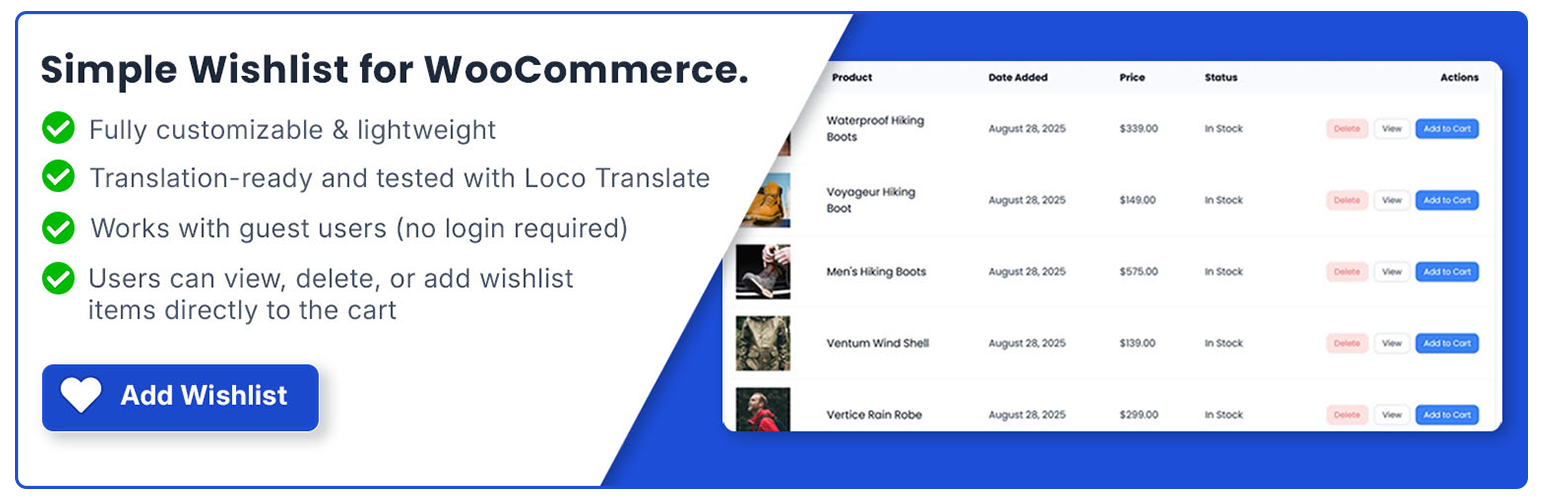
內容簡介
總結:
RGNMHN Customer Wishlist 在 WooCommerce 產品頁面上加入了簡潔的「加入願望清單」按鈕。此外採用的性能和靈活性設計,讓客戶可以將產品保存以便以後查看,從而提升互動與轉換率。
問題與答案:
<ul>
<li>問題:RGNMHN Customer Wishlist 在哪裡添加了按鈕?
答案:RGNMHN Customer Wishlist 在 WooCommerce 產品頁面上添加了「加入願望清單」按鈕。</li>
<li>問題:這個外掛的性能和靈活性如何設計的?
答案:RGNMHN Customer Wishlist 設計注重性能和靈活性,讓客戶可以以後方便查看並保存產品。</li>
<li>問題:使用這個外掛可以為什麼方面提升?
答案:使用這個外掛可以提升客戶互動性,並提高轉換率。</li>
</ul>
外掛標籤
開發者團隊
② 後台搜尋「ReaganM Customer Wishlist for WooCommerce」→ 直接安裝(推薦)
📦 歷史版本下載
原文外掛簡介
Give your customers a seamless way to save and manage their favorite products with this fully customizable Wishlist plugin for WooCommerce.
Features
Add to Wishlist: Customers can easily add products — including variable products — to their personalized wishlist.
Guest Support: Allow guest users to create wishlists (optional setting).
Dynamic Placement: Display the wishlist button in multiple positions or embed it anywhere using a shortcode.
Customizable Design: Change icons, button text, colors, and font sizes to match your site’s branding.
My Account Integration: Customize the menu title, content title, and even the My Account page slug for full control over how the wishlist appears.
Wishlist Management: Users can view, delete, or add items to their cart directly from the wishlist page.
Variation Product Support: Add wishlist functionality to variable products and variations.
Translation Ready: Fully internationalization (i18n) and localization (l10n) ready — easily translate text into any language using tools like Loco Translate or WPML.
📘 Github: View on GitHub