
內容簡介
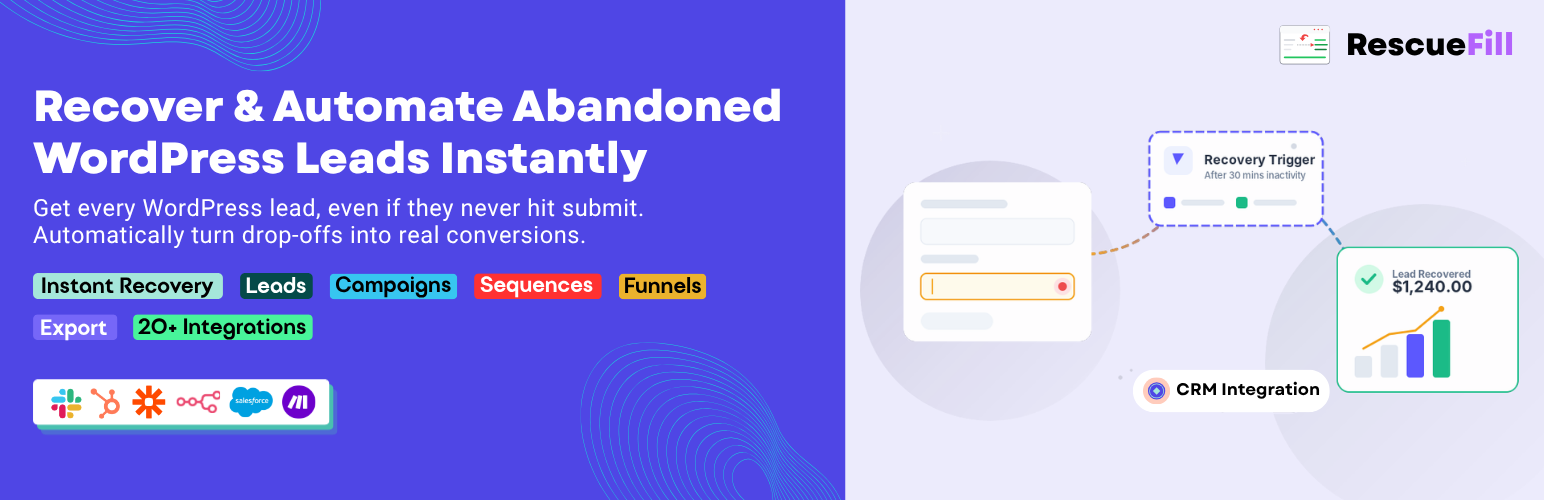
RescueFill 是一款專為回收放棄潛在客戶而設計的外掛,能在訪客輸入電子郵件時即時捕捉,並提供自動化工具幫助您重新吸引他們。無需編碼,簡單設置,兼容多種表單。
【主要功能】
• 即時潛在客戶捕捉
• 數據儀表板顯示回收率
• 無限受眾列表創建
• 定向廣播電子郵件活動
• 潛在客戶管理功能
• 完整的 REST API 訪問
外掛標籤
開發者團隊
② 後台搜尋「RescueFill — Abandoned Lead Recovery & Automation」→ 直接安裝(推薦)
原文外掛簡介
68% of visitors who start your form never finish it. RescueFill captures their email the instant they type it — before they leave — and gives you a complete toolkit to bring them back automatically.
No code. No complex setup. Works with Contact Form 7, WPForms, Gravity Forms, Ninja Forms, Elementor Forms, and any HTML form on your site.
Learn more at rescuefill.com | Pro Addon
🚀 What the Free Plugin Includes
Real-time Lead Capture
The tracker fires the moment a visitor types their email. Leads are saved silently in the background — zero impact on page speed, fully async.
Dashboard
See your recovery rate, total abandoned leads, recovered leads, and a live feed of recent activity — all from one clean screen.
Audience Lists
Create unlimited colour-tagged lists (e.g. “US Leads”, “High Value”, “Newsletter Opt-in”) to segment leads for targeted campaigns.
Broadcast Campaigns
Send targeted recovery emails to any audience list via your site’s built-in WordPress SMTP. Template tags include {name}, {email}, {recovery_link}, {site_name}, and more.
Lead Management
Full leads table with email search, status filter (Active / Abandoned / Recovered / Submitted), list filter, inline assign, and bulk assign.
REST API
Full CRUD REST API under /wp-json/rescue/v1/ for programmatic access to leads, lists, campaigns, and settings.
⚡ Pro Addon — Everything in Free, Plus:
The optional RescueFill Pro addon (rescuefill-pro) extends the free plugin with advanced automation features:
⚡ Free vs Pro Features
Free Version Includes:
✔ Real-time lead capture
✔ Dashboard & analytics
✔ Audience list segmentation
✔ Broadcast email campaigns (via SMTP)
✔ Lead management table (search, filter, status)
✔ Full REST API access
Pro Version Adds Advanced Capabilities:
✔ IP Geolocation (country, city, region detection)
✔ Multi-step drip email sequences
✔ Visual drag-and-drop funnel builder
✔ Location-based automatic list assignment
✔ Email API integrations (Brevo, SendGrid)
✔ Webhook integrations (Zapier, Make, n8n, CRM tools)
✔ CSV & JSON export (up to 50,000 records)
✔ Multi-sequence campaign flows
✔ A/B testing for campaigns
✔ GDPR / CCPA consent mode
✔ White-label / Agency features
👉 Get RescueFill Pro →
📊 Visual Funnel Builder (Pro)
Build n8n-style automation canvases with drag-drop nodes:
⚡ Trigger — fires when a lead is abandoned
📧 Send Email — personalised email with merge tags
⏰ Wait / Delay — pause for minutes, hours, or days
🔀 Condition — branch Yes/No on country, status, email, or any lead field
📋 Assign List — move the lead to a segment
🔗 Webhook — POST to Zapier, Make, n8n, HubSpot, or any URL
🏁 End — mark enrollment complete
Ready-made templates: Welcome Sequence (3 emails over 3 days) and Abandoned Lead Recovery (conditional branching).
🔗 Webhook Integrations (Pro)
Connect to 12+ apps with one-click webhook setup:
Automation: Zapier, Make (Integromat), n8n
CRM: HubSpot, Salesforce, ActiveCampaign
Notifications: Slack
Email Marketing: Mailchimp, Google Sheets
SMS: Twilio
Custom: any HTTP endpoint with HMAC signature verification
Webhook events: lead.created, lead.abandoned, lead.recovered, lead.submitted, email.sent, list.assigned
📧 Email Sending Providers
WordPress SMTP (Free)
Works with any WordPress SMTP plugin. Send recovery and campaign emails using your existing email setup.
Brevo (Sendinblue) (Pro)
Use Brevo’s transactional email API for improved deliverability and performance.
SendGrid (Pro)
Designed for high-volume email sending with advanced analytics and reliability.
🏆 Supported Form Plugins
Works out of the box with Contact Form 7, WPForms (Lite & Pro), Gravity Forms, Ninja Forms, Elementor Forms, Formidable Forms, and any HTML