內容簡介
**外掛簡介:Repeater Fields for Elementor Forms**
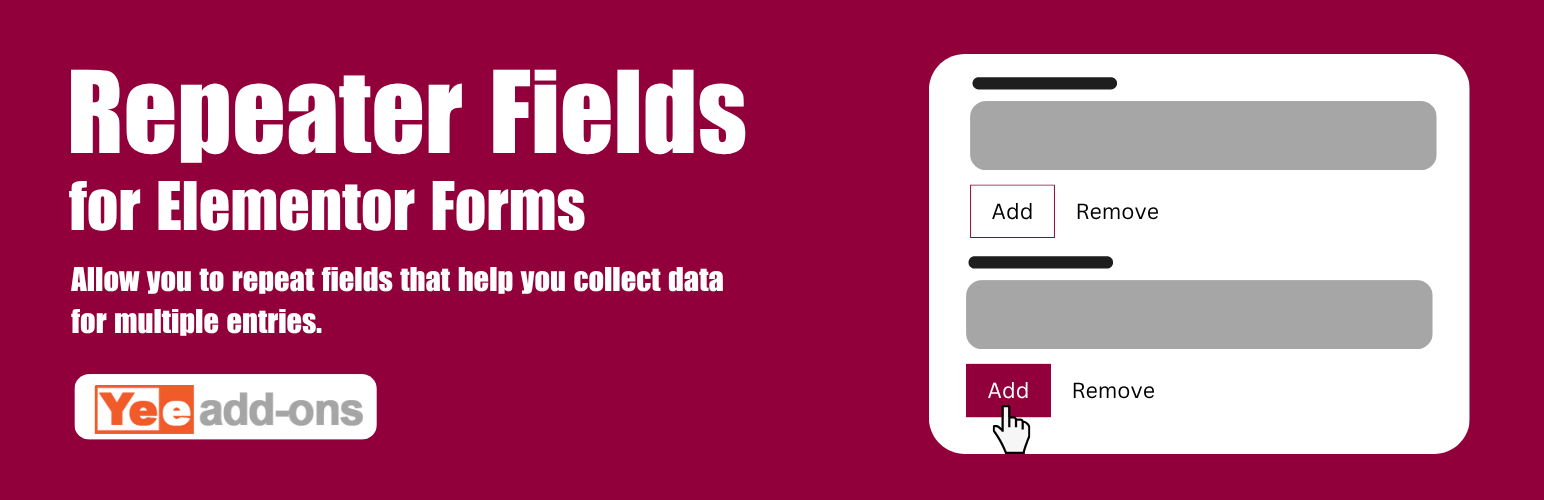
這個外掛讓您可以在 Elementor 表單中建立一個或多個可重複的欄位組。
**問題與答案:**
1. 如何讓使用者在 WordPress 網站單一表單中提交多個相同欄位集合的輸入?
- 使用 Repeater Fields for Elementor Forms 外掛可讓使用者提交多個相同欄位集合。
2. 這個外掛有哪些功能?
- 支援檔案上傳
- 最小行數: 設定所需的資料行數限制。
- 最大行數: 設定允許的資料行數限制。
- 按鈕標籤: 顯示在「新增行」按鈕上的文字。
- 條件邏輯支援: 欄位條件邏輯支援
- 日期選擇器支援: 欄位日期/時間支援
- 輸入和列印預覽支援
- 付款欄位支援
- 拖放重複欄位
3. 有哪些 Pro 版本功能?
- 檔案上傳支援
- 無限的最小值
- 無限的最大值
- 付款欄位支援
- 30 天退款保證
- 1 年支援
4. 如何下載 Pro 版本?
- 可在以下網址下載 Pro 版本:[https://add-ons.org/plugin/elementor-forms-repeater-fields/](https://add-ons.org/plugin/elementor-forms-repeater-fields/)
外掛標籤
開發者團隊
② 後台搜尋「Repeater Fields for Elementor Forms」→ 直接安裝(推薦)
原文外掛簡介
DEMO: https://demo.add-ons.org/demo-repeater-fields/
Download Pro Version: https://add-ons.org/plugin/elementor-forms-repeater-fields/
Document: https://add-ons.org/document-elementor-foms-repeater-field/
The Repeater Fields for Elementor Forms allow you to create one or more sets of fields that can be repeated.
Have you ever wanted to let your users submit multiple entries of the same field set as a single form on your WordPress site? If so, you’re in luck! This is a plugin to help you do it!
Features
File Uploads Support
Minimum Rows: Sets a limit on how many rows of data are required.
Maximum Rows: Sets a limit on how many rows of data are allowed.
Button Label: The text shown in the ‘Add Row’ button.
Conditional Logic support: The field conditional Logic support
Date picker support: The field date/time support
Entry and print preview support
Payment fields support
Drag and drop repeatable fields
Pro Version
File Upload Support
Unlimited minimum
Unlimited Maximum
Payment fields support
30-day money-back guarantee
1-year support