內容簡介
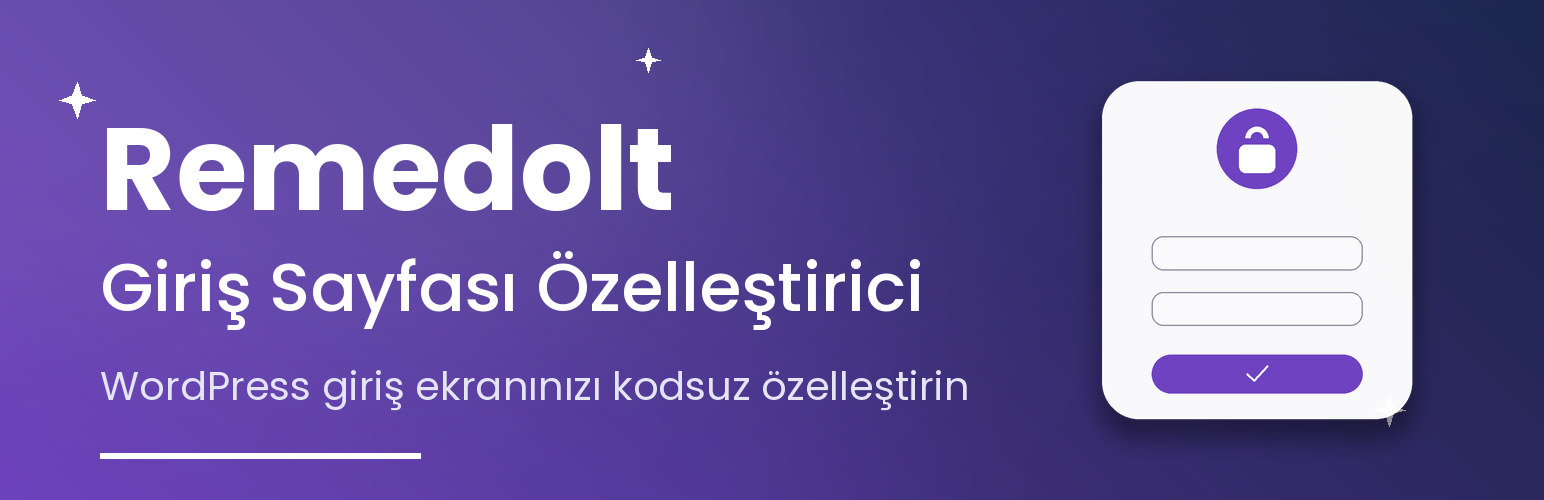
Remedolt Giriş Sayfası Özelleştirici 讓使用者可以透過視覺化的管理面板,自訂 WordPress 登入頁面,無需撰寫任何程式碼,輕鬆替換預設登入畫面,提升品牌形象。
【主要功能】
• 上傳自訂商標,替換預設 WordPress 商標
• 多種背景選擇,包括漸層、影片和幻燈片
• 完全自訂登入表單的樣式與效果
• 支援浮動粒子效果和 3D 傾斜效果
• 提供即時預覽功能,隨時查看變更
• 匯出與匯入設定,方便管理
外掛標籤
開發者團隊
② 後台搜尋「Remedolt Giriş Sayfası Özelleştirici」→ 直接安裝(推薦)
📦 歷史版本下載
原文外掛簡介
Remedolt Giriş Sayfası Özelleştirici (Remedolt Login Page Customizer) lets you replace the default WordPress login screen with your own branded design, entirely from a visual admin panel — no custom code needed.
Features
Upload your own logo (with custom width, height, link, and title) to replace the default WordPress logo
Choose a solid color, a gradient, an animated “aurora” gradient, a single background image, a full image slideshow, or a looping background video
Drag and drop images or videos directly onto the settings page to upload them, or pick them from the media library
Reorder slideshow images by dragging them, and optionally play them back in random order
Add a color overlay, a slow “breathing” zoom effect, or a mouse-driven parallax effect to the background
Fully restyle the login form: background color and opacity, corner radius, shadow, glass blur, input colors, button colors, label and link colors
Optional floating particle effect with a choice of shape (circle, star, snowflake) and movement direction
A continuous logo animation (float, pulse, or glow)
An optional cursor-following spotlight effect on the background
An optional 3D tilt effect on the login form that follows the mouse
Entrance animations for the login form (fade, zoom, bounce, slide, flip) with adjustable duration, easing, and staggered field animation
Button ripple effect, a loading spinner while signing in, and a shake animation on failed login
Hide the language switcher, the “back to site” link, the lost password link, or the remember me checkbox
An optional announcement/welcome text block between the logo and the form — handy for maintenance notices or a branded greeting
An optional dark mode theme that switches automatically based on the visitor’s own OS/browser setting, with its own form, input, button, link, and overlay colors
An optional failed-login lockout that blocks further attempts from the same IP address after too many failures
A live preview panel on the settings page that updates as you change options, with a one-click dark mode toggle
Export and import your settings as a JSON file, or reset everything back to defaults with one click
No external services are contacted, no data is sent anywhere, and no tracking or analytics of any kind is included. All settings are stored in a single WordPress option and removed automatically when the plugin is uninstalled.