外掛標籤
開發者團隊
② 後台搜尋「ReleaseCart: Digital Downloads and Software Licensing」→ 直接安裝(推薦)
原文外掛簡介
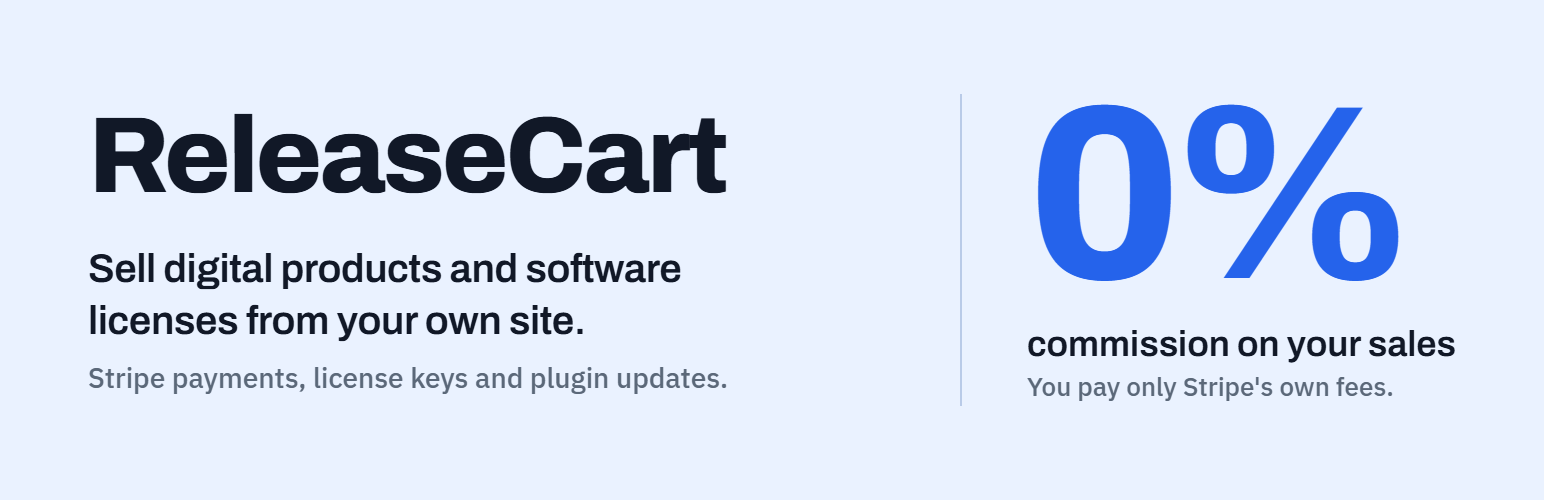
ReleaseCart is a free WordPress plugin for selling plugins, themes and other digital products from your own site. It takes card payments through Stripe, issues a license key with each sale and runs an update server, so the plugins you sell get their updates on your customers’ Plugins screen.
ReleaseCart takes no commission and needs no license key of its own. Payments go to your own Stripe account.
License keys for the software you sell
Each pricing tier sets an activation limit and a license length, from a number of days to lifetime. When an order completes, ReleaseCart issues a key for each licensed product in it. Customers activate and deactivate their sites from their account page. Local and staging sites, such as localhost or staging.example.com, do not count toward the activation limit.
Your plugin talks to the store through a public REST API to activate, validate and deactivate a key.
Updates for licensed sites
Upload a release with its version number and changelog. Sites with a valid license see it on their Plugins screen, read the changelog under View details and update like any other plugin. Every download goes through a signed link that expires, and the license key never appears in it.
Add the free update client to the plugin you sell to connect it to your store.
Store features
Products with pricing tiers, categories, tags and bundles
Card checkout with Stripe Elements, so card details never reach your server
Guest checkout
Discount codes, percent or fixed, for all or chosen products, with a minimum order total, use limits and a date window
Automatic sales that need no code, with the old price struck through in the catalog
Full and partial refunds
A receipt email with the license keys and download links
A customer account page with Purchases, Downloads and Licenses tabs
Sales reports with gross, refunds and net by day, and CSV export
Signed webhooks for orders, refunds, licenses and new customers
A storefront that fits your theme
Activation creates the Store, Product, Checkout, Account, Sign in and Reset password pages, plus Register when registration is open. You can swap any of them for your own page.
The storefront comes as 20 blocks, each with a matching shortcode, and five block patterns for pricing, product, checkout and account pages. The blocks work in block themes and classic themes. Ten Elementor widgets work with the free Elementor plugin. Set colors, corner radius and font in the settings, or override the --releasecart-* CSS custom properties.
Documentation
Guides for setup, license keys, the update client and the licensing REST API are in the ReleaseCart documentation.
ReleaseCart Pro
ReleaseCart Pro is a separate plugin that adds to this one, so both stay active. It adds subscriptions through Stripe and PayPal, plan changes for Stripe subscribers, failed payment reminders, abandoned cart emails, EU and UK VAT on one-time sales, PDF invoices, signed license answers, offline and team licenses, release channels, an analytics dashboard, an affiliate program and imports from other stores.
External services
ReleaseCart connects to Stripe, and to webhook endpoints you add yourself. It makes no other outbound requests and sends no telemetry.
Stripe (payments). When you connect a Stripe account, your server calls the Stripe API at api.stripe.com to read the account’s country, save each buyer as a Stripe customer, and create and refund payments. It sends the buyer’s name, email and billing address, the products bought, the amount, the currency and ReleaseCart’s order and customer identifiers. On checkout pages the buyer’s browser loads Stripe.js from js.stripe.com, so Stripe collects the card details directly. This happens only after you add Stripe keys: when you save them, at checkout or for a refund. See the Stripe terms of service and privacy policy.
Your webhook endpoints (optional). If you add endpoints under ReleaseCart > Settings > Webhooks, ReleaseCart sends signed JSON notifications about orders, refunds, licenses and new customers to those URLs. They include customer email addresses and full license keys. Nothing is sent until you add an endpoint.
Source code
The JavaScript and CSS in assets/admin/build and the JavaScript in assets/blocks/build are compiled with @wordpress/scripts. The source and build setup are at github.com/drplugin-projects/releasecart. To rebuild, run npm install, then npm run build.
Bundled libraries: Action Scheduler 4.2.0 (GPLv3 or later), installed by Composer in vendor/woocommerce/action-scheduler, and TanStack Query 5.101.2 (MIT), compiled into the admin JavaScript.