
外掛標籤
開發者團隊
原文外掛簡介
Run a Discord community, a gaming guild or a server for your stream? Give your members the three Discord tools they keep asking for, right on your own site.
Account age checker
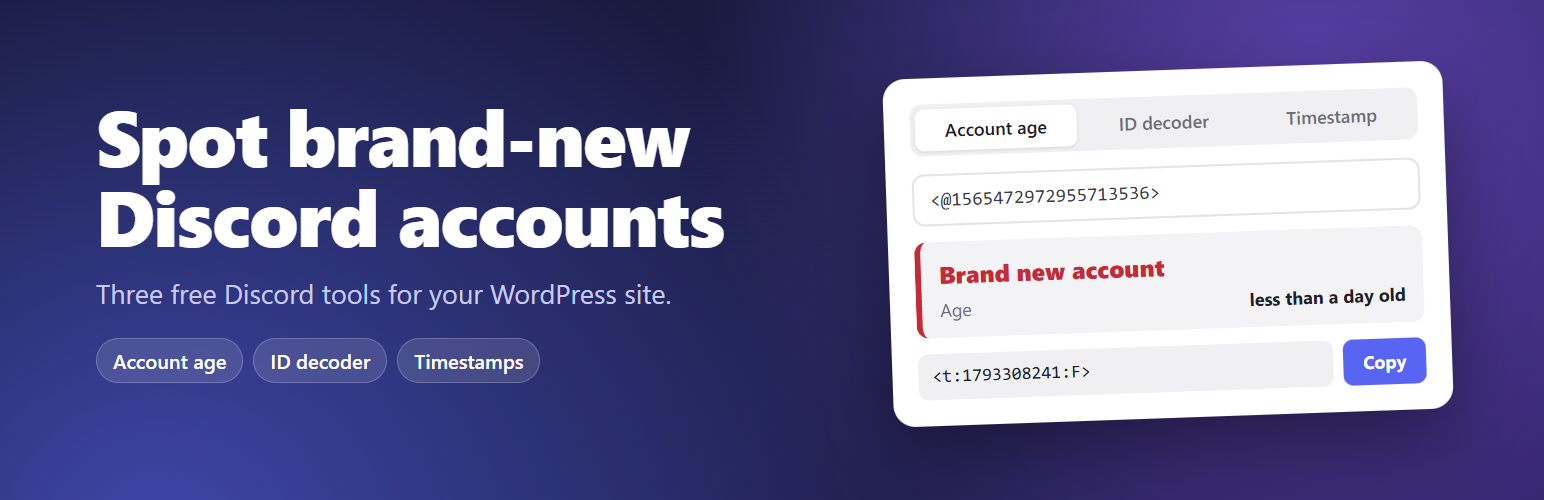
Paste a user ID, an @mention or a profile link and see the day the account was made and exactly how old it is. Not sure where to find an ID? A short guide right under the box walks visitors through it. Brand new, very new and young accounts get a clear red or amber label, so members can think twice before trusting a DM offering a free trade, a giveaway or a “carry”.
Discord ID decoder
Every Discord ID has its creation time built in. Paste any ID, or a message link, and see when that user, server, channel or message was created, down to the second.
Timestamp generator
Pick a date and time and copy a Discord timestamp tag like
Fits your site
Choose your own background, text and button colors. The block offers your theme’s palette and warns you if text would be hard to read.
Or let it follow each visitor’s light or dark mode.
Surfaces, borders and secondary text are mixed from your colors, and button text turns black or white to stay readable. The green, amber and red account age labels keep their own shades so they always mean the same thing.
Tested with Twenty Sixteen through Twenty Twenty-One, and with the default theme of the latest WordPress.
Private by design
Everything runs in the visitor’s browser. Nothing they type is sent to Discord, to Redact or to your server. The plugin makes no network requests, loads no outside scripts or fonts, sets no cookies and tracks nobody. It doesn’t even add a link to your pages.
Three ways to add it
Block: add the “Discord Tools” block to any post, page or block widget area.
Widget: Appearance > Widgets, add “Redact Tools for Discord” to a sidebar or footer.
Shortcode: [redact_discord_tools] anywhere shortcodes work.
Shortcode options
title – heading text. Empty hides it. Default “Discord Tools”.
tools – which panels to show, in order: age, snowflake, timestamp. Default age,timestamp.
theme – auto (follows the visitor’s light or dark setting), light or dark.
bg, text, accent – your own background, text and button colors as hex codes, such as bg="#fdf6e3". A bg decides light or dark by itself, so a dark one switches the rest of the widget to its dark style. Without a bg, an explicit light or dark theme is kept, while auto picks the style that suits your text color, or light when only accent is set.
Examples:
[redact_discord_tools tools="timestamp" theme="dark"]
[redact_discord_tools bg="#fdf6e3" text="#3b2f1e" accent="#e07a1f"]
Translation ready
Every label and message can be translated, and dates, ages and times are written in your site’s language.