
[WordPress] 外掛分享: Recent Products Block for WooCommerce – Display Latest WooCommerce Products

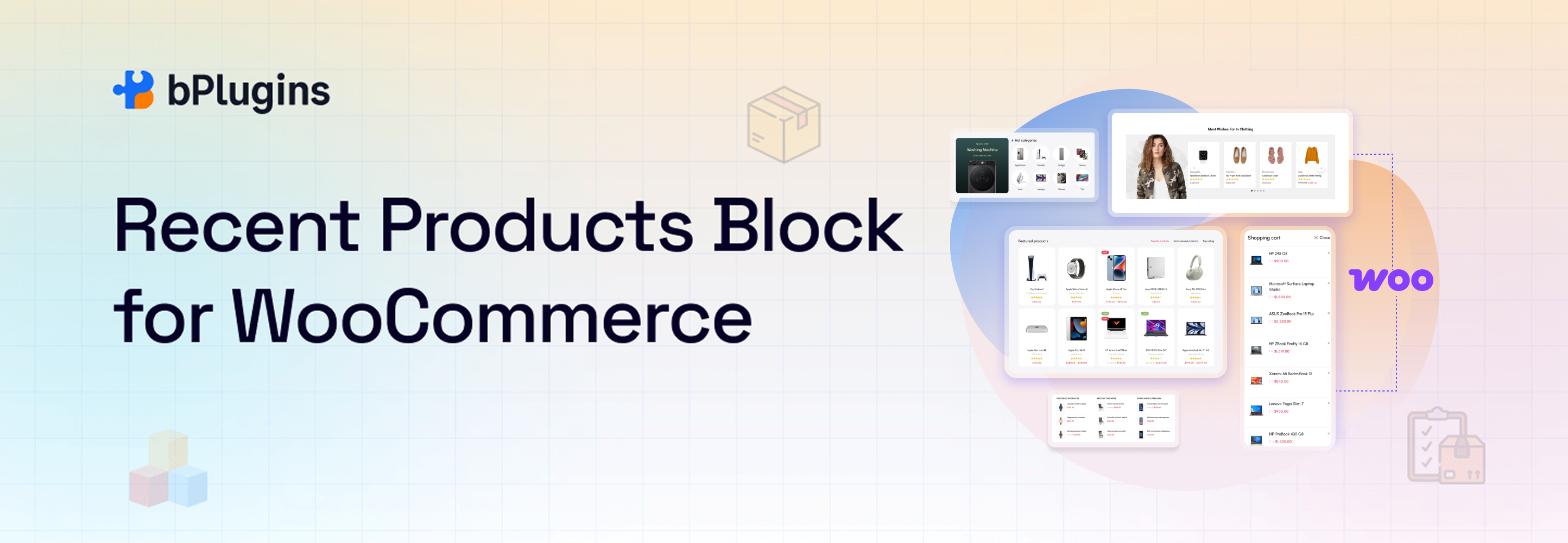
WordPress 外掛 Recent Products Block for WooCommerce – Display Latest WooCommerce Products 的封面圖片。

前言介紹

  • 這款 WordPress 外掛「Recent Products Block for WooCommerce – Display Latest WooCommerce Products」是 2022-07-28 上架。
  • 目前有 600 個安裝啟用數。
  • 上一次更新是 2026-02-23,距離現在已有 3 天。
  • 外掛最低要求 WordPress 6.5 以上版本才可以安裝。
  • 外掛要求網站主機運作至少需要 PHP 版本 7.1 以上。
  • 有 3 人給過評分。
  • 還沒有人在論壇上發問,可能目前使用數不多,還沒有什麼大問題。

外掛協作開發者

abuhayat | bplugins | freemius | shihabshamim |

外掛標籤

block | woocommerce | Gutenberg block | latest products | recent products |

內容簡介

「Recent Products Block for WooCommerce」是一個區塊外掛,您可以在側邊欄或區塊編輯器區域中展示您的 WooCommerce 最近新增產品。

示範

功能

查詢:根據查詢顯示產品。您可以透過庫存篩選、類別篩選等方式顯示產品。
佈局:為響應式設計的不同設備設置不同的欄位。同時還可自定義欄與行的間隔。
元素顯示 / 隱藏:顯示或隱藏產品元素,如產品圖像、標題、評級、價格、加入購物車按鈕。

如何使用

首先安裝「WooCommerce 最近新增產品」外掛。
在 Gutenberg 編輯器中的「Widgets」區塊類別中添加「WooCommerce 最近新增產品」區塊。
您可以從右側的設定側邊欄更改區塊設置。

享受使用吧!

如需安裝協助,請點選「安裝說明」頁籤。

回饋

喜歡這款外掛?不喜歡?想要新增功能?傳送一些回饋給我。

⭐ 該插件的母插件如下 -

🔥 b Blocks - WordPress 最佳 Gutenberg 區塊集合。

⭐ 查看我們的其他 WordPress 外掛 -

🔥 Html5 Audio Player - WordPress 最佳音頻播放器外掛。

🔥 Html5 Video Player - WordPress 最佳視頻播放器外掛。

🔥 PDF Poster - 完整功能的 WordPress PDF Viewer 外掛。

🔥 StreamCast - 完整功能的 WordPress 網路廣播播放器外掛。

🔥 3D Viewer - 在網頁上顯示互動式 3D 模型。

原文外掛簡介

Recent Products | Demos | Pricing
Recent Products Block for WooCommerce is a block plugin by which you can showcase your WooCommerce Recently added product in block Widgets, or anywhere in the block editor area.
Discover an innovative way to exhibit your latest WooCommerce products effortlessly with the Recent Products Block for WooCommerce. Recent Products Block seamlessly integrates with the WordPress Gutenberg editor, empowering you to showcase your most recently added products with utmost flexibility.
Revolutionize your WooCommerce product display strategy with Recent Products Block for WooCommerce – where customization meets simplicity. With this plugin transform the way your customers explore your latest offerings!
Demos
Key Features – Free Version

Universal Shortcodes: Compatible with all page builders.
Query: Display the product as your query. You can show products by the stock filter, category filter etc.
Layout: Set different columns in different devices for responsiveness. Also, custom column and row gap.
Element Show/Hide: Show or hide product elements, such as product image, title, rating, price, and add to cart button.

Key Features – Pro Version

Free + Pro Features: The Pro version includes everything that’s available in the free version.
Universal Shortcodes: Compatible with all page builders.
Templates: Includes 2+ ready-to-use templates.
Element Visibility Control: Show or hide any product element as needed.
Price & Discount Control: Manage product prices and discount tags easily.
Color & Typography Settings: Customize colors and typography for all elements.
Product Card Styling: Control background, padding, and shadow options.
Image Customization: Adjust image width, height, and object-fit settings.
Section Styling: Customize section padding, margin, and background.
Review Count Display: Show review counts with styling options.
Average Rating Display: Control rating colors and typography.
Responsive Design: Fully responsive and mobile-friendly layout.
Beginner-Friendly: Easy to use and simple to customize.

How to use

First, install the WooCommerce Recent Products plugin
Add the WooCommerce Recent Products block from the block category called “Widgets” in the Gutenberg editor.
You can change block settings from the right-side settings sidebar.

Enjoy!

For installation help click on Installation Tab

Feedback

Did you like this plugin? Dislike it? Do you have a feature request? Please share your feedback with us

Check out the Parent Plugin of this plugin-
B Blocks – A blocks collection and page building tool for Gutenberg.
Check out our other WordPress Plugins-
Html5 Video Player – Display videos as single and playlist in multiple skins.
PDF Poster – Display/Embed PDF files with different styles.
Html5 Audio Player – Listen audios with awesome visuals.
StreamCast – Customizable radio player with different skins.
3D Viewer – Embed 3D models and 3D products with interaction.
Advanced Post Block – Show posts and custom posts in different layouts.

各版本下載點

  • 方法一:點下方版本號的連結下載 ZIP 檔案後,登入網站後台左側選單「外掛」的「安裝外掛」,然後選擇上方的「上傳外掛」,把下載回去的 ZIP 外掛打包檔案上傳上去安裝與啟用。
  • 方法二:透過「安裝外掛」的畫面右方搜尋功能,搜尋外掛名稱「Recent Products Block for WooCommerce – Display Latest WooCommerce Products」來進行安裝。

(建議使用方法二,確保安裝的版本符合當前運作的 WordPress 環境。


1.0.0 | 1.0.1 | trunk |

延伸相關外掛(你可能也想知道)

  • Qi Blocks 》Qi Blocks 是由屢獲殊榮設計團隊之一的 Qode Interactive 開發的最大的 Gutenberg 區塊集合。基本版本的外掛帶有 48 個精心設計的自定義區塊,擁有前所未見的...。
  • Map Block for Google Maps 》你正在使用 Gutenberg 編輯器,需要一個地圖嗎?這款地圖區塊插件就是為你而設!安裝、啟用、加入內容,這些就是全部步驟!沒有繁瑣的設置,功能清晰易用 - ...。
  • Advanced Accordion Gutenberg Block – Create Beautiful FAQs, Content Accordions & Interactive Tabs 》Advanced Accordion Gutenberg Block 是一個自定義的原生 Gutenberg 區塊,允許您在網站文章和頁面上使用 Gutenberg 編輯器輕鬆構建常見問題解答部分或手風琴...。
  • Justified Gallery 》這個簡單的外掛將Wordpress圖庫提升到更高的層級,加入了漂亮的合理化圖像網格和漂亮的燈箱。, 只需安裝和啟用外掛即可,就這麼簡單。, 像以前一樣創建圖庫,...。
  • Magic Content & CTA Box Builder – Advanced Gutenberg Blocks for Flexible Page Sections, Headers, Buttons, Shape Dividers, and Layout Options 》魔法內容方塊-頁面內容建構器Gutenberg區塊外掛程式, 我們為 WordPress 內容打造了美麗的頁面區塊,以幫助您快速建立一個一直渴望的網站。, 首頁 | 展示 | 說...。
  • Easy Accordion Block 》Easy Accordion Gutenberg Block 是使用 Gutenberg 原生元件開發的自訂 Gutenberg 區塊,可以輕鬆地創建手風琴或常見問題解答區。您不需要具備任何程式編輯知...。
  • Image Hover Effects Block 》使用這個 WordPress 插件「Image Hover Effects Block for Gutenberg」,您可以以簡單的方式添加 40 多種圖像懸停效果,包括標題和描述。, 功能, , 易於自定...。
  • bSlider – Create Responsive Image, Post, Product, and Video Sliders 》B Slider 是一個受 Gutenburg 區塊影像和文字幻燈片的 WordPress 外掛。使用此外掛,您可以非常輕鬆地快速建立您的幻燈片。B Slider 是最好的選擇,無論是對...。
  • Carousel Block – Responsive Image and Content Carousel 》B Carousel 是一款輕量級、功能完備的 WordPress 輪播建構外掛,可用於製作專業的客戶標誌或任何圖像的幻燈片或輪播。, 範例展示, 功能特色, , 完全可定制:...。
  • Lottie Player – Add Interactive Lottie Animations with Block Support 》Lottie Player 是 WordPress 的 Gutenberg 區塊編輯器中一個非常有用的區塊外掛程式,其中包含了許多功能,可以幫助您將 LottieFiles 動畫嵌入到 WordPress ...。
  • Button Block – Design Stylish, Interactive, and Multi-Functional Buttons 》獲取多功能按鈕。Button Block 外掛提供許多方便實用和樣式選項,讓您能在幾個點擊內,建立具有響應性、互動性和時尚性的按鈕,讓您享受創建樂趣。, 示範, 特...。
  • Latest Post Shortcode 》「最新文章簡碼」外掛可以幫助您在頁面或側邊欄中顯示文章或頁面的列表或網格,無需編寫或了解 PHP。您可以在一個頁面中嵌入多個簡碼,每個簡碼都有不同的配...。
  • Social Feed Block for Instagram 》Social Feed 提供簡單的嵌入功能,讓您能在 WordPress 網站上將 Instagram 帖子作為畫廊展示。您只需提供您的 Instagram 存取權杖,就可以開始使用了。, 演示...。
  • PDF Embed Block – Embed PDF Files in Posts or Pages 》透過 Gutenberg 區塊編輯器嵌入 PDF 非常不容易,使用這個外掛就能輕易地在所有瀏覽器中將 PDF 檔案嵌入區塊編輯器。此外,這個外掛是建立在 Adobe PDF Viewe...。
  • Parallax Section Block – Add Parallax Scrolling Effects to Sections. 》視差效果是一種現代網頁設計技巧,其中背景元素滾動比前景內容慢。視差效果可用於登陸頁面、長文內容、銷售頁面或企業網站的主頁。這是一種突出長頁面不同部...。

文章
Filter
Apply Filters
Mastodon