內容簡介
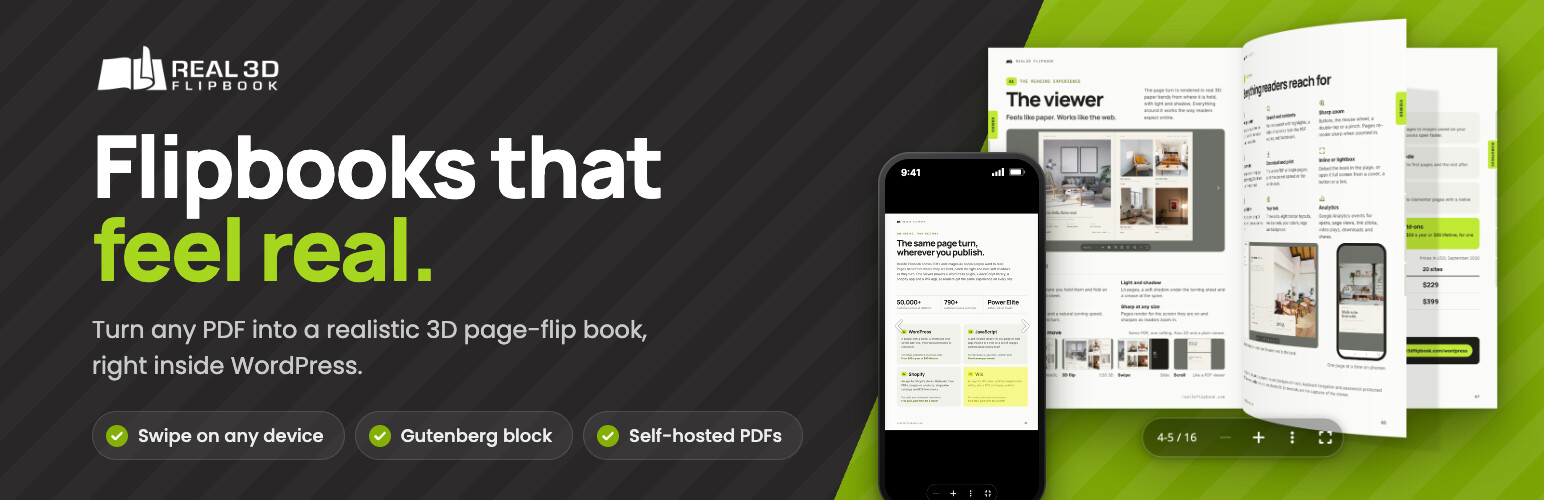
Real3D Flipbook 外掛能將任何 PDF 檔案轉換為真實感的 3D 翻頁書,提供流暢的翻頁效果與多種顯示模式,讓使用者能輕鬆在網站上嵌入和展示 PDF 內容。
【主要功能】
• 真實的翻頁效果,頁面彎曲並投射陰影
• 六種顯示模式,隨時切換
• 支援輕箱、內嵌或全螢幕顯示
• 行動裝置友好,支援滑動翻頁
• 內建即時預覽功能,編輯時可隨時查看變更
• 自動生成封面縮圖與永久連結頁
外掛標籤
開發者團隊
② 後台搜尋「Real3D Flipbook – 3D Flipbook, PDF Flipbook, PDF Viewer, PDF Embedder」→ 直接安裝(推薦)
📦 歷史版本下載
原文外掛簡介
Real3D Flipbook turns any PDF into a realistic 3D flipbook. Pages bend, cast shadows and turn like paper – with a mouse, a finger or the keyboard. Add it to any post or page with the Real3D Flipbook block or a shortcode, open it in a lightbox, or switch the same PDF to a plain scrolling PDF viewer by changing one setting.
Your PDFs stay on your own server: no conversion service, no account, no per-book fees and no watermark.
Live demo · Try your own PDF · User manual
Create a flipbook in three steps
Go to Real3D Flipbook > Add New and upload a PDF or a set of images.
Pick a view mode. The live preview updates as you change settings, at desktop and phone size.
Add the Real3D Flipbook block to a post or page, or paste the shortcode. The shortcode also works in Elementor, Divi, Bricks, WPBakery and other page builders.
Everything in the free version
No limit on the number of flipbooks, pages or file size, and no watermark.
Realistic page flip – WebGL pages that bend and cast shadows as they turn, with an optional hard cover
Six view modes – from the realistic 3D flipbook to a plain PDF viewer, switched with one setting (see below)
Lightbox, inline or fullscreen – open a flipbook from a button, link, thumbnail or image, or show it in the page
Open PDF links as flipbooks – optionally turn the PDF links already on your site into lightbox flipbooks
Mobile-friendly – swipe to flip, pinch to zoom, single-page view on phones
Live preview while you edit – see every change at desktop and phone size
Block and shortcode – the Real3D Flipbook block for the block editor, and the [real3dflipbook] shortcode for the Classic editor and page builders
Organized – an automatic cover thumbnail and a permalink page for every flipbook, plus flipbook categories
Your toolbar – zoom, thumbnails, table of contents, share, print, download and fullscreen; show or hide any button
Right-to-left books for Arabic, Hebrew and Persian
Extras – page-flip sound, auto-flip, a preview of the first pages only, HTML content on pages, import and export as JSON
Translation-ready – language packs load from translate.wordpress.org
View modes
Realistic 3D flipbook (WebGL) – pages curl and cast soft shadows as they turn. Drag a corner or click to flip.
CSS 3D and 2D flipbooks – a lighter page flip without WebGL.
Swipe viewer – slide pages sideways, made for phones and tablets.
Scroll viewer – continuous scrolling, like a classic PDF reader.
Simple viewer – one page at a time.
What you can publish
Digital magazines and newsletters – an issue readers can page through, zoom and share.
Product catalogs and price lists – on any page, or on a WooCommerce product page with the WooCommerce add-on.
Brochures, menus and flyers – restaurant menus, real estate listings, event programs.
Ebooks, manuals and reports – long documents with a table of contents, zoom, print and download.
Portfolios and lookbooks – flipbooks made from images instead of a PDF.
Switching from another PDF plugin?
Real3D Flipbook can display the shortcodes of PDF Embedder, DearFlip, 3D FlipBook, Wonder PDF Embed and PDF.js Viewer as flipbooks. Turn it on under Real3D Flipbook > Settings > Overrides and your existing posts keep working, with no editing. Watch how PDF links open as flipbooks.
Trusted since 2015
The viewer behind this plugin has been developed since 2015 and also powers the Real3D Flipbook JavaScript library and the Shopify and Wix apps – trusted by 22,000+ customers.
“Issuu? Forget it! This is what you need!”
“Really Amazing Plugin – Simple and Straight Forward”
“Great Plugin, easy setup!”
Read the reviews on WordPress.org
Real3D Flipbook PRO
When you need more, Real3D Flipbook PRO adds:
4K zoom – pages stay sharp at any zoom level, fine print included
Faster loading – page textures sized for each device and zoom level
Clickable PDF links and text search and selection
Toolbar and UI customization – 7 layouts, 3 skins, custom colors, icons and buttons
Google Analytics and deep links to any page
Separate settings for phones and shared defaults for all flipbooks
See Lite and PRO side by side – the same PDF in both, and you can test your own. Plans start at $49/year with a 30-day money-back guarantee, and your flipbooks and settings carry over.
Add-ons
Page Editor – add links, videos, sounds, YouTube and Vimeo to pages with a visual editor (requires PRO)
WooCommerce – show a flipbook on the product page
PDF Tools – convert PDFs to images for faster loading (requires PRO)
Elementor and WPBakery – a flipbook element for your page builder
Bookshelf – responsive bookshelves of flipbooks
Preview Mode – show the first pages to visitors and the full book to logged-in users
See all add-ons
Support
Questions or problems? Open a topic in the support forum. If Real3D Flipbook works well for you, a review helps other people find it.