內容簡介
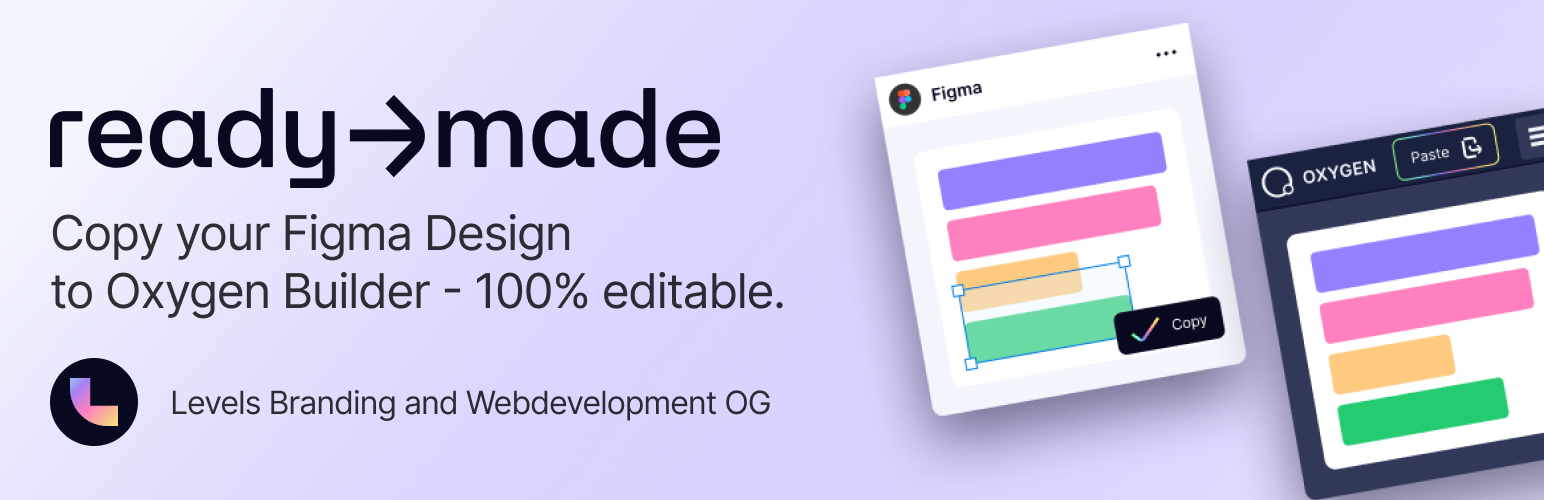
總結: Ready-Made Oxygen Integration 是一個針對使用 Ready-Made Figma 外掛和 Oxygen 4 的設計師不可或缺的外掛。這款輕量級外掛將必要的 JavaScript 代碼添加到您的 WordPress 網站,以啟用在 Figma 設計和 Oxygen 4 之間進行複製和粘貼的功能。
問題與答案:
1. Ready-Made Oxygen Integration 是為哪些設計師設計的外掛?
- 這個外掛是為那些使用 Ready-Made Figma 外掛和 Oxygen 4 的設計師而設計的。
2. 這個外掛的主要功能是什麼?
- 它能夠實現在 Figma 與 Oxygen 4 之間無縫複製和粘貼的功能。
3. 如何將 Figma 內容粘貼到 Oxygen 4 的結構視圖中?
- 使用 Oxygen 編輯器中的自定義按鈕,將 Figma 內容粘貼到 Oxygen 結構視圖中。
4. Ready-Made Oxygen Integration 外掛是否遵循 WordPress 標準?
- 是的,這個外掛具有乾淨、註釋良好的代碼,遵循 WordPress 標準。
5. 安裝了 Ready-Made Oxygen Integration 外掛後,是否需要進行配置?
- 不需要,只需安裝即可正常運作,對網站性能影響較小。
外掛標籤
開發者團隊
② 後台搜尋「Figma to Oxygen Builder – ready→made WordPress Integration」→ 直接安裝(推薦)
原文外掛簡介
Turn Figma designs into editable Oxygen Builder sections – copy & paste, just like that.
This plugin is the essential integration for ready→made, a Figma plugin that allows designers and developers to convert their Figma elements into live, editable WordPress layouts using Oxygen Builder.
With a single click, you can transfer design elements from Figma and insert them into the Oxygen Builder’s structure panel – with all layout, classes, and structure preserved.
NEW in v1.3.0: Automatic Class Synchronization
Your Figma design system now syncs directly to Oxygen! Class definitions from Figma are automatically created as Oxygen global classes. Element-specific styles stay with the element, while reusable class styles are instantly available in Oxygen’s selector dropdown. Supports both new clean-separation format and backward-compatible tree-based detection.
Smart Features:
🎨 Automatic Class Sync – Figma classes become Oxygen global classes instantly
⚙️ Configurable Sync Mode – Choose create-only (safe) or create+update (aggressive)
🔤 Smart Font Matching – Automatically fixes font family mismatches (e.g., “BreeSerif” → “Bree Serif”) with 95%+ accuracy
♻️ Intelligent Duplicate Detection – Content-based image detection prevents duplicate uploads and saves storage space
📁 Smart Filename Resolution – Handles filename conflicts with size-based and incremental suffixes
📊 Visual Progress Tracking – Real-time progress indicator shows duplicate detection and upload status
🔧 Zero Configuration – Works automatically after activation
🎯 Silent Operation – All optimizations happen seamlessly in the background
Who is this for?
WordPress developers using Oxygen
Designers who hand off Figma files to WordPress teams
Agencies looking to speed up design-to-code workflows
Features
Enables seamless copy-paste from Figma to Oxygen 4
Paste directly into the Oxygen structure view
Works automatically after install
Clean, WordPress-standard code
Compatible with most caching and optimization plugins