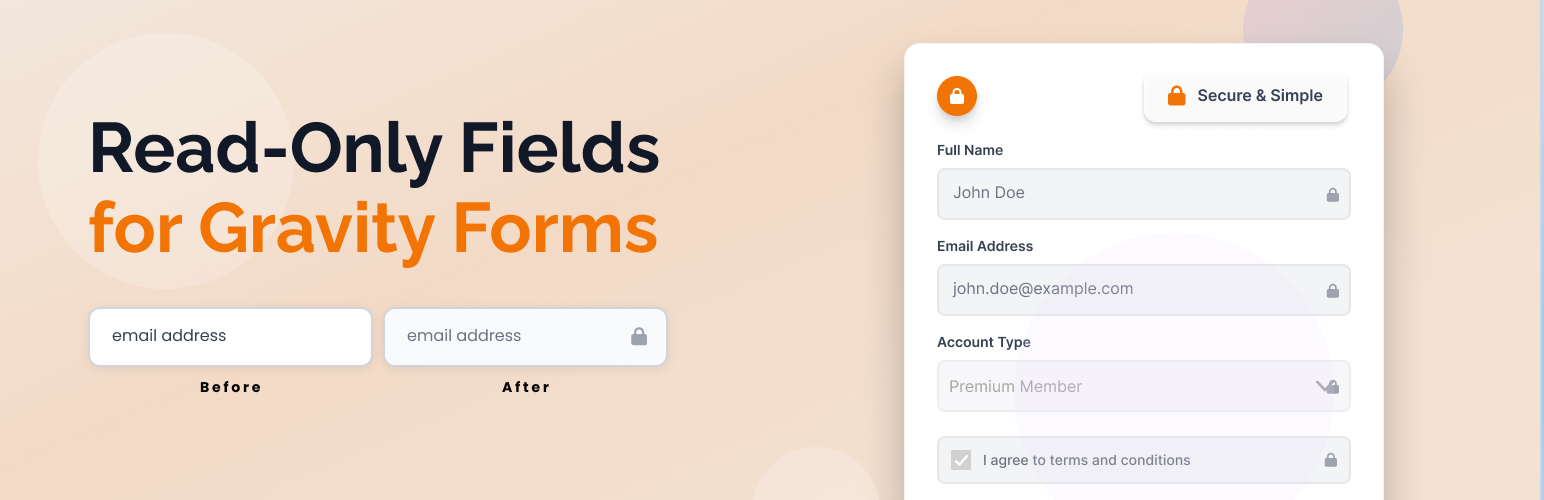
內容簡介
總結:這款 WordPress 外掛可輕鬆將「唯讀」選項添加到任何 Gravity Forms 領域,使用者可以在前端使任何表單領域變為唯讀。此外,該外掛還提供提示以避免在唯讀字段中使用必填或合併標籤的默認值。
問題與答案:
1. 這款外掛可以為哪些 Gravity Forms 領域添加「唯讀」選項?
- 支援的所有 Gravity Forms 領域。
2. 使用這款外掛時,會出現哪種提示?
- 提示用戶避免在唯讀字段中使用「必填」或合併標籤作為默認值。
3. 前端使用這款外掛後,哪些支援的領域類型可以變成唯讀/禁用狀態?
- 文本、文本區、選擇框、勾選框、單選按鈕等支援的字段類型。
4. 哪些領域類型不包括在「唯讀」選項中?
- 不包括不支援的字段類型,如隱藏字段、HTML字段、驗證碼字段、頁面字段、部分字段、表單字段以及上傳文件字段。
5. 這款外掛是否容易維護?
- 是的,它經過了對所有支援的領域類型進行了優化,易於維護。
6. 前端對於唯讀字段進行了什麼樣的視覺樣式設計?
- 對唯讀字段進行了微妙的風格設計,以提供更好的用戶體驗。
7. 這款外掛是否完全支持多語言且能進行本地化?
- 是的,它完全支持翻譯並具備本地化功能。
外掛標籤
開發者團隊
② 後台搜尋「Read Only Fields for Gravity Forms」→ 直接安裝(推薦)
原文外掛簡介
Easily add a universal “Read Only” option to any Gravity Forms field. This plugin adds a checkbox to every supported field in the Gravity Forms editor, allowing you to make any field read-only on the frontend. Includes a tooltip warning to avoid using required or merge-tag default values with read-only fields.
Features
Adds a “Read Only” checkbox to all supported Gravity Forms fields in the form editor
Shows a tooltip warning about not using “Required” or merge tags as default value
Makes any supported field type (text, textarea, select, checkbox, radio, etc.) read-only/disabled on the frontend if enabled
Excludes unsupported field types (hidden, html, captcha, page, section, form, fileupload) from the Read Only option
Optimized for all supported field types and easy to maintain
Adds subtle styling to read-only fields for better user experience
Fully translatable and ready for localization
Usage
Only supported field types will show the “Read Only” option.
Read-only fields are visually styled and cannot be edited by users on the frontend.