內容簡介
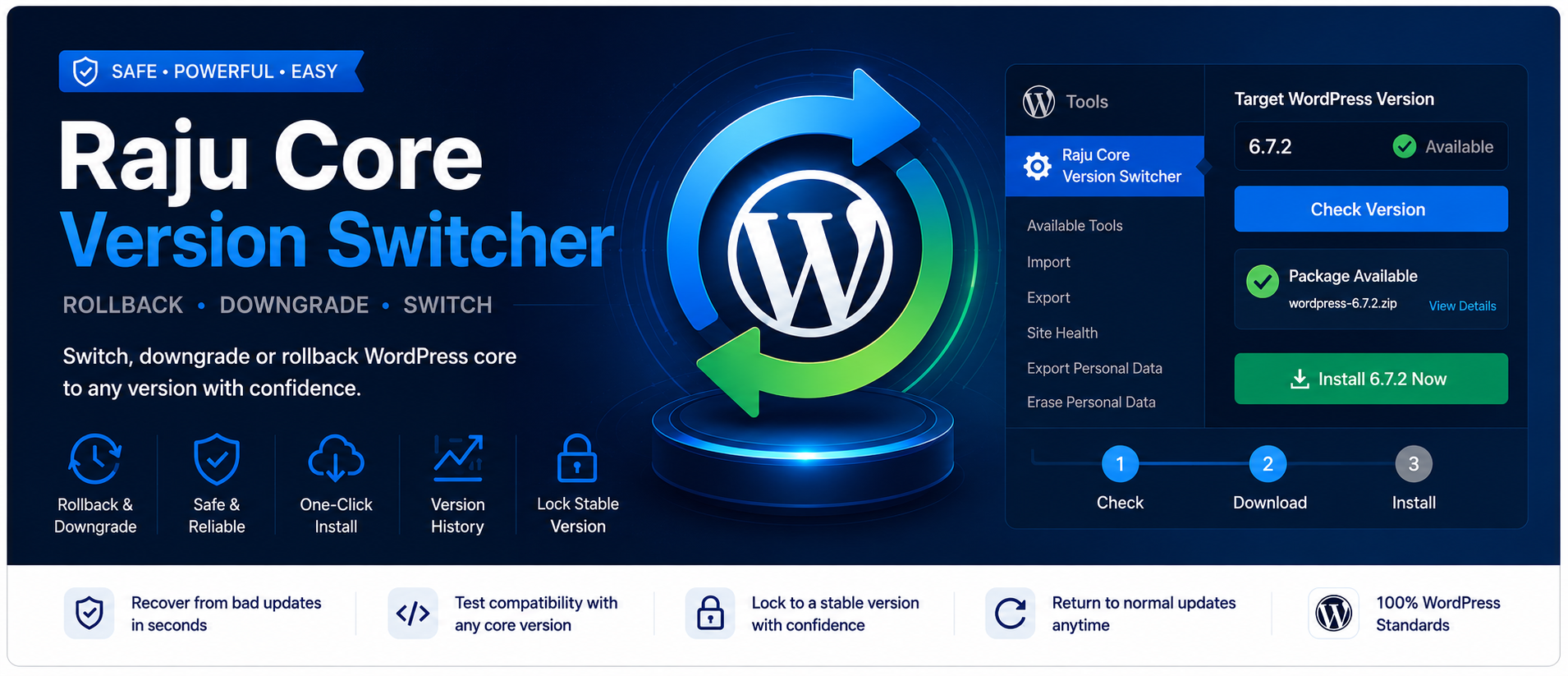
Raju Core Version Switcher 外掛讓使用者能夠輕鬆回退或切換 WordPress 核心版本,適合在更新後遇到問題時快速恢復,或在測試環境中使用特定版本,確保網站穩定性。
【主要功能】
• 設定精確的 WordPress 核心版本
• 自動與手動版本包檢查
• 一鍵安裝目標版本
• 下載與安裝過程的進度反饋
• 保存設定無需重新載入頁面
• 狀態面板顯示下載 URL 驗證
外掛標籤
開發者團隊
原文外掛簡介
Need to rollback WordPress after a problematic update? Want to downgrade to a known-good release, or move to a specific core version for testing?
Raju Core Version Switcher gives you clear control over the WordPress core version on your site—from a simple settings screen, with optional one-click install and a guided workflow.
Why site owners and developers use it
Recover quickly when a core update breaks themes, plugins, or layouts
Switch to an exact WordPress version for staging and compatibility checks
Lock the site to a stable release while you plan the next update
Avoid guesswork with package checks and a clear progress path
Key features
Set an exact target WordPress core version
Automatic and manual version package checks
One-click install of the target version from the settings page (when you have permission)
Progress feedback during download and install
Save settings without a full page reload
Guided 3-step progress so you always know what to do next
Status panel with download URL verification
Recent target-version history
Works with the normal Dashboard → Updates flow as well
Admin-only UI (no frontend scripts)
How to use
Go to Tools → Raju Core Version Switcher
Enter the exact version you want (example: 6.7.2 or 7.0.2)
Use Check (or wait for the automatic check) to confirm the package exists
Click Save settings
Install from this page, or open Dashboard → Updates
When you are done, clear the target version and save to restore normal updates
Safety first
Changing core versions can affect themes, plugins, and site behavior.
Backup files and database before any change
Prefer testing on a staging site first
Confirm theme and plugin compatibility with the target version
Only use trusted package sources
This tool is for users who understand WordPress updates and backups.
Compatibility
Requires WordPress 5.3 or higher
Requires PHP 7.2 or higher
Tested up to WordPress 7.0
Multisite: configure each site under Tools → Raju Core Version Switcher. Network-wide management is not included.
Privacy
This plugin does not collect personal data and does not require an external account. Settings stay in your WordPress database. Version checks request public package URLs from WordPress.org.
Privacy
This plugin does not collect, store, or transmit personal user data to the plugin author. Options are stored in your WordPress database. Remote requests are limited to checking public WordPress package URLs.