內容簡介
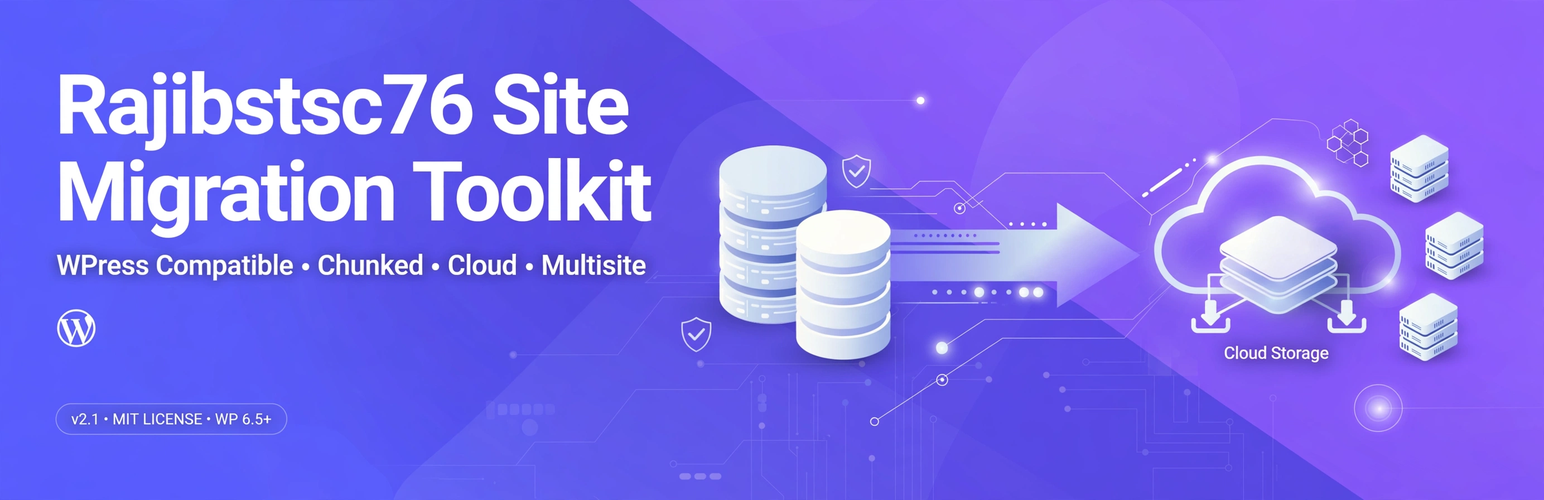
Rajibstsc76 Site Migration Toolkit 是一款專為開發者設計的 WordPress 網站遷移工具,能夠在本地、測試和生產環境之間輕鬆移動網站,特別適合管理多個客戶網站的開發者和代理商使用。
【主要功能】
• 支援 .wpress 和 .zip 檔案的匯入/匯出
• 5MB 分塊傳輸,避免 PHP 限制
• 可選擇 Google Drive 進行雲端備份
• 支援多站點選擇匯出子網站
• 完整網站包,包含核心檔案
外掛標籤
開發者團隊
② 後台搜尋「Rajibstsc76 Site Migration Toolkit」→ 直接安裝(推薦)
原文外掛簡介
Rajibstsc76 Site Migration Toolkit is a distinctive, developer-focused toolkit for moving WordPress sites between local, staging, and production environments.
Built for developers and agencies who manage multiple client sites. The name includes a unique identifier rajibstsc76 to ensure distinctiveness from other migration plugins.
Features
WPress Compatible – Import/export .wpress archives using clean-room implementation of public 4377-byte header spec. Also supports .zip.
Chunked Transfer – 5MB chunks client-side, reassembled server-side, avoids PHP limits.
Cloud Backups – Optional Google Drive via your own OAuth credentials, resumable uploads.
Multisite Support – Select subsites to export, includes multisite.json.
Full Site Packages – Include core files for complete cloning.
Source Code
All source code is included in this plugin. No external repository required. No build tools.
Build tools: No build tools required. assets/admin.js and assets/admin.css are human-readable source files (not minified). No npm/webpack compilation.
Third-party libraries: None.
External Services
This plugin connects to Google Drive API (https://www.googleapis.com) when you configure cloud backups:
Purpose: Upload/download backup archives to your own Google Drive
Data sent: Backup files you choose
When: Only when you manually push or enable auto-backup
Requires: Your own OAuth Client ID/Secret
Terms: https://policies.google.com/terms
Privacy: https://policies.google.com/privacy
No data sent unless you configure Drive credentials.