10+
安裝啟用
—
尚無評分
322 天前
最後更新
—
問題解決
WordPress 6.1+ PHP 7.4+ v1.1 上架:2025-02-04
內容簡介
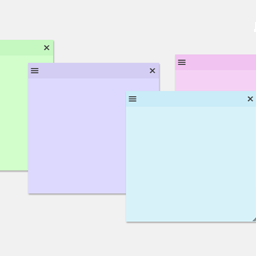
總結:QuickNotes Dashboard 外掛將可自訂的記事功能直接整合到 WordPress 控制台中。您可以創建帶有不同設置的 QuickNotes,包括:
- QuickNotes Context:將記事定位在控制台的正常區域或側面板上。
- QuickNotes Priority:設置記事的優先級為高或低。
- QuickNotes Target:指定哪些使用者角色或個別用戶可以查看記事。
問題:
1. QuickNotes Dashboard 外掛主要提供了什麼功能?
2. QuickNotes 的設置中可以調整哪些內容?
3. 可以在 QuickNotes 中設置哪些使用者可以查看記事?
外掛標籤
開發者團隊
原文外掛簡介
The QuickNotes Dashboard plugin integrates a customizable note-taking feature directly into the WordPress dashboard. You can create QuickNotes with various settings, such as:
QuickNotes Context: Position the note in the normal area or the side panel of the dashboard.
QuickNotes Priority: Set the note’s priority to either High or Low.
QuickNotes Target: Specify which user roles or individual users can view the note.