內容簡介
這是一個快速且簡單的 301 重新導向外掛。您可以逐一設置每個重新導向或使用 CSV 檔案批量上傳無限數量的 301 重新導向。
您可以將 Quick 301 Redirects 用於僅包含幾個頁面的小型網站,也可用於包含數千個頁面的網站。使用 Quick 301 Redirects,您可以在幾秒鐘內設置您的 301 重新導向,並將其內部重新導向到您的域名或任何其他域名。
手動或批量設置 301 重新導向
管理您網站的所有 301 重新導向,無需專業知識。您只需安裝我們的外掛程式,並將其餘部分留給我們超級簡單的 UI(支援 RTL)。
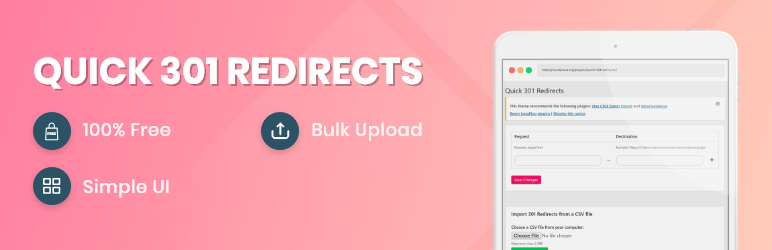
我們超級簡單的 UI 將使您能夠逐一手動設置您的重新導向,或使用 CSV 檔案進行批量上傳。
最新功能!保存您的 301 重新導向後,您將看到每個重新導向旁邊的一個連結按鈕,該按鈕將允許您測試每個 301 重新導向。
最新功能!您現在可以將您的 301 重新導向匯出為 CSV 檔案。
外掛標籤
開發者團隊
原文外掛簡介
The fastest and easiest way to do 301 redirects. You can set each redirect individually or bulk upload unlimited number of 301 redirects using a CSV file.
You can use Quick 301 Redirects for small website with just a few pages and also for sites with thousands of pages. Use Quick 301 Redirects to set up your 301 redirects in seconds, you can redirect internally to your domain or to any other domain.
Set 301 Redirects Manually Or In Bulk
Manage all your website’s 301 redirects without any professional knowledge. All you need is to install our plugin, and the leave the rest to our super simple UI (RTL supported).
Our super simple UI will enable you to set your redirects manually one-by-one or using a CSV file for bulk upload.
New! After saving your 301 301 redirects you’ll see a link button near each redirect that’ll allow you to test each and every 301 redirect.
New! You can now export your 301 redirects into a CSV file.