
內容簡介
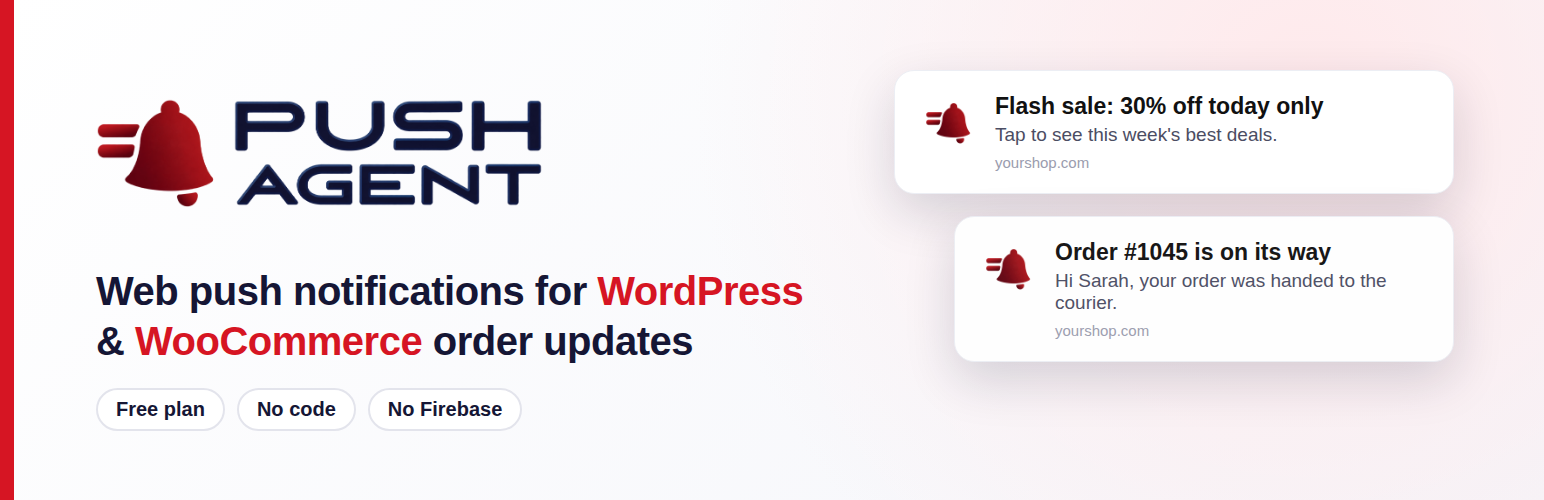
Push Agent 讓訪客可以輕鬆訂閱瀏覽器通知,並透過 Push Agent 控制台發送新聞、優惠和更新。對於使用 WooCommerce 的商店,當訂單狀態變更時,亦可自動通知顧客。
【主要功能】
• 一鍵訂閱瀏覽器通知
• 自動發送 WooCommerce 訂單狀態更新
• 可依國家、設備和瀏覽器目標推送
• 友善的通知允許提示卡
• 內建的 WordPress 控制台查看訂閱者
外掛標籤
開發者團隊
原文外掛簡介
Push Agent lets your visitors subscribe to browser notifications with one click, and lets you send them news, offers and updates from your Push Agent dashboard at app.pushagent.net. Shops on WooCommerce can also notify customers automatically when their order status changes.
One plugin does both. Paste your access token and you’re live; WooCommerce features appear only when WooCommerce is installed.
Web push notifications
No code to paste: the plugin adds the Push Agent script to every page.
Creates the pushagent-sw.js service worker in your site’s root folder automatically (and serves it through WordPress if the folder isn’t writable).
A friendly “Allow notifications” card for new visitors; you choose how many seconds to wait before it appears, and “Not now” hides it for 3 days.
Send to all subscribers or target them by country, device and browser; schedule notifications for later (from your Push Agent dashboard).
Works in Chrome, Edge, Firefox, Opera, Samsung Internet and Safari.
Standard Web Push. No Firebase and no Google account needed.
WooCommerce order updates (Push Agent Growth plan)
Send customers a browser notification when their order status changes, for example “Packing” or “Handed to courier”.
Works with every order status, including custom statuses added by other plugins.
Switch each status on or off, and write your own messages with placeholders like {first_name}, {order_number}, {status} and {total}. A live preview shows how the notification will look.
A “Get updates about this order” box on the order confirmation page asks at the best moment.
Every send is recorded as an order note, on the plugin dashboard and in your Push Agent dashboard.
Customers are identified by a scrambled code made from their email with your API key. The email itself is never sent to Push Agent.
Compatible with WooCommerce High-Performance Order Storage (HPOS).
A dashboard inside WordPress
See your subscribers, your plan and the order updates delivered in the last 30 days at a glance.
A setup checklist and a health check tell you exactly what is done and what still needs attention.
Quick links to send a notification, see campaign results and manage subscribers.
Your site must use HTTPS for browsers to allow push notifications (localhost works for testing).
External service
This plugin relies on the Push Agent service at app.pushagent.net, run by the makers of this plugin. It is needed to store subscriptions and deliver notifications. What is sent, and when:
Every front-end page loads a script from app.pushagent.net. When a visitor clicks “Allow”, their browser’s push subscription (an address from the browser’s push service) and the browser language are sent to Push Agent, which also records the visitor’s IP address and browser user agent to note their approximate city and country and their browser and device type (used for targeting and statistics). Nothing is stored for visitors who don’t subscribe.
For logged-in customers and on the order confirmation page (only when WooCommerce order updates are switched on), a scrambled customer code is attached to the subscription. It is a one-way code made from the customer’s email and your API key; the email itself is not sent.
When an order changes to a status you switched on, the plugin sends Push Agent the notification title and message you wrote (with the placeholders filled in, so it can include the customer’s first name, last name, order number, status and total if you use those placeholders), a link to the order, and the customer codes.
When you open the plugin’s admin screens with an API key saved, the plugin asks Push Agent which website and plan the key belongs to, and for your subscriber and order-update counts (cached for 10 minutes).
Service website: pushagent.net. Privacy policy: pushagent.net/privacy-policy.














