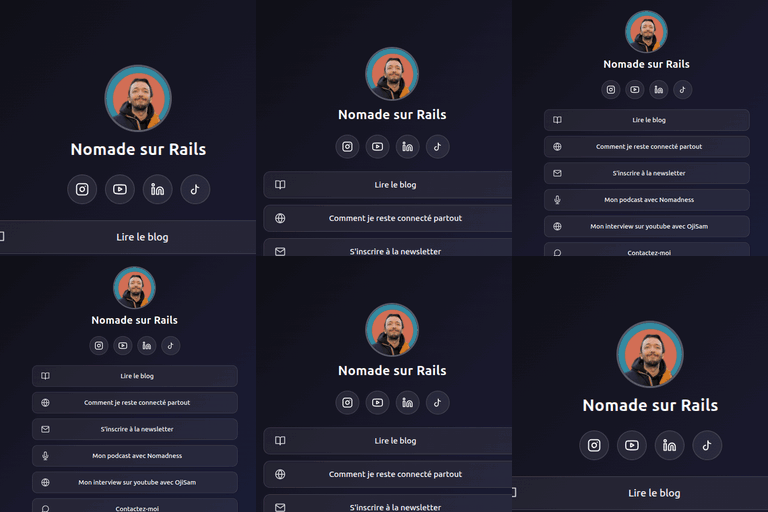
內容簡介
Puike Links Hub 讓您在自己的 WordPress 網站上建立「個人簡介連結」風格的登陸頁面,無需依賴外部服務或繁重的依賴項,提供簡單且靈活的連結管理功能。
【主要功能】
• 自訂連結頁面,獨立於主題
• 拖放式連結建構器,無需頁面建構器
• 內建社交媒體圖示,支援即時預覽
• 連結和社交圖示可設定時間排程
• 點擊追蹤功能,提供詳細分析
外掛標籤
開發者團隊
原文外掛簡介
Puike Links Hub gives you a “link in bio” style landing page hosted entirely on your own WordPress site — no external services, no heavy dependencies.
Features
Own link page at /links/{slug}, independent of your active theme
Avatar (featured image), bio and color theme (light/dark/custom with your own accent color)
Optional background image via the media library, with an automatically readable card on top
Drag-and-drop links builder in the WP admin, no page builder needed
Built-in icon set (social + general) to pick per link via a dropdown with live preview
Links and social icons, each optionally schedulable (start/end date) — ideal for temporary campaigns
Click tracking per link, with an overview per link in the admin
Works without JavaScript on the public page (redirect-based tracking)
Data stored
The plugin registers a custom post type (pp_link_page) for your link pages and a dedicated database table for click analytics. No data is sent to external services.
Overriding templates
Every part of the public link page can be overridden from your own theme, so your customizations survive plugin updates.
How it works
The plugin looks for matching files in your active theme first (child theme, then parent theme) inside a puikepixels-links-hub/ subfolder, and only falls back to its own bundled templates when no override is found.
To override a template, copy the file from the plugin’s templates/ directory into your theme, keeping the same relative path:
wp-content/themes/your-theme/puikepixels-links-hub/single-pp_link_page.php
Overridable files
single-pp_link_page.php — the full link page template
parts/avatar.php — the avatar/profile image
parts/bio.php — the bio text block
parts/links-list.php — the list of links
parts/social-links.php — the row of social icons
Changing the override subfolder
If puikepixels-links-hub/ conflicts with something else in your theme, change it with the pp_links_hub_template_path filter, for example in your theme’s functions.php:
add_filter( 'pp_links_hub_template_path', function () {
return 'my-custom-folder/';
} );