
內容簡介
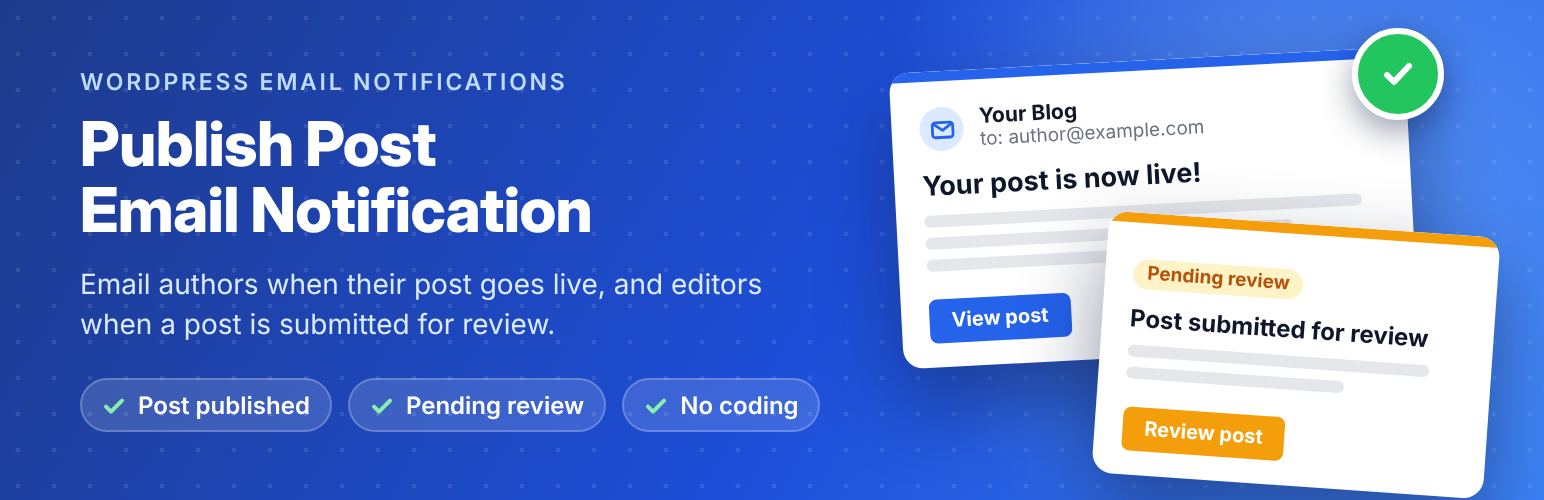
Publish Post Email Notification 外掛可自動在文章發布並經管理員批准後,發送電子郵件通知給文章作者。使用者只需設定一次,無需編碼,簡單方便。
【主要功能】
• 自動通知文章作者
• 設定電子郵件範本
• 支援自訂文章類型(Pro 版)
• 無廣告顯示(Pro 版)
外掛標籤
開發者團隊
② 後台搜尋「Publish Post Email Notification」→ 直接安裝(推薦)
原文外掛簡介
Publish Post Email Notification sends automatic emails at the two moments that matter most on a multi-author WordPress site:
Post published – the author gets an email as soon as their post goes live, with a link to it.
Submitted for review – you (or your editors) get an email when a contributor submits a post, with links to review and edit it.
No more authors asking “Is my post live yet?” and no more pending posts sitting unnoticed for days.
Set it up once under Settings → Post Email Notifications, write your email in the WordPress editor, click a placeholder to add the post title or link, and send yourself a test email to check it. That’s it.
Why use it?
Keep writers motivated – contributors and guest authors know the moment their work is published.
Review posts faster – editors hear about new submissions straight away instead of checking the Posts screen.
Look professional – every email uses your site name, your sender address and your own wording.
Lightweight – one small plugin, no external service, no account, no tracking.
Features
Email the post author when a post is published (including scheduled posts when they go live).
Email one or more addresses when a post is submitted for review.
Write each email in the WordPress editor (HTML supported).
Click-to-insert placeholders: [author_name], [first_name], [last_name], [user_email], [post_title], [post_date], [published_post_link_html], [post_edit_link_html], [post_preview_link_html], [site_name], [site_url_html] and more.
“Save & send test email to me” button that shows the exact mail error if your server can’t send email.
Option to skip the email when you publish your own post.
Each post is announced only once, so later updates don’t send the email again.
Works with any SMTP plugin, such as WP Mail SMTP, FluentSMTP or Post SMTP.
Translation ready.
Need more? Get Pro
Publish Post Email Notification Pro turns this into a complete editorial and subscriber notification system:
Every post type – pages, WooCommerce products, events, listings, portfolios and any custom post type.
Three more emails – Scheduled, Updated, and Sent back to author with a note from the editor (a button in the block and classic editor).
Email all your subscribers about new posts, or any role – sent safely in the background at the speed you choose, with unsubscribe links and one-click unsubscribe for Gmail and Yahoo.
Import subscribers from a CSV file (Mailchimp, Excel, Google Sheets).
Branded emails with your logo, colours, buttons and footer, with a live Desktop/Mobile preview.
Email log with sent, waiting and failed emails, retry and resend.
25+ placeholders, including categories, tags, featured image and custom fields.
Your free settings are moved over automatically when you upgrade. One-time payment, no subscription.