內容簡介
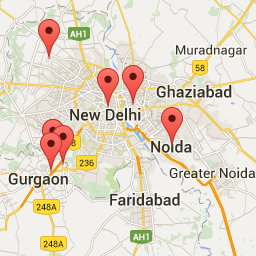
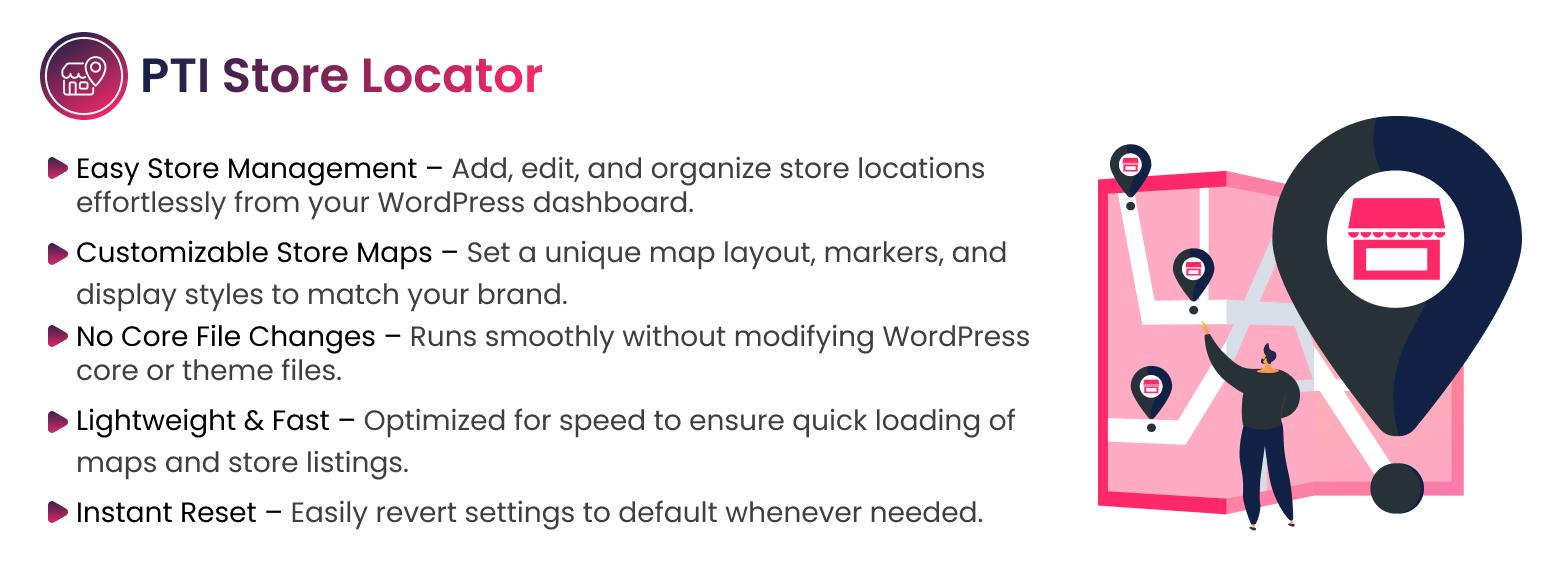
<strong>PTI Store Locator 外掛為一款功能強大且靈活的 WordPress 擴充功能,可以讓您在 Google 地圖上展示多個商店或分店位置。此外,它包括位置篩選器、半徑搜索、可自訂的地圖標記和詳細商店信息顯示 — 非常適合擁有多個分店或服務地點的企業。</strong>
<ul>
<li>可以新增和管理多個商店或分店位置</li>
<li>在互動式 Google 地圖上展示店家</li>
<li>透過城市、郵遞區號或半徑搜索店家</li>
<li>透過類別或標籤篩選位置</li>
<li>可自訂地圖標記和商店信息視窗</li>
<li>支援短碼以在任何地方展示地圖</li>
<li>全面支援響應式設計和 SEO 友好</li>
</ul>
<h4>問題與答案:</h4>
<ol>
<li><strong>PTI Store Locator 為什麼是一個好選擇?</strong>
<ul>
<li>與基本地圖外掛不同,PTI Store Locator 的彈性和性能更強。您可以輕鬆管理數百個商店,並在前端漂亮展示它們,讓訪客快速找到最近的分店。</li>
</ul></li>
<li><strong>此外掛如何使用外部服務?</strong>
<ul>
<li>此外掛使用 Google Maps JavaScript API 來展示互動式地圖、自動完成地址、展示商店標記,以及計算基於地理位置的距離。</li>
</ul></li>
<li><strong>Google Maps 提供哪些功能?</strong>
<ul>
<li>地圖瓦片和渲染</li>
<li>地理編碼(將地址轉換為座標)</li>
<li>地點自動完成</li>
<li>距離和路線計算</li>
</ul></li>
<li><strong>當地圖加載或用戶搜索位置時,哪些數據會被發送?</strong>
<ul>
<li>用戶的 IP 地址</li>
<li>瀏覽器和設備信息</li>
<li>由網站擁有者配置的 Google Maps API 金鑰</li>
<li>地圖請求參數(座標、搜索關鍵字、縮放級別等)</li>
<li>如果啟用地理位置,瀏覽器僅在用戶同意後才會發送 GPS 座標</li>
</ul></li>
<li><strong>PTI Store Locator 是否會存儲或傳輸個人身份信息?</strong>
<ul>
<li>此外掛不會存儲、收集或傳輸任何個人識別信息。</li>
</ul></li>
</ol>
外掛標籤
開發者團隊
原文外掛簡介
PTI Store Locator is a powerful and flexible WordPress plugin that allows you to display multiple store or branch locations on Google Maps. It includes location filters, radius-based search, customizable map markers, and detailed store information displays — perfect for businesses with multiple outlets or service locations.
The plugin is lightweight, fully responsive, and compatible with most themes and page builders (Elementor, Divi, WPBakery, Bricks, etc.).
Key Features:
Add and manage multiple store or branch locations
Display stores on an interactive Google Map
Search stores by city, postal code, or radius
Filter locations by categories or tags
Customizable map markers and store info windows
Shortcode support to display maps anywhere
Fully responsive and SEO-friendly design
Why Choose PTI Store Locator?
Unlike basic map plugins, PTI Store Locator is built for flexibility and performance. You can easily manage hundreds of stores, display them beautifully on the frontend, and give visitors quick access to their nearest branch.
External Services
This plugin uses the Google Maps JavaScript API to display interactive maps, autocomplete addresses, show store markers, and calculate geolocation-based distances.
What the service is used for
Google Maps provides:
– Map tiles and rendering
– Geocoding (converting addresses to coordinates)
– Places autocomplete
– Distance and routing calculations
The plugin cannot provide map functionality without this external service.
What data is sent and when
When the map loads or when a user searches locations, the following data is sent directly from the user’s browser to Google:
The user’s IP address
Browser and device information
The Google Maps API key configured by the site owner
Map request parameters (coordinates, search keywords, zoom level, etc.)
If geolocation is enabled: the browser may send GPS coordinates only after user consent
The plugin does not store, collect, or transmit any personally identifiable information.
All communication is handled directly between the user’s browser and Google’s servers.
User consent considerations
If required by regional laws (GDPR, etc.), site owners must ensure Google Maps is only loaded after appropriate user consent.
Terms of Service and Privacy Policy
Google Maps services are governed by:
Google Maps Platform Terms of Service:
https://cloud.google.com/maps-platform/terms
Google Privacy Policy:
https://policies.google.com/privacy
Service Provider
Google LLC
https://www.google.com/
License
This plugin is licensed under the GPLv2 or later.
You can freely modify and distribute it under the same license.
For more details, visit https://www.gnu.org/licenses/gpl-2.0.html
Author
Developed and maintained by PTI WebTech