
內容簡介
ProxyMIR Reseller Storefront 外掛將您的 WordPress 網站連接至 ProxyMIR.com 的代理服務,讓訪客能夠輕鬆選擇套餐、註冊、付款並獲取代理。此外掛提供商店小工具並管理所有交易,讓您專注於銷售。
【主要功能】
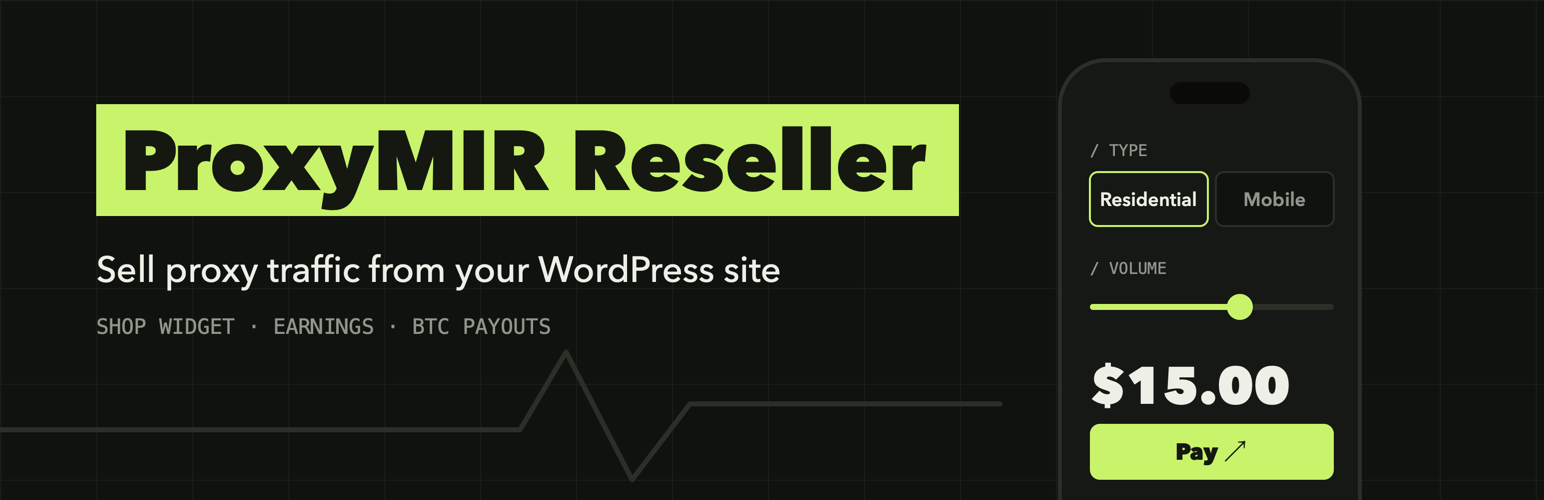
• 提供手機風格的商店小工具
• 自訂服務價格的利潤標記
• 實時收益統計與報告
• 支援比特幣提款請求
• 控制台內的新聞與支援票務系統
• 英文與俄文介面選擇
外掛標籤
開發者團隊
② 後台搜尋「ProxyMIR Reseller Storefront」→ 直接安裝(推薦)
原文外掛簡介
ProxyMIR Reseller Storefront connects your WordPress site to the ProxyMIR.com proxy service as a partner (reseller). Visitors of your site open a shop widget, choose a package, register, pay and receive their proxies. The service takes care of the proxies, the payments and the buyers’ accounts; the plugin shows the shop on your site and the partner area in your dashboard.
What you get
A shop widget in a phone-style window: catalog, personal area, reviews, top up, proxy checker. Light and dark theme, position and logo of the button are set in the plugin.
Your own markup on top of the service price (up to 100%) and live earnings statistics: income, orders, traffic sold, top products, payout history.
Payout requests to a Bitcoin address of your choice, handled by the service.
News from the service and a support desk (tickets with the service administrators) inside your dashboard.
English and Russian interface; every dashboard user picks the language with the flags in the plugin header.
You need a partner account
The plugin is a client of an external service and does nothing useful without a partner account at ProxyMIR.com. When you press Connect to ProxyMIR.com on the first screen, the plugin creates the partner account and the API key for your site, and all sections open at once. If the service asks for an application first, you fill in a short form (name, job title, site, email) and the sections open when it is approved. Details are on the first screen of the plugin and at https://proxymir.com/reseller/.
The plugin makes no request to the service until the site administrator presses Connect to ProxyMIR.com on the first screen.
External services
This plugin is a client of the ProxyMIR.com service (https://proxymir.com), which is operated by the plugin author. All shop logic, prices, accounts, payments and payouts live on that service; the plugin sends requests to it.
Terms of the service: https://proxymir.com/terms/?lang=en
Privacy policy of the service: https://proxymir.com/privacy/?lang=en
When the plugin contacts the service
Only after the site administrator pressed “Connect to ProxyMIR.com”, or when an API key or an application is already saved.
When you press “Connect to ProxyMIR.com” and the service takes partners without an application, the partner account is created at once (site address, administrator email and interface language are sent, the API key comes back and is saved).
When you open the plugin screens in the dashboard (offer, connection, statistics, news, support), when you save the settings, send an application, create or change the key, request a payout or write to support.
On the public site, when a visitor uses the shop widget (registers, logs in, orders, pays, asks for proxies, writes to support). The request goes from the visitor’s browser to your own site, and the plugin forwards it to the service. In the background the plugin refreshes the shop catalog (about every five minutes) and, in the dashboard, news and tickets.
What is sent
With every request: the plugin version, the API key (when one exists) and the site address.
When an API key is created: the site address, the site administrator email and the interface language.
When an application is sent: the name, job title, site and email typed into the form.
For shop visitors: what the visitor types into the widget (login, email, password, orders, messages to support) and the visitor’s IP address and browser name, which the service uses for abuse protection. For sites behind Cloudflare the visitor address is taken from the Cloudflare header.
Cookie: after a visitor logs in to the shop widget the plugin sets one functional cookie, prxr_buyer (HttpOnly, up to 30 days), with the session of the visitor. The site administrator’s browser gets no cookie from the plugin.
Payment: when a buyer pays, the widget opens the payment page of the payment provider chosen by the service. The plugin itself never sees card data.
The plugin adds a ready-made paragraph to Settings > Privacy (the privacy policy guide) that describes this.
Links the user can click
The payout history links to https://mempool.space (a public Bitcoin explorer) for the transaction of a paid payout. Nothing is sent to it unless the user clicks the link.


