內容簡介
Profitrics 是一款專為 WooCommerce 設計的利潤、成本及支出追蹤外掛,能夠提供真實的淨利潤和利潤率數據,幫助商家掌握每筆訂單的實際成本,提升財務透明度。
【主要功能】
• 利潤儀表板顯示收入、總成本、淨利潤和利潤率
• 訂單層級利潤快照,可過濾和排序
• 每個產品及變體的銷售成本記錄
• 支付閘道費用規則,無限制數量
• 運費成本規則,計入每筆訂單的利潤
• 產品利潤表格,支持 CSV 匯出
外掛標籤
開發者團隊
② 後台搜尋「Profitrics – Profit, COGS and Expense Tracker for WooCommerce」→ 直接安裝(推薦)
原文外掛簡介
Revenue tells you what came in. It does not tell you what you kept.
Profitrics is a WooCommerce profit calculator and cost of goods sold (COGS) tracker. It subtracts what an order actually costs you, including product cost, payment gateway fees, shipping and your own operating expenses, so every order, product and date range shows a real net profit and profit margin figure.
If you have ever wondered which WooCommerce products are actually profitable, which are sold at a loss, or what your true margin is after Stripe and PayPal fees, this is the plugin for that.
Costs are written to WooCommerce’s own native Cost of Goods Sold field, so your cost data lives in the platform rather than being locked inside a plugin. If you ever remove Profitrics, your product costs stay where they are.
What you get, free
Profit dashboard with revenue, total cost, net profit and margin.
Order-level profit snapshots you can filter and sort.
Cost of Goods Sold per product and per variation.
Payment gateway fee rules, fixed plus percentage, with no limit on how many.
Shipping cost rules, so shipping is priced into every order’s margin.
Business expenses, one-off or recurring, folded into your net profit.
Margin alerts and in-dashboard notifications, including negative-margin warnings.
Product profitability table with CSV export.
Your full order history, with no date cap.
Who it is for
Merchants who need real net-profit visibility, not just gross sales.
Operations and finance teams tracking margin health day to day.
Agencies reviewing store performance for clients.
Tabs in the free edition
Dashboard
Products
Orders
Gateway Fees
Shipping
Expenses
Export
Settings
Upgrade to Pro
The Pro edition adds the automation and reporting layers on top of everything above:
Ad Spend and POAS: record what you spend per channel and see profit after ads.
Customer profitability and lifetime value, including your most and least profitable buyers.
Inventory valuation: capital tied up in stock, dead stock, and margin at risk.
Profit goals with pace tracking, plus period-over-period and year-over-year comparison.
Trends: daily performance and top-product profit contribution.
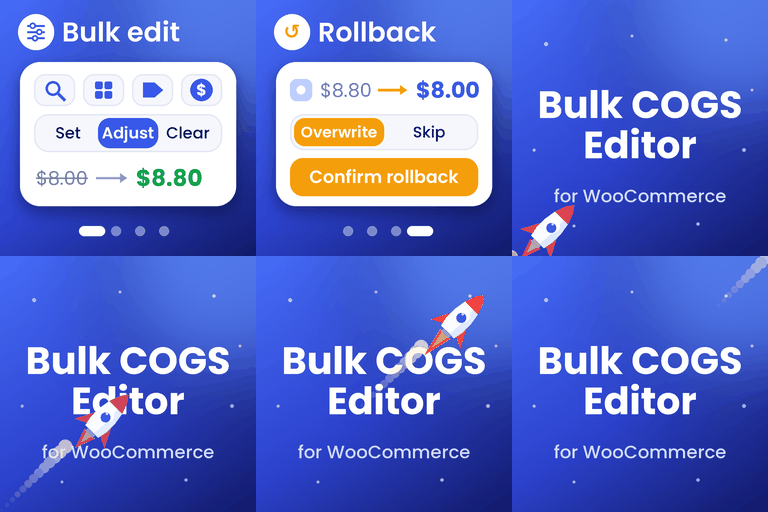
COGS Manager: bulk editing, CSV import and export, and rules that derive cost from price.
Scheduled profit reports delivered by email, daily, weekly or monthly.
REST API access and outbound webhooks with signed payloads.
Full CSV and PDF export across orders, expenses and rules.
Get it here: Profitrics Pro
Pro reads the same options, database tables and product meta as Lite, so upgrading needs no migration and no data re-entry. Installing Pro automatically stands Lite down so the two never run at once.