
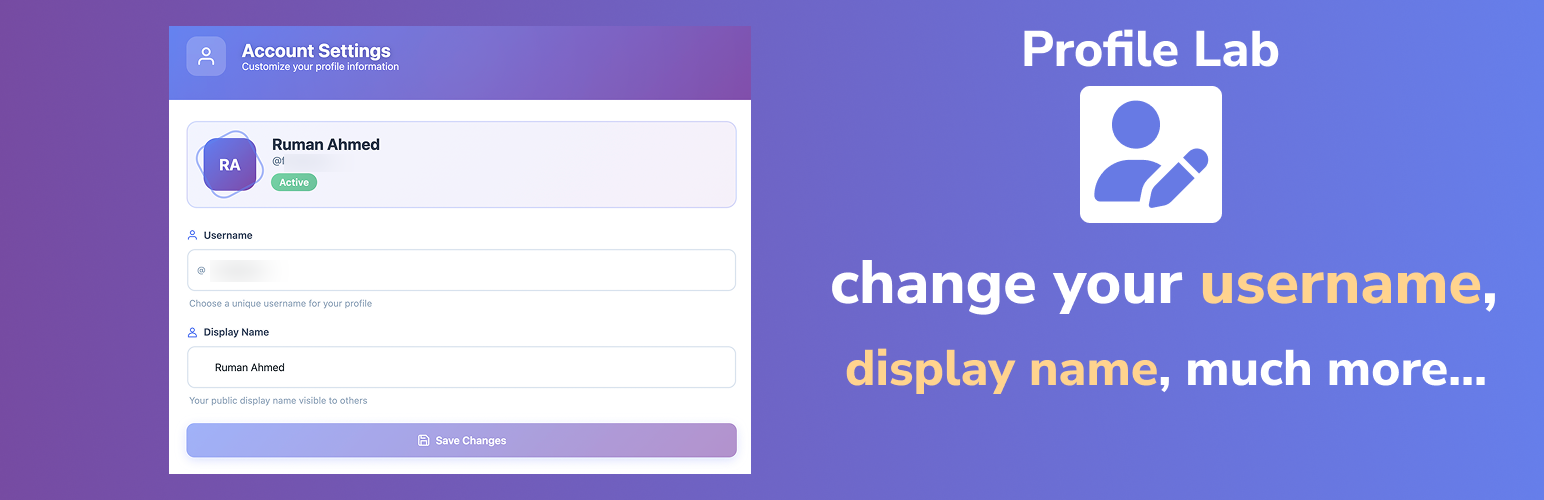
內容簡介
總結:Profile Lab提供了一個簡單、安全的方式修改WordPress用戶名和顯示名稱,無需接觸數據庫或編寫自定義代碼。
問題與答案:
1. Profile Lab 提供了什麼功能?
- 提供了讓用戶安全更新其用戶名的功能。
- 允許用戶在前端編輯顯示名稱。
- 整合更新到外部或自訂表單中。
- 通過賦予用戶對其個人資料的控制來改善用戶體驗。
- 減少管理員的工作量和手動編輯。
2. Profile Lab 最適合用於哪些場景?
- 會員網站。
- 在線社區和論壇。
- 客戶入口網站。
- 電子商務用戶。
- 代理機構和自定義儀表板。
- 任何需要用戶自行維護其個人資料的網站。
3. 使用Profile Lab需要哪些步驟?
- 構建一個表單,讓用戶可以輸入新的用戶名或顯示名稱。
- 使用短代碼、鉤子或直接集成將表單字段映射到外掛。
- 提交後,User Profile Customizer即時並安全地更新用戶資料。
4. Profile Lab的授權是什麼?
- 這個外掛根據GPLv2或更新版本授權。
5. 如何貢獻Profile Lab?
- 可以通過https://github.com/Suite-Press/profile-lab 進行貢獻。
外掛標籤
開發者團隊
② 後台搜尋「Profile Lab – Username & Display Name Editor」→ 直接安裝(推薦)
原文外掛簡介
Profile Lab gives you a simple, secure way to modify WordPress usernames and display names without touching the database or writing custom code.
By default, WordPress does not allow usernames to be changed, causing problems for membership sites, client dashboards, and community platforms. This plugin fixes that limitation.
With User Profile Customizer, you can:
Let users safely update their username
Allow frontend editing of display names
Integrate updates into external or custom forms
Improve user experience by giving users control over their profile
Reduce administrator workload and manual edits
Perfect for:
Membership websites
Online communities and forums
Client portals
eCommerce users
Agencies and custom dashboards
Any website where users maintain their own profiles
📌 USEFUL LINKS
Official Website: https://suitepress.org/profile-lab
Features
✏️ Update WordPress usernames using external/third-party forms
👤 Change display names from custom frontend inputs
🔒 Validated, secure update process
🎨 Works seamlessly with form builders and custom forms
🧩 Developer-friendly filters and hooks
🚀 Lightweight, fast, and reliable
Usage
Build a form where users can enter a new username or display name.
Map the form fields to the plugin using shortcodes, hooks, or direct integration.
When submitted, User Profile Customizer updates the user’s profile instantly and securely.
License
This plugin is licensed under the GPLv2 or later.
Contribution
https://github.com/Suite-Press/profile-lab

