內容簡介
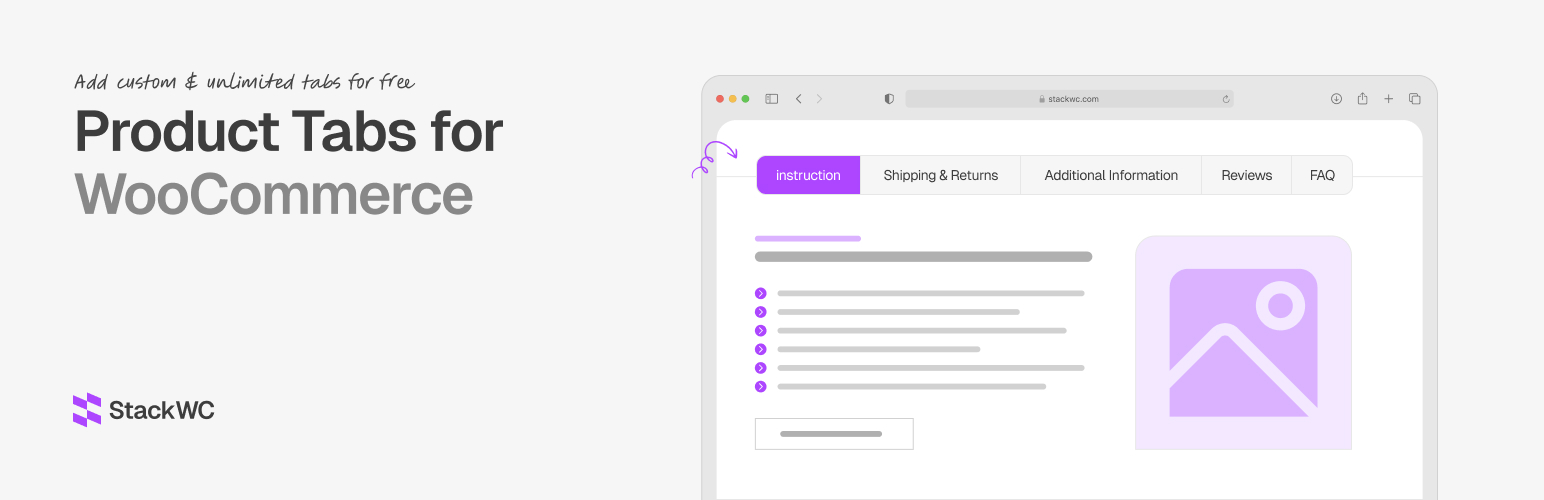
StackWC Product Tabs for WooCommerce 是一款強大且靈活的外掛,讓您能為 WooCommerce 產品創建無限的自訂標籤。透過直觀的介面和全面的自訂選項,提升產品頁面內容,改善購物體驗。
【主要功能】
• 創建無限自訂產品標籤
• 支援區塊編輯器進行豐富內容創作
• 支援經典編輯器快速編輯
• 顯示條件設定:所有產品、特定產品、產品類型
• 標籤優先級系統控制顯示順序
• SEO 友好的實作
外掛標籤
開發者團隊
② 後台搜尋「StackWC Product Tabs for WooCommerce」→ 直接安裝(推薦)
原文外掛簡介
#1 WooCommerce Product Tabs Plugin Powered by Block Editor
StackWC Product Tabs for WooCommerce is a powerful and flexible plugin that allows you to create unlimited custom tabs for your WooCommerce products. With an intuitive interface and comprehensive customization options, you can enhance your product pages with rich, engaging content that improves the shopping experience.
The plugin features a modern block editor integration, allowing you to design beautiful tab content using WordPress blocks. You can also use the classic editor for quick content creation.
🚀 Try the Demo | 🛟 Get Support | ⭐ Upgrade to Pro
Free Features
Create unlimited custom product tabs
Block editor support for rich content creation
Classic editor support for quick editing
Display conditions: All products, Specific products, Product types
Tab priority system for controlling display order
Show/hide default WooCommerce tabs (Description, Additional Information, Reviews)
SEO-friendly implementation
Responsive design compatible
Easy-to-use interface
Product search for selecting specific products
Support for multiple product types (Simple, Variable, Grouped, External, Downloadable, Virtual)
Pro Features (available in the separate Pro plugin)
Product Categories and Product Tags display conditions
Advanced display conditions (user roles, price range, stock status, sale status, date range, shipping classes)
Drag & drop tab reordering (including default WooCommerce tabs)
Tab icons
Rename default WooCommerce tabs
Add icons to default WooCommerce tabs
Create per-product custom tabs directly from the product edit screen
Use Cases
Product Specifications – Add detailed technical specifications
Shipping Information – Display shipping policies and delivery times
Size Guides – Include size charts and measurement guides
Warranty Information – Show warranty terms and conditions
Custom Product Features – Highlight unique selling points
Related Products – Display related or complementary products
Product Comparisons – Show comparison tables
Video Tutorials – Embed instructional videos
Customer Reviews – Add custom review sections
FAQs – Include frequently asked questions
Installation Guides – Provide setup instructions
Display Conditions Explained (Free)
All Products – Tab appears on all product pages
Specific Products – Select individual products by ID
Product Type – Show tabs for specific product types (Simple, Variable, Grouped, External, Downloadable, Virtual)
StackWC Recommended Plugins
Custom Permalinks for WooCommerce
Order Notification for WooCommerce
Quick Buy Now Button for WooCommerce
Open Close Store for WooCommerce