內容簡介
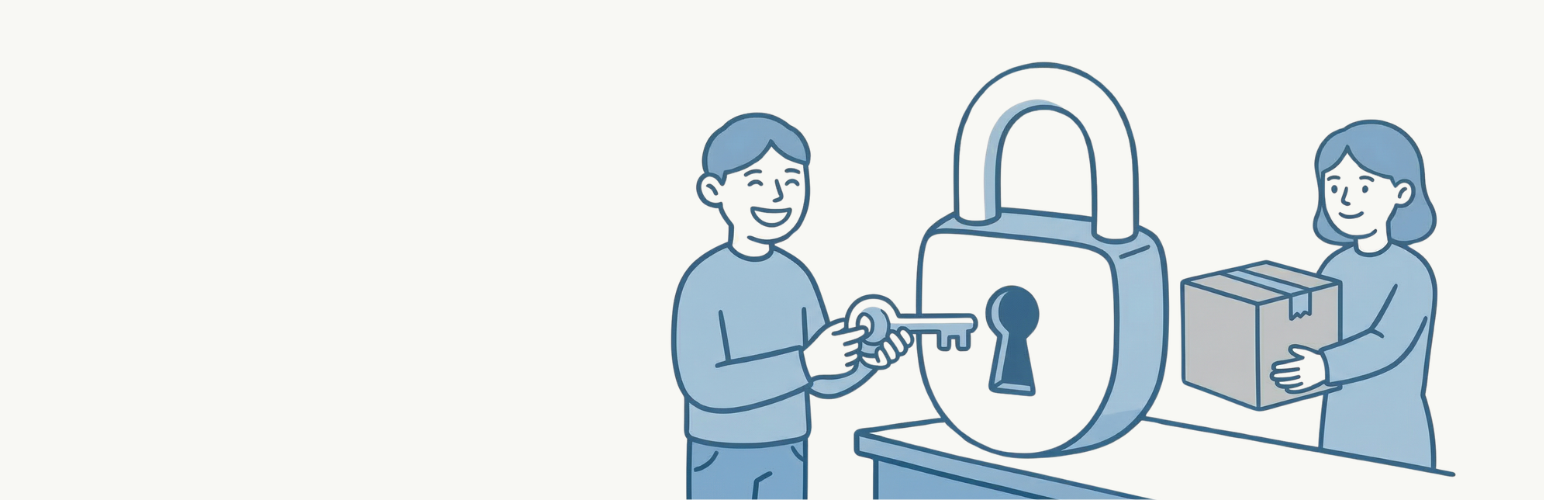
Product Roles Manager for WooCommerce 讓您能夠控制特定用戶角色可見的產品,適用於批發商店、會員網站或任何需要角色基礎產品訪問的 WooCommerce 商店。
【主要功能】
• 限制簡單產品僅對特定用戶角色可見
• 按用戶角色單獨限制產品變體
• 與 WooCommerce 產品查詢、小工具和短碼兼容
• 自動隱藏受限產品於相關產品、加購及交叉銷售中
• 未授權用戶訪問受限產品時重定向至 404 頁面
• 設定頁面具備匯入/匯出功能
外掛標籤
開發者團隊
② 後台搜尋「Product Roles Manager for WooCommerce」→ 直接安裝(推薦)
原文外掛簡介
Product Roles Manager for WooCommerce allows you to control which products are visible to specific user roles. Perfect for wholesale stores, membership sites, or any WooCommerce store that needs role-based product access.
Features
Restrict simple products to specific user roles
Restrict product variations individually by user role
Works with WooCommerce product queries, widgets, and shortcodes
Compatible with WooCommerce Blocks and REST API
Automatically hides restricted products from related products, upsells, and cross-sells
Redirects unauthorized users to 404 when accessing restricted products directly
Settings page with import/export functionality
Lightweight and performance-optimized with caching
Use Cases
Wholesale Stores – Show wholesale-only products to users with a wholesale role
Membership Sites – Display exclusive products to premium members only
B2B Stores – Restrict certain products to registered business customers
Staff Discounts – Show staff-only products to employees
Configuration
Simple Products
Go to Products then Edit Product
Scroll to the Product Data section
In the General tab, find Product Visibility by Role
Select the user roles that should see this product
Leave empty to show the product to all users
Variable Products
Go to Products then Edit Product
Navigate to the Variations tab
Expand any variation
Find Variation Visibility by Role
Select the user roles that should see this variation
Leave empty to show the variation to all users
Plugin Settings
Navigate to WooCommerce then Product Roles Manager to access:
Global settings configuration
Export settings to JSON file
Import settings from JSON file
Delete all plugin data