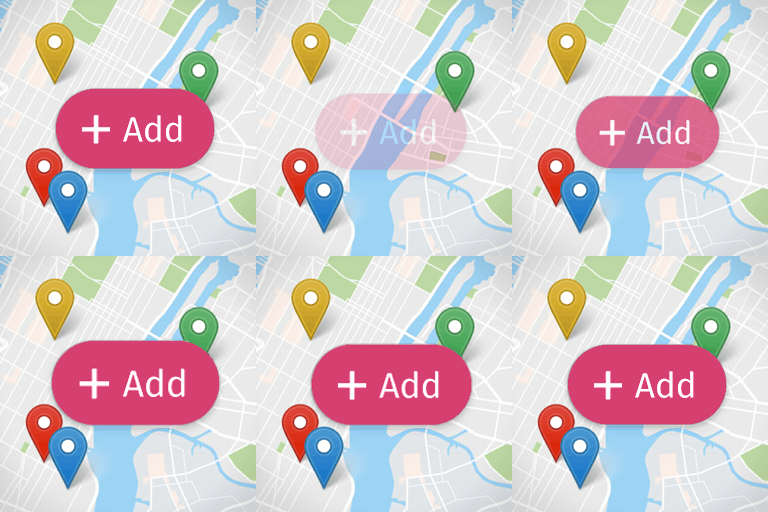
內容簡介
PD17 Map 是一款快速且現代化的向量地圖外掛,利用 MapLibre GL JS 和開放的 OpenStreetMap 數據,無需 Google 或 Yandex 帳戶、API 金鑰,並且不會顯示廣告或追蹤用戶。適合用於辦公室或聯絡頁面,提供簡單的地圖嵌入方式。
【主要功能】
• 支援 [office_map] 短代碼和小工具
• Gutenberg 區塊,直接從編輯器插入地圖
• 多個標記,具備自訂圖示和顏色
• 可選的地圖地址搜尋功能
• 自訂寬度預設和固定縮放選項
• 設定匯入/匯出功能
外掛標籤
開發者團隊
② 後台搜尋「PD17 Map — OpenStreetMap Vector Maps」→ 直接安裝(推薦)
原文外掛簡介
PD17 Map adds a fast, modern vector map to your site using MapLibre GL JS and open OpenStreetMap data. No Google or Yandex account, no API keys, no ads, no tracking.
It is perfect for an office or contact page, or for several locations. Add the PD17 Map block in the block editor, drop the [office_map] shortcode anywhere, or add the widget to a sidebar.
Why it stands out
Vector maps (MapLibre GL JS). Crisp at any zoom with smooth panning and rotation — the feel of commercial maps, at zero cost.
Truly key-free. No credit card, no quota and no “invalid API key” failures.
Privacy-friendly by default. The map loads without accounts or analytics, and the optional address search can be turned off completely.
Fine-grained styling. Recolor 17 layer categories (roads, water, parks, buildings, labels, POI and more) and hide anything you don’t need.
One-click look presets — a bright detailed palette and a warm muted palette.
Multilingual labels (Russian, English, Belarusian, German, Polish and more).
Features
[office_map] shortcode and a widget.
A Gutenberg block — insert the map straight from the block editor, with the same settings and a live preview.
Visual settings page with a live preview.
Multiple markers, each with its own icon, color and rich popup.
Optional on-map address search with server-side rate limiting and one-day caching.
Width presets (“block”, “full width”, custom in % or px), fixed zoom or auto-fit to all markers.
Fullscreen button, mouse-wheel zoom toggle and custom marker images.
Import / export of all settings as JSON, to move a configuration between sites.
Graceful fallback: if the tile server is unreachable, the office title and address are still shown.
Shortcode
The simplest form uses the settings from the plugin page:
[office_map]
You can override individual options:
[office_map lat="53.9006" lng="27.5590" zoom="16" height="420" title="Our office" style="liberty"]
External services
This plugin connects to external services only when a feature that needs them is used. The map is loaded whenever it is displayed; the address search is off by default and is used only when you enable it (or when you use the address search on the settings page).
OpenFreeMap (tiles.openfreemap.org) — vector map tiles, styles, fonts and icons built from OpenStreetMap data. Loaded every time a map is displayed. No account, no API key and no cookies are used. Data sent: only the standard tile/style requests for the map area being viewed. Privacy policy: https://openfreemap.org/privacy/. Project: https://openfreemap.org/.
Nominatim (nominatim.openstreetmap.org) — OpenStreetMap geocoding, used only for the address search. Data sent: the text you type, plus the site URL and the site administrator’s email in the User-Agent header, as required by the service’s usage policy. Requests are limited to one per second and cached for one day. Usage policy (terms of use): https://operations.osmfoundation.org/policies/nominatim/. Privacy policy: https://osmfoundation.org/wiki/Privacy_Policy.
Map data © OpenStreetMap contributors, available under the ODbL: https://www.openstreetmap.org/copyright. The map attribution is required by that license and must not be removed.
Privacy
The map tiles are loaded from OpenFreeMap without cookies or tracking.
The address search is disabled by default. When you enable it, the text you type is sent (through your own server) to OpenStreetMap Nominatim; requests are rate-limited and cached. Nothing else is sent.
No data is collected or stored by the plugin author; the plugin does not create accounts and does not track users.
Source code
All source is shipped with the plugin: the PHP, JavaScript and CSS are readable and unminified, and no build step is required to run it. The bundled MapLibre GL JS library keeps its own 3-Clause BSD license and attribution in assets/vendor/maplibre-gl/.
Development happens at https://github.com/pro-d-e-v/pd17-location-map.