內容簡介
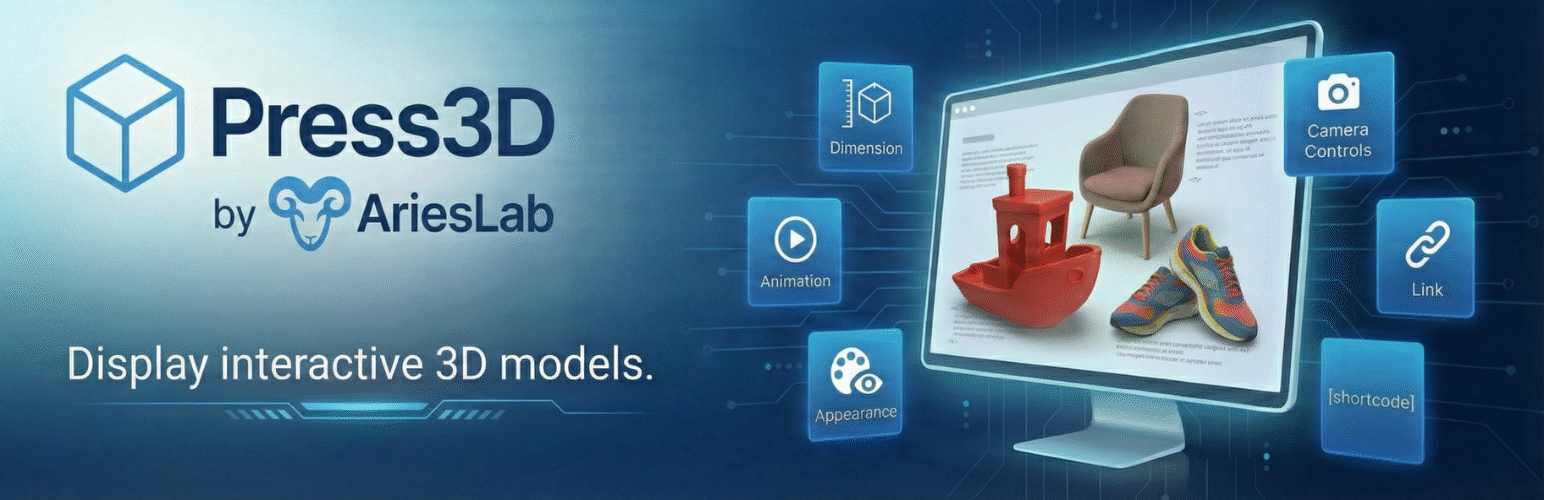
總結:Press3D 是一款功能強大且功能豐富的 WordPress 外掛,讓您能夠在網站上直接展示互動式的3D模型。採用行業標準的 Three.js 函式庫,提供專業級的3D查看體驗,並提供廣泛的自定義選項。
問題與答案:
1. 哪些3D模型格式受到支援?
- STL (二進位和ASCII格式)
- OBJ (大多數3D軟件兼容的通用3D格式)
- GLB (建議用於最佳網頁效能的二進位glTF格式)
- GLTF (具有單獨資產文件的基於文本的glTF格式)
2. Press3D的關鍵功能有哪些?
- 可實現古鐵堡區塊集成
- 短代碼支持
- 互動式3D查看器
- 相機狀態持久性
- 自動旋轉模式
- 材料自定義
- 燈光控制
- 陰影支援
- 相機控制
- 多個加載動畫
- 響應式設計
- 手機友好
- 可訿問性就緒
- WordPress媒體庫
- 尺寸控制
- 翻譯就緒
3. Press3D最適合應用於哪些情況?
- 產品展示和電子商務3D產品展示
- 建築可視化和房地產
- 教育內容和科學模型
- 工程和CAD模型演示
- 3D打印文件預覽
- 醫學和解剖模型
- 藝術和雕塑系列
- 遊戲資產和角色模型
外掛標籤
開發者團隊
原文外掛簡介
Press3D is a powerful and feature-rich WordPress plugin that enables you to display interactive 3D models directly on your website. Built with the industry-standard Three.js library, it provides a professional-grade 3D viewing experience with extensive customization options.
Supported 3D Model Formats:
STL – Popular for 3D printing and CAD models (binary and ASCII)
OBJ – Universal 3D format compatible with most 3D software
GLB – Binary glTF format (recommended for best web performance)
GLTF – Text-based glTF format with separate asset files
Key Features:
Gutenberg Block Integration – Native WordPress block editor support with live preview
Shortcode Support – Use [press3d id="123" version="1"] anywhere in your content with version control
Interactive 3D Viewer – Rotate, zoom, and pan with mouse or touch controls
Camera State Persistence – Saves and restores exact camera position and orientation
Auto-Rotate Mode – Automatic model rotation with adjustable speed (-10 to +10)
Material Customization – Control colors, shininess/metalness (0-1 scale)
Lighting Control – Adjustable light intensity (0-10 range) with ambient + directional lighting
Shadow Support – Enable realistic shadows for your 3D models
Camera Controls – Option to enable or disable user camera interaction
Multiple Loading Animations – Choose from Spinner, Progress Bar, 3D Cube, or None
Responsive Design – Automatic canvas resizing for all screen sizes and devices
Mobile-Friendly – Touch controls for rotation, zoom, and pan on tablets and phones
Accessibility Ready – ARIA labels, alt text support, and keyboard navigation
WordPress Media Library – Upload models directly through standard media uploader
Dimension Controls – Set custom width/height with multiple units (px, %, em, rem, vw, vh)
Translation Ready – Full internationalization support (text domain: press3d)
Perfect for:
Product showcases and e-commerce 3D product views
Architectural visualization and real estate
Educational content and scientific models
Engineering and CAD model presentations
3D printing file previews
Medical and anatomical models
Art and sculpture portfolios
Game assets and character models
Source Code
The source code for this plugin is available in the src and assets/src directories.