
內容簡介
總結文案:
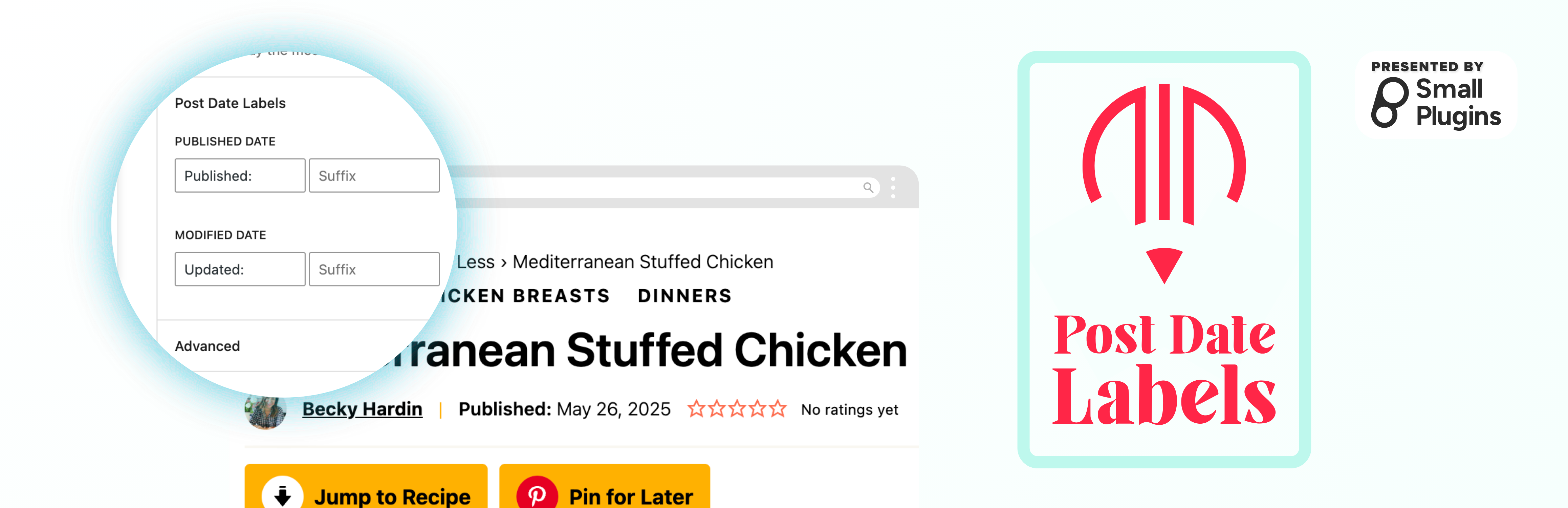
Post Date Labels 是一個輕量級的 WordPress 外掛,通過在日期前後添加上下文標籤來增強文章日期塊。非常適合添加像“發布於”,“最後更新於”或自定義標籤,使文章日期更具意義。
問題與答案:
1. Post Date Labels 這個 WordPress 外掛的特色有哪些?
- 添加自定義前綴和後綴標籤到文章日期塊
- 區分發佈日期和修改日期的標籤
- 自動檢測日期類型(發佈日期 vs 修改日期)
- 乾淨、語義化的 HTML 輸出,並擁有適當的 CSS 類
- 與 WordPress 區塊編輯器無縫配合
- 輕量並優化性能
- 無需配置 - 可立即使用
2. 在使用情境中,可以如何應用 Post Date Labels?
- 在發佈日期前添加“發布於”
- 在修改日期前添加“最後更新於”
- 在日期後包含時區信息
- 通過具有上下文標籤的自定義日期格式化
- 改進內容可訪問性和用戶體驗
3. Post Date Labels 外掛是如何工作的?
- 這一外掛會自動檢測文章日期塊是顯示發佈日期還是修改日期,並應用適當的標籤。當編輯文章日期塊時,您可以直接在區塊編輯器側邊欄中自定義標籤。
4. 這個外掛是否開發者友好?
- 具有乾淨並有文檔的程式碼
- 遵循 WordPress 的編碼標準
- 可擴展架構
- 提供適當的 CSS 類進行樣式定制
外掛標籤
開發者團隊
原文外掛簡介
Post Date Labels is a lightweight WordPress plugin that enhances the post date block by allowing you to add contextual labels before and after the date. Perfect for adding context like “Published on”, “Last updated”, or custom labels to make your post dates more meaningful.
Key Features:
Add custom prefix and suffix labels to post date blocks
Separate labels for published and modified dates
Automatic detection of date type (published vs modified)
Clean, semantic HTML output with proper CSS classes
Works seamlessly with the WordPress block editor
Lightweight and performance-optimized
No configuration required – works out of the box
Use Cases:
Add “Published on” before publication dates
Add “Last updated” before modification dates
Include timezone information after dates
Create custom date formatting with contextual labels
Improve content accessibility and user experience
How It Works:
The plugin automatically detects whether a post date block is displaying the published date or modified date and applies the appropriate labels. You can customize the labels directly in the block editor sidebar when editing a post date block.
Developer Friendly:
Clean, well-documented code
Follows WordPress coding standards
Extensible architecture
Proper CSS classes for styling customization