內容簡介
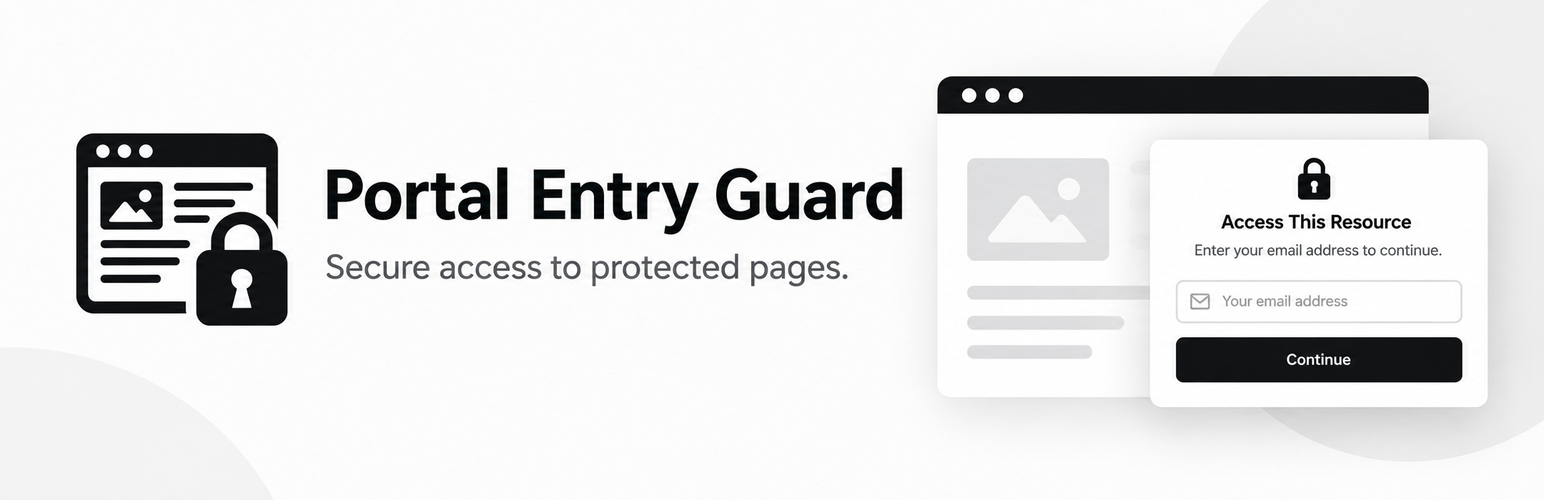
Portal Entry Guard 是一款輕量級的 WordPress 外掛,旨在透過電子郵件訪問門檻來保護特定頁面。訪客需輸入有效的電子郵件地址才能訪問受保護的頁面,無需用戶帳號、一次性密碼或電子郵件驗證。
【主要功能】
• 保護選定的 WordPress 頁面
• 支援多頁面選擇與取消選擇
• 簡單的電子郵件訪問表單
• 設定訪問持續時間(1 至 365 天)
• 安全的令牌訪問與表單提交
• 管理員可繞過訪問門檻
外掛標籤
開發者團隊
原文外掛簡介
Portal Entry Guard allows you to protect selected WordPress pages with a lightweight email access gate.
Visitors must enter a valid email address before accessing a protected page. No user account, OTP, or email verification is required.
The plugin is designed to be simple, lightweight, and easy to configure.
Features
Protect selected WordPress pages.
Select multiple pages from the plugin settings.
Easily unselect pages to remove protection.
Simple email-based access form.
No OTP or email verification required.
Configurable access duration from 1 to 365 days.
Secure token-based visitor access.
Nonce-protected form submission.
Email addresses are stored for access tracking.
Administrator users with the manage_options capability can bypass the gate.
Responsive and lightweight frontend design.
No page builder dependency.
Configuration
After activation, go to:
Settings > Portal Entry Guard
Protected Pages
Select the pages that should require email access.
You can select multiple pages and unselect previously selected pages at any time.
Remember Visitor For
Set how many days a visitor should retain access to protected resources.
The available range is 1 to 365 days.
Gate Title
Customize the title displayed on the access page.
Description
Customize the message displayed above the email form.
Privacy Text
Add a short privacy message explaining how the visitor’s email address will be used.
How It Works
When a visitor opens a protected page:
The plugin checks whether the page is protected.
If the visitor does not have a valid access token, the email gate is displayed.
The visitor enters their email address.
The email address is validated.
A secure access token is generated.
The token is stored securely and associated with the protected page.
The visitor receives access to the protected page.
Access remains available until the configured expiration period.
Security
Portal Entry Guard uses:
WordPress nonces for form validation.
Sanitized email input.
Secure random token generation.
SHA-256 token hashes in the database.
HTTP-only cookies.
SameSite cookie protection.
Expiration timestamps for access tokens.
Capability checks for administrator bypass.
Privacy
The plugin stores email addresses submitted through the access form along with access-token information.
Site administrators are responsible for configuring their privacy policy and ensuring that the plugin’s use complies with applicable privacy and data-protection requirements.