內容簡介
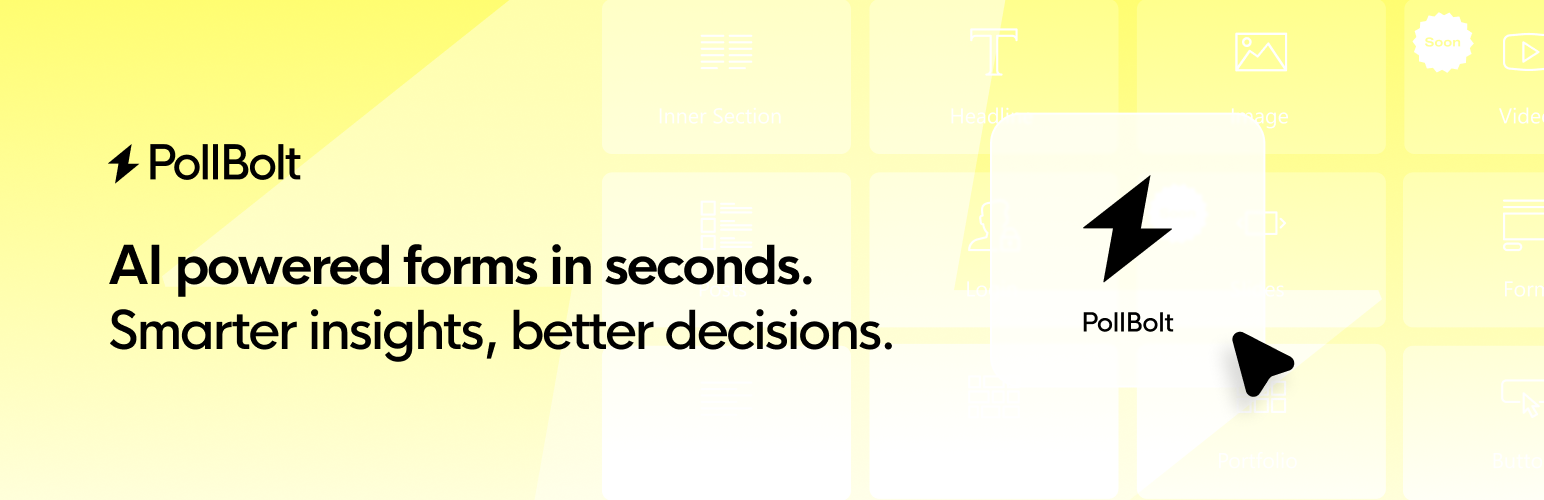
總結: PollBolt 是一個強大的工具,可以讓您將在 PollBolt.com 上建立的互動式調查嵌入到您的 WordPress 網站中,使用 Elementor 或標準 WordPress 編輯器。
問題與答案:
1. PollBolt 是什麼樣的工具?
- PollBolt 是一個強大的工具,能夠讓您將在 PollBolt.com 上建立的互動式調查直接嵌入您的 WordPress 網站中。
2. 該工具的關鍵功能有哪些?
- 多種整合選項 - 使用 Elementor widget 或標準編輯器中的 shortcodes
- 自訂 Shortcodes - 為您的調查創建獨特的 shortcodes,以便更輕鬆地嵌入
- 響應式設計 - 所有調查皆完全適應並支援所有設備
- 無需技術技能 - 簡單的點擊式界面
- 自訂樣式 - 調查反映您網站的專業外觀
- 即時結果 - 從觀眾獲得即時反饋
- 自動調整框架 - 調查因內容而調整大小以達到最佳顯示效果
3. 如何使用 PollBolt?
- 在 Elementor 中:
1. 在 PollBolt.com 上創建您的調查
2. 在 WordPress 的 PollBolt 設置頁面中添加您的調查
3. 將 PollBolt widget 添加到您的 Elementor 頁面
4. 從下拉式列表中選擇您的調查
5. 發佈您的頁面
- 在標準 WordPress 編輯器中:
1. 在 PollBolt.com 上創建您的調查
2. 在 PollBolt 設置頁面中添加您的調查以生成唯一的 shortcode
3. 復制所生成的調查 shortcode(例如,[pollbolt id=”XXXX”])
4. 將 shortcode 粘貼到您的文章或頁面內容中
5. 發佈您的頁面
4. 該工具適合哪些人使用?
- 想要收集客戶反饋的企業所有者
- 想要更好地了解自己受眾的行銷人員
- 想要吸引訪客的內容創作者
- 需要透過互動式調查收集數據的任何人
外掛標籤
開發者團隊
② 後台搜尋「Pollbolt – AI Forms, Polls, Quizzes」→ 直接安裝(推薦)
原文外掛簡介
PollBolt is a powerful tool that allows you to embed interactive surveys created on PollBolt.com directly into your WordPress website using Elementor or the standard WordPress editor.
Key Features
Multiple Integration Options – Use Elementor widget or shortcodes in the standard editor
Custom Shortcodes – Create unique shortcodes for your surveys for easier embedding
Responsive Design – All surveys are fully responsive and work on all devices
No Technical Skills Required – Simple point-and-click interface
Custom Styling – Surveys reflect your site’s professional appearance
Real-time Results – Get instant feedback from your audience
Auto-resizing Frames – Surveys adapt to content for optimal display
How It Works
In Elementor:
1. Create your survey on PollBolt.com
2. Add your survey in the PollBolt settings page in WordPress
3. Add the PollBolt widget to your Elementor page
4. Select your survey from the dropdown list
5. Publish your page
In Standard WordPress Editor:
1. Create your survey on PollBolt.com
2. Add your survey in the PollBolt settings page to generate a unique shortcode
3. Copy the generated shortcode for your survey (e.g., [pollbolt id=”XXXX”])
4. Paste the shortcode into your post or page content
5. Publish your page
Who Is This For?
Business owners who want to collect customer feedback
Marketers looking to understand their audience better
Content creators wanting to engage their visitors
Anyone who needs to gather data through interactive surveys