內容簡介
<!DOCTYPE html>
<html lang="zh-tw">
<head>
<meta charset="UTF-8">
</head>
<body>
<h2>PolicyDesk 總結:</h2>
<p>PolicyDesk 是一個專業級的 Cookie 同意管理外掛程式,旨在協助 WordPress 網站達到對 GDPR(歐盟一般資料保護法規)、CCPA(加州消費者隱私權法案)、LGPD(巴西)和其他全球隱私法規的完全合規性。</p>
<h2>常見問題與答案:</h2>
<ul>
<li>
<h3>為什麼選擇 PolicyDesk 而不是基本的 PolicyDesk 外掛程式?</h3>
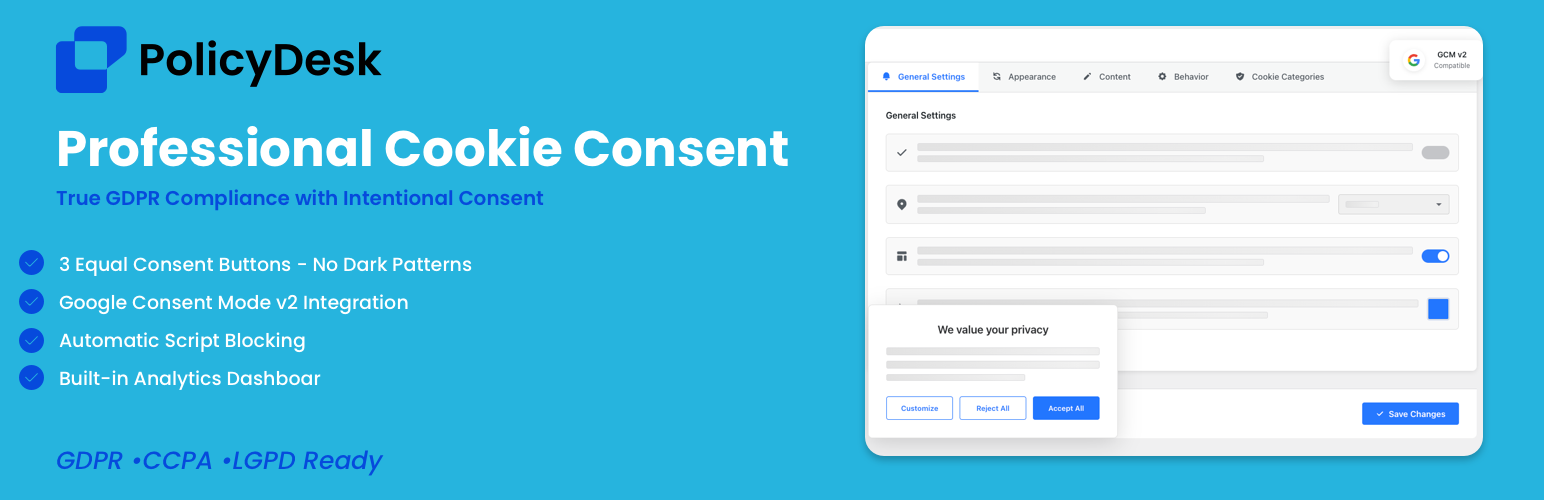
<p>許多 Cookie 通知外掛程式僅提供基本合規功能,而 PolicyDesk 通過專業級功能超出基本功能。我們採用意願同意框架,消除黑暗模式,確保接受、拒絕和偏好選項同等重要性 - 這是真正 GDPR 遵循的要求。憑藉全面的 Google 同意模式 v2 整合、自動腳本阻止、智能 Cookie 掃描和全面的分析儀表板,PolicyDesk 提供專業隱私合規所需的一切。</p>
</li>
<li>
<h3>何使我們與眾不同?</h3>
<ul>
<li>意願同意框架 - 與基本外掛不同,我們提供 3 個同等重要的按鈕(接受全部、拒絕全部、部分接受),符合 GDPR 的平等選擇原則</li>
<li>Google 同意模式 v2 - 全面實施所有同意參數,而非基本整合</li>
<li>自動 Cookie 掃描器 - 自動檢測並分類您網站上的 Cookie(大多數外掛程式需要手動輸入)</li>
<li>分析儀表板 - 追蹤同意率、匯出記錄並生成合規性報告</li>
<li>自動腳本阻止 - 在同意前阻止第三方腳本(許多外掛程式僅顯示通知)</li>
<li>默認配置 - 一鍵 GDPR、CCPA 和基本範本,即時設置</li>
</ul>
</li>
</ul>
</body>
</html>
外掛標籤
開發者團隊
② 後台搜尋「PolicyDesk – Cookie Banner for Cookie Consent (Easy to setup GDPR/CCPA Compliant Cookie Notice)」→ 直接安裝(推薦)
原文外掛簡介
PolicyDesk is a professional-grade cookie consent plugin for WordPress that helps you implement a clear cookie notice experience for GDPR/CCPA and other privacy requirements.
It includes multiple banner layouts (Banner, Box, Modal), a preferences modal for category-based choices (when enabled), a basic CCPA “Do not sell or share my personal information” option, and consent logging stored in cookies and your WordPress database.
Many cookie notice plugins stop at a simple banner. PolicyDesk focuses on flexible layouts, an accessible preference center, and admin tools to configure how consent is collected and stored. Additional advanced features may be available in PolicyDesk Pro (see the Premium Features section below).
Features
Consent Management
Cookie Consent Banner: Show a banner with Accept, Decline, and Preferences options.
Preference Center: Let visitors manage cookie preferences in a modal (by category, when enabled).
CCPA Opt-Out (basic): Includes a “Do not sell or share my personal information” option when CCPA settings are enabled.
Revisit Consent Button: Add a “Cookie Settings” button anywhere using the shortcode [pdesk_cookie_settings] (for example, in a footer or privacy page).
Consent Logging: Stores consent choices in cookies and records consent in your WordPress database.
Banner Customization
Layout Options: Choose Banner, Box, or Modal layouts.
Position Options: Display the banner at the top/bottom or as a centered modal (depending on layout).
Message & Labels: Customize banner text and labels from the settings page.
Cookie Management
Manual Cookie Management: Add, edit, and delete cookies in the admin Cookie Management section.
Multilingual & Accessibility
Multilingual Compatibility: Works with WPML and Polylang (when installed).
Auto-Translation: Optional auto-translation for common banner strings.
Accessibility: Keyboard support and accessibility-friendly modal behavior.
Premium Features
Access the following features by subscribing to a premium plan (Basic, Pro, or Agency). See all features and compare plans at https://policydesk.co
Advanced Consent Management
✅ Intentional Consent (3 equal buttons): “Accept None / Accept Some / Accept All” style consent flow.
✅ Geolocation Options: Location-aware settings and messaging controls.
✅ Google Consent Mode v2: Consent Mode integration options (when enabled).
Policy Tools & Automation
✅ Policy Generators: Privacy/Cookie policy generator tools (where available).
✅ Automations: Additional automation options in Cookie Management (where available).
What Makes PolicyDesk Pro Different
✅ Intentional Consent Framework: 3 equal buttons (Accept None, Some, All).
✅ Google Consent Mode v2: Consent Mode options (where available).
✅ Cookie Scanner: Cookie scanning and categorization tools (where available).
✅ Analytics Dashboard: Consent analytics and reporting tools (where available).
✅ Automatic Script Blocking: Script blocking options (where available).
✅ Default Configurations: One-click GDPR, CCPA, and Basic templates (where available).
Key Compliance Features (Premium)
GDPR-ready tools: Equal choice options (where available), granular consent controls (where enabled), consent duration controls, privacy-related content options, and consent record storage. (PolicyDesk provides tools to help with compliance, but does not guarantee compliance.)
CCPA-ready tools: “Do not sell or share my personal information” option and related consent controls (where enabled). (PolicyDesk provides tools to help with compliance, but does not guarantee compliance.)
Google Consent Mode v2: Consent Mode options for Google tags (where available).
Intentional Consent: 3 equal buttons (Accept None / Accept Some / Accept All) (where available).
Script Blocking: Script blocking options for third-party scripts (where available).
Cookie Scanner: Cookie detection and categorization tools (where available).
Analytics & Export: Consent analytics/reporting and export tools (where available).
Customization: Control colors, text, layout, position, and styling.
Accessibility: Keyboard support and accessibility-friendly modal behavior.