內容簡介
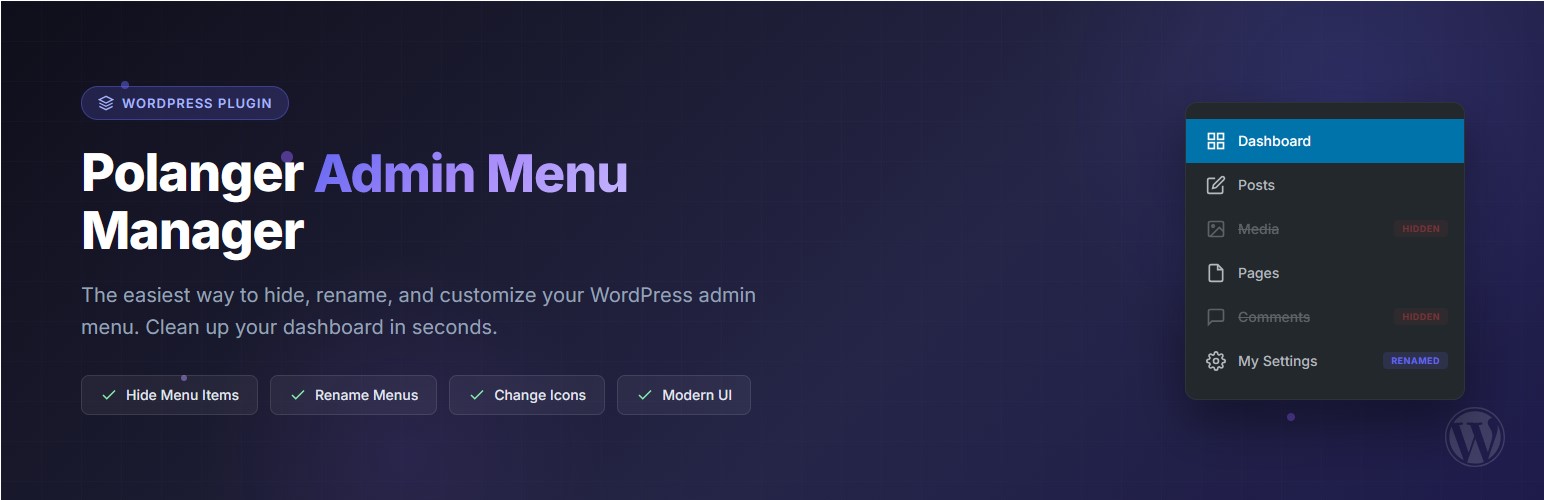
Polanger – Admin Menu Manager 是一款輕量且強大的管理選單編輯器,讓使用者能夠全面掌控 WordPress 控制台的選單。無論是隱藏選單項目、重新命名或更改圖示,此外掛都能輕鬆實現,適合開發者、代理商及網站擁有者使用。
【主要功能】
• 隱藏選單項目:立即移除不必要的選單項目
• 重新命名選單項目:自訂選單或子選單的名稱
• 更改圖示:從 200 多個 Dashicons 中選擇圖示
• 子選單支援:全面控制主選單及其子選單
• 視覺指示器:顏色編碼顯示隱藏或修改的項目
• 重設選項:一鍵恢復所有設定為預設值
外掛標籤
開發者團隊
② 後台搜尋「Polanger – Admin Menu Manager」→ 直接安裝(推薦)
原文外掛簡介
Polanger – Admin Menu Manager is a lightweight and powerful admin menu editor that gives you full control over your WordPress admin menu. Whether you want to hide admin menu items, rename them, or change their icons – this plugin makes it simple.
Clean up your WordPress dashboard menu by hiding unnecessary items, give custom names to menu entries, and personalize icons – all from a beautiful, modern interface. Perfect for developers, agencies, and site owners who want a cleaner dashboard menu hide experience.
Why Choose This Admin Menu Editor?
Simple & Fast – No bloat, just the features you need
Hide Admin Menu Items – Remove clutter from your WordPress sidebar instantly
Dashboard Menu Customization – Full control over your admin area
Visual Feedback – Color-coded indicators show what’s hidden or modified
No Coding Required – Point and click interface
Features
Hide Menu Items – Hide any main menu or submenu item from the admin sidebar
Rename Menu Items – Give custom names to any menu or submenu item
Change Icons – Choose from 200+ Dashicons to customize menu icons
Submenu Support – Full control over both main menus and their submenus
Visual Indicators – Color-coded rows show hidden, renamed, and modified items at a glance
Reset Option – Easily reset all settings to defaults with one click
Modern UI – Clean, intuitive interface that fits perfectly with WordPress admin
Pro Features
Take your WordPress admin control to the next level with Polanger Admin Menu Manager Pro.
Menu & Admin Bar:
* Role-based menu visibility – Show/hide menus per user role
* Block direct URL access – Prevent bypassing hidden menus
* Admin bar customizer – Hide or rename admin bar items
Security Features:
* Two-Factor Authentication (2FA) – Email-based verification codes
* Custom login URL – Hide wp-login.php from attackers
* Google reCAPTCHA v2/v3 – Protect login forms
* Brute force protection – Block repeated failed attempts
* Recovery keys – Backup access for 2FA
Activity & Monitoring:
* Activity log – Track all admin actions with timestamps
* Email alerts – Get notified of critical events
* Export logs – CSV and JSON export options
* IP tracking – See who accessed what and when
Login Page Customizer:
* Custom logo and background
* Custom colors and styling
* “Remember Me” default option
* Hide language switcher
Dashboard Widgets:
* Hide or show widgets per role
* Reorder dashboard widgets
* Clean up WordPress dashboard
Additional Features:
* Access control – Restrict plugin settings to specific users
* Read-only mode – Allow viewing without editing
* Super Admin protection – Prevent lockouts
* Priority support – Fast response times
Custom Admin Menu Builder (New):
* Add custom admin sidebar menus directly from an advanced modal interface
* Add unlimited submenu items under each custom main menu
* Flexible menu targets – use internal WordPress admin targets or external URLs
* External link support – open custom menu links in the same tab or a new tab
* Built-in icon picker – choose from a large Dashicons library for each custom menu
* Smart menu ordering – set sidebar position for custom menus
* One-click removal – delete a custom menu with all related submenus together
* User-friendly setup – helper descriptions and modern UI designed for non-technical users
Get Pro Version