300+
安裝啟用
★★★★☆
4.7/5 分(10 則評價)
4898 天前
最後更新
—
問題解決
WordPress 3.0+ v1.1 上架:2012-09-08
內容簡介
目前的功能:
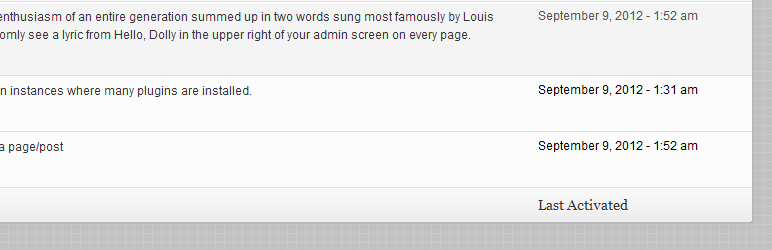
為外掛程式儀表板畫面新增一個欄位,顯示每個外掛程式是何時啟用的,只有在 PAD 安裝之後才會顯示此欄位
掌控您想看到相對日期或是『常規』日期,請到設定 > 一般設定下設定
雖然預設會使用日期&時間設定,但您可以使用篩選器「pad_date_time_format」更改日期格式。例如:
<?php
add_filter( 'pad_date_time_format', 'my_pad_date_time_format' );
function my_pad_date_time_format( $date_format ) {
return 'm-d-Y';
}
更多有關WordPress 日期&時間格式設定的資訊可以參考。
歡迎您在GitHub上的 PAD發表功能需求、問題和拉取請求。
外掛標籤
開發者團隊
原文外掛簡介
Current features:
Adds a new column on the plugins dashboard screen that shows when each plugin was activated, only if PAD was installed before
Control whether you’d like to see a relative date or a “regular” date as set under Settings > General
While by default the date & time settings are being used, you can always change the date format by filtering ‘pad_date_time_format’. For instance: