內容簡介
Summary:
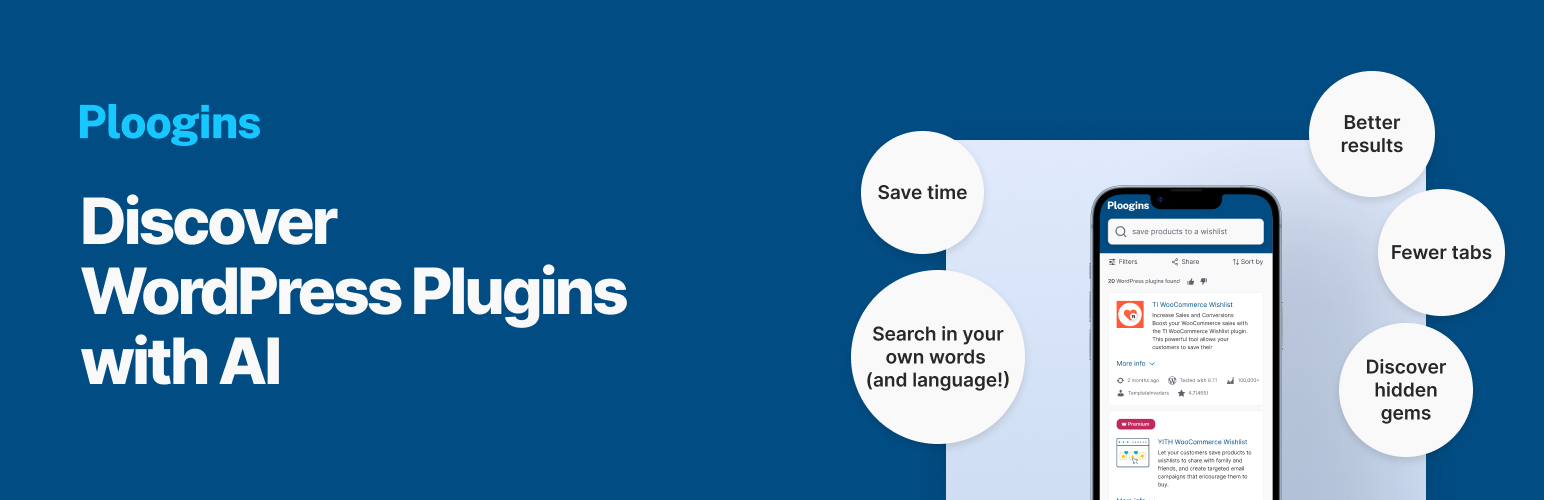
Ploogins是一款AI助手,可幫助您管理、安裝和啟用外掛,發揮AI的功能。從WordPress儀表板直接節省時間,發現新的外掛,並自動化外掛任務。
問題與答案:
1. Ploogins是什麼?
- Ploogins是一款AI助手,可協助用戶管理、安裝和啟用WordPress外掛。
2. Ploogins如何幫助用戶節省時間?
- Ploogins可透過AI提供外掛建議、一鍵安裝和啟用外掛,以及輕鬆的外掛管理,讓用戶更有效率地處理外掛相關任務。
3. Ploogins如何使用AI技術?
- Ploogins使用AI技術透過呼叫外部公共API(https://api.ploogins.com/public/search)來搜尋並推薦適合的外掛,並在用戶搜索外掛時發送用戶查詢,以取得AI推薦的外掛。
外掛標籤
開發者團隊
原文外掛簡介
Ploogins – AI Assistant helps you manage, install, and activate plugins with the power of AI. Save time, discover new plugins, and automate plugin tasks directly from your WordPress dashboard.
AI-powered plugin recommendations
One-click install and activation
Effortless plugin management
The Plugin calls an external public API at https://api.ploogins.com/public/search and https://api.suggerence.com/v1/. The plugin sends the user query while searching for plugins to get recommended plugins using AI.