內容簡介
Migrator 是一款強大的網站遷移與備份外掛,能將資料庫及 wp-content 中的所有內容打包成單一檔案,方便下載及恢復。無論是同一網站還是全新安裝,Migrator 都能自動重寫舊網址,確保網站正常運作。
【主要功能】
• 一鍵備份資料庫及 wp-content
• 自動重寫網址及路徑
• 支援定期備份及離線複製
• 透過 HTTP 進行網站間的拉取與推送
• 可選擇排除特定內容如媒體或外掛
外掛標籤
開發者團隊
② 後台搜尋「Migrator – Site Migration and Backup」→ 直接安裝(推薦)
📦 歷史版本下載
原文外掛簡介
Migrator packs your database and everything in wp-content into a single file you can download, keep as a backup, and restore, on the same site or on a brand-new install somewhere else. When you restore onto a different address, Migrator rewrites the old URLs and file paths to the new ones for you, so the site just works.
Everything happens on your own server. There is no account to create and no file size sold back to you, and nothing leaves your server unless you add an off-site destination you own or switch on Pull and Push. The source lives at github.com/wppoland/plogins-migrator, which is also where to file a bug or request a feature.
How it works
On the site you want to copy, create a backup. Migrator writes your database to a portable SQL dump and streams every file in wp-content into one archive next to it.
Download that archive (or, on a big site, build it from the command line, see below).
On the destination, the same site to roll back, or a fresh WordPress install to move to, restore the archive. Migrator imports the database, puts the files back, and rewrites the source site’s web address and paths to this one.
The address rewrite is safe for serialized data: Migrator walks the actual data structures rather than doing a blind text replace, so the byte-length counts PHP stores inside serialized options and meta stay correct and nothing breaks.
Scheduled backups and off-site copies
Back up daily or weekly and keep as many copies as you choose. Each scheduled backup can also be copied off the server, to an FTP or FTPS server or to a local or mounted folder outside the web root. Older scheduled copies are deleted automatically, on the server and at the destination, once they fall outside your retention setting.
Pull and push between live sites
Copy a whole site to another server over HTTP, with no archive to download or upload and no SSH or FTP. On the site you are copying, switch on Migrator > Pull and Push. On the destination, run wp migrator pull https://your-old-site.example: the first run prints a key, which you paste on the source’s Pull and Push screen, then you run the same command again (a source without the OpenSSL extension takes a connection token instead). The files and the database travel in small pieces, an interrupted pull carries on where it stopped when you run it again, and the next run fetches only what changed. Addresses are rewritten while the database streams in, the database keeps its exact bytes so accented text survives, and the old host’s own platform plugins and server-bound drop-ins are left behind. wp migrator push sends the destination’s file changes back.
A few things worth knowing
Backups are written to wp-content/migrator-backups. On Apache and IIS that folder denies direct web access. nginx ignores those rules, so every backup file name also carries a random token and is never at a guessable URL. The in-browser download is served only to logged-in administrators through an authenticated handler. Each item inside an archive carries a checksum, and a finished archive ends with an end marker, so a truncated or corrupted backup is caught before it is restored over a live site.
Restoring overwrites the destination database and files, that is the point of a restore, so it asks for confirmation and is limited to administrators. Migrator never overwrites its own plugin folder during a restore, so it cannot pull the rug out from under itself mid-import.
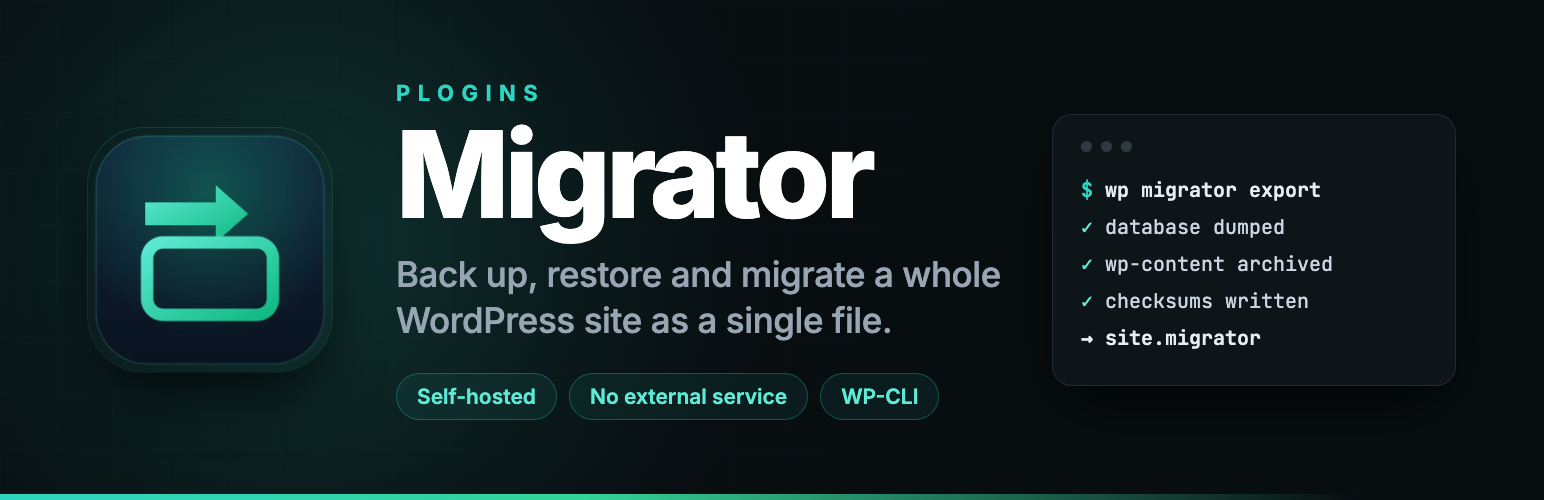
For large sites where a browser request would time out, every job also runs from WP-CLI, which has no timeout:
wp migrator export
wp migrator import path/to/backup.migrator
What’s included
One-click backup of your database and all of wp-content into a single archive
Restore to the same site, or migrate to a new host with automatic, serialization-safe URL and path rewriting
Choose what to leave out: media, themes, plugins, cache, spam comments, post revisions, transients, WooCommerce sessions or Action Scheduler tables
In-browser export in short resumable steps with a progress bar and a direct download, plus drag-and-drop restore that uploads in 4 MB pieces
Scheduled backups, daily or weekly, with a retention rule
Pull a live site to another server over HTTP with wp migrator pull: resumable, and the next run fetches only the changes
Push file changes back with wp migrator push, and run the low-level transfer commands through wp migrator remote
Off-site copies to an FTP or FTPS server, or to a local or mounted folder
WP-CLI export, import and replace commands for sites too large for the browser
A snapshot of your database before every restore. If the database import or the URL rewrite fails, the previous database is put back automatically. If a later step fails, such as extracting files, the site is left partly restored and the message gives the path of the previous database dump to restore by hand
Per-item checksums and an archive check before the database is touched, so a corrupt or unfinished archive is refused, not restored
Serialization-safe search and replace across the database, with a dry-run preview and a wp migrator replace command, to change a domain, URL or path safely
Inspect any stored backup before you restore it: source URL, WordPress and PHP versions, table count, plus pre-restore checks for table prefix, disk space and writability
No account and no service of ours: nothing leaves your server unless you add an off-site destination you own
Documentation and links
Documentation: plogins.com/plogins-migrator/docs/
Plugin page: plogins.com/plogins-migrator/
Source code: github.com/wppoland/plogins-migrator
Bug reports and feature requests: github.com/wppoland/plogins-migrator/issues
Reporting a security issue: email [email protected], and under our coordinated disclosure policy we confirm within two business days, assess within five, and patch a critical issue within seven days of confirming it.
How Migrator compares
All six plugins named here back up and migrate WordPress. What separates them is what you get without paying, so the grid reads the free edition of each. Every entry was checked against vendor pricing pages and vendor documentation on 29 July 2026; the All-in-One WP Migration and Duplicator columns were checked again on 27 October 2026.
The columns, left to right: Migrator, AIO is All-in-One WP Migration, Dupl is Duplicator, WPvivid, Updraft is UpdraftPlus, WPMigr is WP Migrate. A cell reads yes if the free edition does it, paid if that vendor sells it in a paid tier or add-on, no if the vendor does not offer it at any price, part if only partly, and ? if the vendor does not say. A row of paid is a paywall, not a missing feature; no is the one that means the thing does not exist.
Migrator AIO Dupl WPvivid Updraft WPMigr
--------------------------------------------------------------------------
Full backup + migration yes yes yes yes yes part
No size cap, free tier yes no yes yes yes ?
Scheduled backups yes paid paid yes yes no
Cloud or FTP destination yes paid part yes yes no
Incremental backups paid paid no paid paid no
Encrypted archives paid yes yes part part ?
Server to server transfer yes paid paid yes paid paid
Multisite net. restore paid paid paid part paid paid
Imports chosen tables paid ? no paid paid paid
Paid plan, from EUR49 $69 $79 $49 $70 $49
Where Migrator is ahead in free. Scheduled backups with a retention rule, an off-site copy over FTP/FTPS or to a folder outside the web root, no size limit beyond what your own server allows, and a database snapshot taken before every import and put back automatically if the database import fails. No other free tier here documents that rollback. Automation is not the paid tier here: a site that wants a nightly backup landing somewhere other than the server it protects needs nothing beyond the free plugin.
What PRO adds. Cloud destinations (S3, R2, Backblaze, Wasabi, SFTP, WebDAV), incremental backups, encrypted archives, recovery points, Table Sync, multisite restore, deploying to an empty server, resetting a staging site to a clean install, and a white-label mode that puts an agency’s own name on the plugin. From 49 EUR per year.
All-in-One WP Migration
Exports to a single .wpress file, and its AES-256 password-protected export is in the free plugin, which is one thing Migrator keeps in PRO. The free export is bounded by your host’s PHP limits; lifting them is the Unlimited extension at $69/yr. Multisite is a separate add-on at $319/yr.
Duplicator
Builds a package plus an installer. The vendor’s readme states that the free plugin makes backups of any size, encrypts archives with AES-256 and a password, and stores backups locally or on its own Duplicator Cloud. Scheduling, other cloud destinations, recovery points, multisite and server-to-server import are in the paid plans, from a $79 list price.
WPvivid
Scheduled backups with one retention rule, Dropbox, Google Drive, S3, OneDrive, DO Spaces, FTP and SFTP as destinations, and server-to-server transfer with a migration key. Archives split at 200 MB. The vendor states databases cannot be backed up incrementally, encryption in Pro covers the database only, and table-level merging is sold as a separate product.
UpdraftPlus
Free scheduling from every 2 hours up to monthly, with Google Drive, Dropbox, S3, Rackspace, FTP, Swift and email as destinations. Archives split at 400 MB. Multisite, incremental file backups and database encryption are Premium, $70 to $399/yr excluding VAT.
WP Migrate
Lite exports a ZIP and does not import at all. Moving files between live sites, and push and pull, are paid, $49 to $219 for the first year. No tier offers a cloud or FTP destination.
Competitor prices are in USD, Migrator PRO is priced in EUR, and no conversion is implied. List prices and tier limits change without notice, so confirm on the vendor’s own page before you buy. Migrator itself is free under GPLv2 with no account to create; PRO is 49 to 149 EUR per year.
Migrator Pro
Migrator Pro is a separate paid plugin that extends Migrator.
Included in Migrator:
Single-file backup
In-place restore
Move to a new host
Exclusions
Size explorer
Migrator Pro adds:
Incremental backups
Recovery points
Cloud destinations
Server-to-server transfer from wp-admin
Deploy to a new server
Table sync
The free edition is not a trial and its features stay available without a time limit.
Migrator Pro – plogins.com/plogins-migrator-pro/
Compare editions and pricing – plogins.com/plogins-migrator-pro/pricing/
PRO documentation – plogins.com/plogins-migrator-pro/docs/
Translations
Plogins Migrator is fully translatable and ships the plogins-migrator.pot template. Translations are delivered by WordPress.org language packs from translate.wordpress.org, which is where Polish, German and Spanish are being contributed; the package itself carries no compiled translation files.