內容簡介
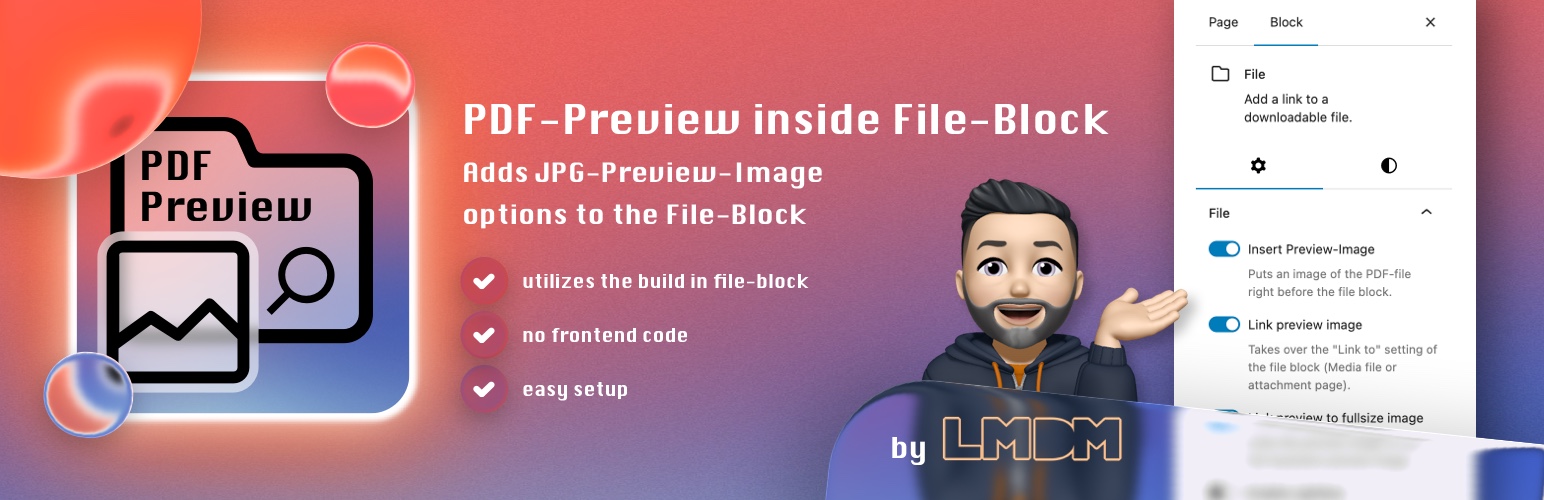
PDF-Preview inside File-Block 是一款輕量級外掛,可自動將 PDF 檔案的縮圖預覽插入 Gutenberg 檔案區塊前方,讓訪客無需下載即可快速預覽 PDF 內容,提升網站瀏覽體驗。
【主要功能】
• 自動在檔案區塊前插入 PDF 縮圖預覽
• 可選擇縮圖、中型或大型預覽圖片尺寸
• 支援預覽圖片的 Lightbox 燈箱效果
• 預覽圖片可連結至檔案或全尺寸圖片
• 提供設定頁面統一管理預設值
• 極度輕量,僅使用 3 個檔案,不載入額外資源
外掛標籤
開發者團隊
② 後台搜尋「PDF-Preview inside File-Block」→ 直接安裝(推薦)
原文外掛簡介
Did you know that WordPress generates a thumbnail image file when uploading a PDF-file? This works when the PHP Extension imagick and Ghostscript is available! It won’t work with GD library! You know they are present and it’s working, when you upload a PDF-file in the media library and you immediately see a thumbnail of the file. Now that thumbnails are available my plugin hooks into the Gutenberg file-block to automagically inserting that thumbnail right before the file block. Besides that it also provides some more options:
Plugin Features
✔ a toggle to insert an preview image before the file block
✔ a toggle to link the preview image with the “link to” settings value of the file block
✔ a toggle to link the preview image with itself to the full-size image
✔ a toggle to enable the Lightbox-Effect on the preview image (enable in settings)
✔ a setting to choose the size of the preview image: thumbnail, medium, large
✔ a settings page to define default for image size and show inline embed default value and a height in pixels default value
✔ when activating the plugin, the show inline embed option of the file block gets disabled by default
✔ the preview image link target is based on setting of file-block (open in new tab)
✔ adds new block styles to file block with just a few inline css code
✔ this plugins main goal is to be very lightweight and avoid loading any additional assets and saving DOM performance. It just uses 3 files.
This plugin requires imagick and Ghostscript! A good WordPress web hosting has it installed by default.