內容簡介
總結:
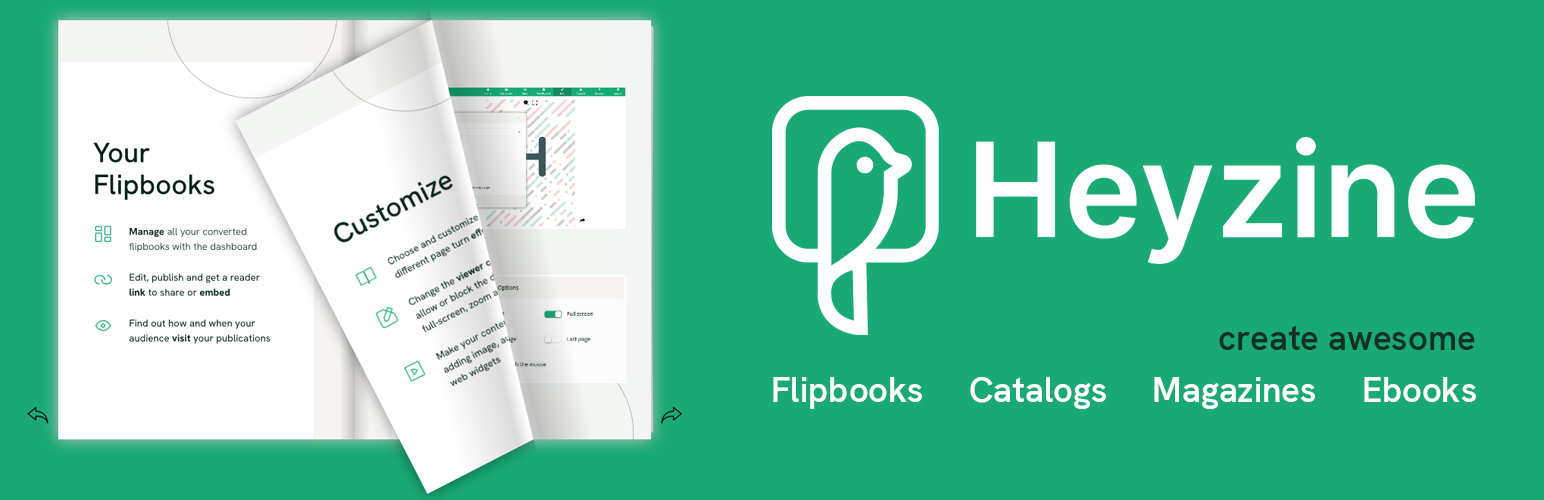
Heyzine是一個用於創建逼真翻頁效果或投影片放映的翻頁書製作工具,使用者可以自訂PDF查看器的品牌和樣式,並在PDF中添加視頻、音頻或任何嵌入式互動。
問題與答案:
- Heyzine 是什麼?
Heyzine是用於創建逼真翻頁效果或投影片放映的翻頁書製作工具。
- 這個WordPress外掛是否快速且易於使用?
是的,這個WordPress外掛旨在讓使用者能夠在最短的時間內快速且輕鬆地使用。
- 如何製作翻頁書?
使用者可以選擇一個已經上傳到WordPress的PDF文件,或者上傳一個新的PDF文件,然後自動製作翻頁書。
- 可以將已經製作的翻頁書嵌入到WordPress中嗎?
是的,在Heyzine帳戶中已經製作並自定義到最後細節的翻頁書可以快速地嵌入到WordPress中。
- Heyzine可以用於哪些PDF的自定義?
能夠對目錄、宣傳冊、雜誌、餐廳菜單或其他任何類型的PDF進行極致自定義。
- 有哪些翻頁效果可用?
有多種翻頁效果可用,包括PDF翻頁書(像真實雜誌一樣翻頁)、書頁效果(硬蓋和立體效果,看起來像一本真正的書)、幻燈片(用於演示或幻燈片,沒有干擾,只有專業的滑塊效果)、翻轉卡片和閃卡(使每個PDF頁面看起來像一張單獨的翻轉卡片)。
- 閱讀者互動統計數據和功能有哪些?
在WordPress上線並準備就緒後,可以通過訪問者統計頁面發現讀者與出版物的互動,包括點擊的鏈接、瀏覽最多的翻頁書頁面、每個頁面的停留時間,以便分析訪問數據並改進內容。
- 如何保護翻頁書的隱私?
可以將翻頁書設定為私有、半私有或銷售予特定讀者。可以通過設置密碼保護線上PDF,僅供特定讀者查看。
- 如何獲取讀者信息?
可以在特定翻頁書頁面上添加PDF潛在客戶生成表單,該表單將顯示要求讀者詳細信息。可以定義表單的字段,並將其設置為必填或選填。
- Heyzine的其他主要特點有哪些?
其他主要特點包括不在翻頁書上放置廣告、RTL(從右到左)閱讀選項、完全響應式和適用於移動設備、向PDF翻頁書添加視頻、音頻、圖片和嵌入式內容、自定義背景、標誌、導航等。
- Heyzine是否支援Google Analytics和Google Tag Manager的整合?
是的,Heyzine與Google Analytics和Google Tag Manager整合。
外掛標籤
開發者團隊
原文外掛簡介
Heyzine is a flipbook maker for realistic page turn effects or slideshows with your PDF. Customize the PDF viewer with your own brand and style and add interactivity like videos, audios, or any kind of embed to your PDF.
Heyzine Home | Flipbook examples | What is a flipbook?
This flipbook WordPress plugin is meant to be fast and easy to use, get the best with less time. Simply select a PDF you have already uploaded to WordPress or upload a new one to make a flipbook out of it automatically. Do you already have many flipbooks created and customized to the last detail on your Heyzine account? Embed them to WordPress in no time.
Heyzine allows to customize catalogs, brochures, magazines, restaurant menus or any other kind of PDF to the extreme. Make them match your brand style, and show them online on your website seamlessly integrated.
There are many page turn effects available:
PDF Flipbook: Turn pages like a realistic magazine.
Book page effect: Hardcover and depth for them to look like a real book.
Slideshow: For presentations or slides. No distractions, just a professional slider effect.
Flip cards and flashcards: Make each page of the PDF look like an individual flipping card.
When you have them ready and online on your WordPress site, you can even discover how your readers are interacting with your publications through the visitor stats page, what links they are clicking, the flipbook pages most viewed or time spent on every page, so you can analyze your visits to learn and improve your content.
Your flipbooks might be private, semi-private, or you might want to sell them. No worries, password-protect your online PDFs to make them available to specific readers only.
Sometimes you might want to get information about your readers. Add a PDF lead generation form that will show up on a specific flipbook page asking for your visitor details. You can define the fields of the form and make it mandatory or optional.
And that’s only some of the main features. There are many other options available:
Heyzine never places Ads on your flipbooks
RTL (right-to-left) reading option
Fully responsive and mobile ready
Add videos, audios, pictures, and embeds to the PDF flipbook
Customize background, logo, navigation, and much more
Flipbooks automatically detects links from the original PDF
Manually add links to pages or websites
Share widget on your flipbook to make it easy for your readers to spread the word
Search text in the flipbook
Enable or disable functions like PDF download or printing
Pagination bar for your readers to jump to a page
Integration with Google Analytics and Google Tag Manager