內容簡介
**總結:**
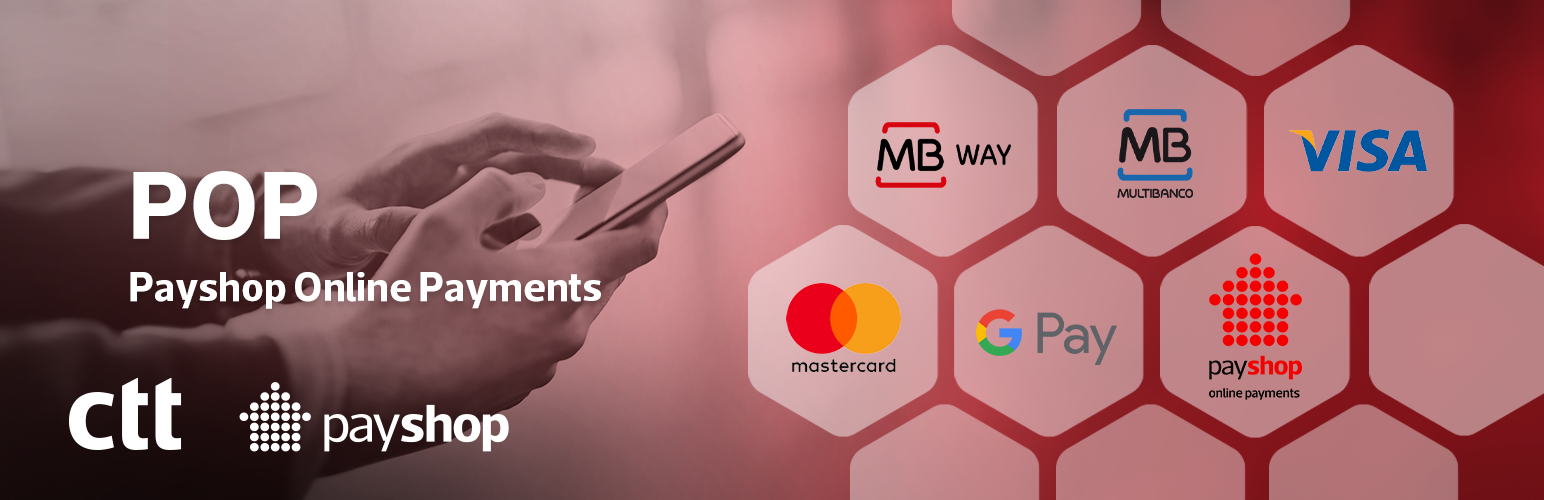
POP是Payshop的線上支付解決方案,讓商家以簡單、安全和直接的方式接受葡萄牙最常用的支付方式。該外掛與WooCommerce整合,提供即時通知的線上支付功能。
**問題與答案:**
1. POP外掛的目的是什麼?
- 答:POP是Payshop的線上支付解決方案,允許商家以簡單、安全和直接的方式接受葡萄牙最常用的支付方式。
2. 這個外掛支援哪些支付方式?
- 答:MB WAY、Multibanco Reference、信用卡和借記卡(Visa、Mastercard)、Google Pay、支援3D安全功能的外國卡、透過鏈接進行手動支付(透過電子郵件、簡訊或社交媒體),即將推出的Apple Pay。
3. 這個外掛具備哪些功能?
- 答:簡單安全的結帳、即時交易通知、存取POP後台以輕鬆管理支付、使用原始支付方式進行即時退款、透過電子郵件、簡訊、WhatsApp或社交媒體發送支付鏈接、次一個工作日轉移款項、所有支付方式的單一和集中契約、快速集成無需技術上的複雜性、無需註冊或月費、符合PCI-DSS合規性。
4. 此外掛與哪些外部服務連接以處理支付?
- 答:Payshop、Google Pay、Apple Pay。
外掛標籤
開發者團隊
原文外掛簡介
POP is Payshop’s online payment solution, allowing merchants to accept the most used payment methods in Portugal in a simple, secure, and direct way.
This plugin was developed to integrate with WooCommerce and enable online payments with real-time notifications.
Supported payment methods:
MB WAY
Multibanco Reference
Credit and Debit Cards (Visa, Mastercard)
Google Pay
Foreign Cards with 3D Secure support
Manual payments via link (sent by email, SMS, or social media)
Coming soon: Apple Pay
Features
Simple and secure checkout, designed to enhance customer experience
Real-time notifications for each transaction
Access to the POP Backoffice to easily manage your payments
Instant refunds using the original payment method
Send payment links via email, SMS, WhatsApp, or social media
Funds transferred on the next business day, hassle-free
Automatic synchronisation of order numbering between Woocommerce and POP BackOffice, through integration with the Sequential Order Numbers for Woocommerce plugin
Automatic updates of order status including cancellations when a payment deadline expires
Single and centralized contract for all payment methods
Quick integration without technical complications
No sign-up or monthly fees
PCI-DSS Compliance
External services
This plugin connects to a few external services to process payments and provide different payment options.
Payshop
This plugin connects to the Payshop API (https://popbylink.payshop.pt) to generate payment references and process payments. This is the core functionality of the plugin. When a customer chooses to pay with Payshop, the order details (such as the total amount) are sent to the Payshop API to create a payment reference.
This service is provided by Payshop.
Terms of Service: https://www.payshop.pt/home/condicoes-gerais
Privacy Policy: https://www.payshop.pt/home/politica-de-privacidade
Google Pay
This plugin includes an integration with Google Pay to allow customers to pay using their Google account. To enable this, the plugin loads a script from Google’s servers (https://pay.google.com). When a user chooses to pay with Google Pay, their payment information is handled by Google’s services to process the transaction securely. The plugin sends the transaction amount and currency to the Google Pay service.
This service is provided by Google.
Terms of Service: https://payments.google.com/payments/apis-secure/u/0/get_legal_document?ldo=0&ldt=buyertos
Privacy Policy: https://policies.google.com/privacy
Apple Pay
This plugin includes an integration with Apple Pay to allow customers to pay using their Apple devices. To enable this, the plugin loads a script from Apple’s servers (https://applepay.cdn-apple.com). When a user chooses to pay with Apple Pay, their payment information is handled by Apple’s services to process the transaction securely. The plugin sends the transaction amount and currency to the Apple Pay service.
This service is provided by Apple.
Terms of Service: https://www.apple.com/legal/internet-services/itunes/
Privacy Policy: https://www.apple.com/legal/privacy/