外掛標籤
開發者團隊
原文外掛簡介
PaymentDash lets your WooCommerce store accept credit and debit cards through your own NMI merchant account, directly or through an NMI-powered provider.
Card numbers are typed into NMI’s secure card fields (Collect.js), which NMI hosts. They go straight from your customer’s browser to NMI and never touch your website, which keeps your PCI scope small.
Features
Card payments on the block checkout and the classic checkout, plus the order-pay page
Charge right away, or authorize only and charge when you mark the order Processing or Completed (or from the order actions)
Refunds from the WooCommerce order screen, full or partial. A full refund of a payment that has not settled yet is sent as a void, so the customer is never charged.
Test mode for NMI sandbox accounts
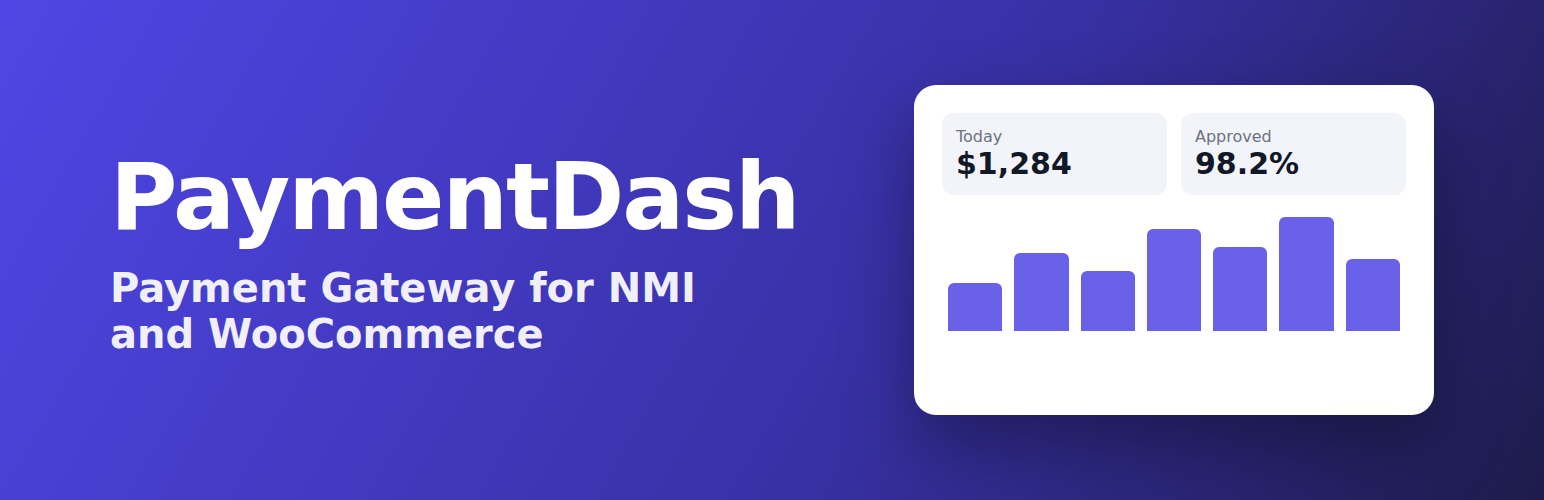
NMI payments screen (WooCommerce → NMI payments) with card totals for today, the last 7 days and the last 30 days, and your latest payments
Billing and shipping details sent to NMI for address checks and receipts
Optional debug log in WooCommerce → Status → Logs. Keys and card details are never logged
Works with WooCommerce order storage (HPOS)
Want more? PaymentDash Pro
PaymentDash Pro is a separate plugin that adds a full NMI payments dashboard inside WordPress: every payment, refund and payout in one searchable screen, customers with their saved cards, WooCommerce Subscriptions tools, phone payments and payment links, chargeback and decline alerts, analytics and tax reports. This free plugin is complete on its own and does not require it.
How to set it up
In your NMI merchant portal, open Settings → Security Keys.
Create a private key with the API permission, and a public key with the Tokenization permission.
In WordPress, open WooCommerce → Settings → Payments → PaymentDash – NMI card payments, paste both keys, tick Enable and save.
Trademarks
NMI is a trademark of its owner. PaymentDash is independent software made by Flmmd Tech Solutions LLC that works with NMI gateways; it is not made, endorsed or sponsored by NMI.
External services
This plugin connects to NMI (Network Merchants, LLC), the payment gateway that processes your card payments. It cannot work without it.
What is sent and when: On the checkout and order-pay pages, your customer’s browser loads NMI’s Collect.js script from secure.nmi.com (or sandbox.nmi.com in test mode). The card number, expiry date and security code typed into the card fields are sent by that script directly to NMI, which returns a one-time token. When the order is placed, your website sends that token to NMI’s Payment API (https://secure.nmi.com/api/transact.php, or https://sandbox.nmi.com/api/transact.php in test mode) together with the order amount, tax and shipping amounts, currency, order number and description, the customer’s billing name, company, address, email and phone number, their shipping name and address, and their IP address. Captures, refunds and voids send the NMI transaction ID, the amount and, for voids, a reason code.
NMI terms and conditions: https://www.nmi.com/policy/platform-terms-conditions/
NMI privacy policy: https://www.nmi.com/policy/privacy/
The plugin does not send any data to PaymentDash or anyone else. Links to the PaymentDash website in the admin screens are ordinary links that open only when you click them.