
內容簡介
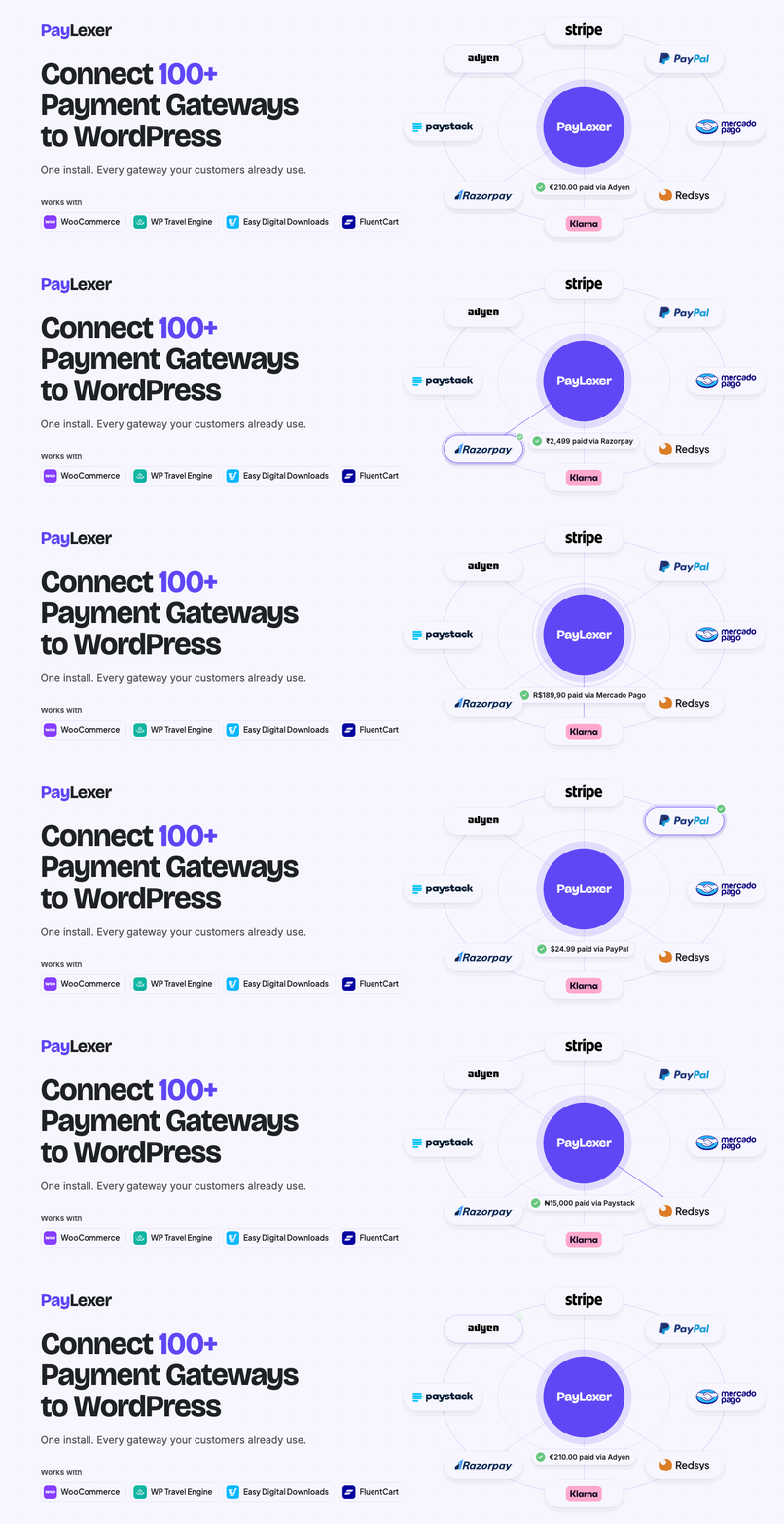
PayLexer 是一款專為 WordPress 設計的支付整合解決方案,能夠輕鬆連接 Stripe、PayPal 等多種支付閘道,無需編碼或更換外掛,讓商家在現有結帳流程中增加更多支付選項。
【主要功能】
• 支援 125 種全球及地區性支付閘道
• 無需替換現有結帳流程
• 資訊以加密方式儲存,無法被訪問
• 免費支援最多 5 個 WordPress 網站
• 每月新增支付閘道與外掛整合
外掛標籤
開發者團隊
② 後台搜尋「PayLexer – Payment Integration Solution for WordPress (Stripe, PayPal, Paystack, and more)」→ 直接安裝(推薦)
📦 歷史版本下載
原文外掛簡介
If you want to accept payments through Stripe, PayPal, or any other gateway inside WooCommerce, WP Travel Engine, or your favorite WordPress plugin, but your plugin doesn’t support it, PayLexer connects them for you.
Most WordPress plugins only work with a handful of payment gateways. If the one you want isn’t on that list, you’re stuck. You either switch plugins, hire a developer to build a custom connection, or just make do with whatever your plugin supports.
PayLexer adds your chosen gateway directly inside your existing checkout flow. Your customers stay in the same checkout process they already know. Nothing changes for them except that they have more ways to pay.
No coding. No developer. No switching plugins. You install PayLexer, connect your gateway, and you’re ready to accept payments in less than 7 minutes.
PayLexer does not process or store payments. Every transaction goes directly through the gateway you choose.
Getting Started with PayLexer in Less than 7 Minutes | Supported Payment Gateways | Compatible Plugins | Customer Support | Documentation
Key Features
128 payment gateways across global, regional, and local markets
Works inside your existing checkout flow, not a replacement
Your credentials are stored in an encrypted vault. We cannot access them. Nobody can.
Free for up to 5 WordPress sites. Need more? Just ask.
New gateways and plugin integrations added every month
Supported Payment Gateways
PayLexer currently supports 128 payment gateways. New ones are added every month.
Stripe – Global
PayPal – Global
Airwallex – Global
Braintree – Global
Paddle – Global
Adyen – Global
Checkout.com – Global
FastSpring – Global
Global Payments – Global
Authorize.Net – United States
Square – United States, United Kingdom, Canada, Australia
Flutterwave – Africa
DPO – Africa
Paystack – West Africa
Squad – Nigeria
Pesapal – East Africa
PayFast – South Africa
AmwalPay – Middle East
Tap Payments – Middle East (GCC)
MyFatoorah – Middle East (GCC)
Fatora – Qatar
Moyasar – Saudi Arabia
Xendit – Southeast Asia
HitPay – Southeast Asia
Omise – Southeast Asia (Thailand, Japan, Singapore)
Midtrans – Indonesia
DOKU – Indonesia
ToyyibPay – Malaysia
PayU – India
PayHere – Sri Lanka
Viva – Europe
Mollie – Europe
SumUp – Europe
Nets – Europe (Nordics)
iyzico – Turkey
GoCardless – UK, Europe, US, Australia, Canada
Revolut – Europe, US, Australia, Singapore, and expanding globally
Eway – Australia and Asia-Pacific
Westpac PayWay – Australia
Pin Payments – Australia
TropiPay – Latin America and the Caribbean
Culqi – Peru
Conekta – Mexico
M-Pesa – East Africa
GetPayIn – Egypt
Mercado Pago – Latin America
Openpay – Latin America (Mexico, Colombia)
SSLCommerz – Bangladesh
NICEPAY – Indonesia
Paytrail – Finland
UPayments – Kuwait
Dodo Payments – Global
Klarna – Europe, Australia, North America
Montonio – Europe
Windcave – Global
Cost+ – Europe
Maya – Philippines
Quickpay – Europe
MultiSafepay – Europe
ONVO Pay – Costa Rica
BlueSnap – Global
Paysafe – US, Canda, UK, Europe
Lemon Squeezy – Global
Elavon – North America and Europe
Transbank – Chile
9Pay – Vietnam
Wordline – North America
Himalayan Bank Limited – Nepal
Getnet – Latin America, North America and Europe
eSewa – Nepal
Khalti – Nepal
PayTabs – MENA
Amazon Pay – North America, Europe and Asia
Protected Payment Services – UK
PAYONE – Europe
Moneris – North America
PAY.JP – Japan
Fonepay – Nepal
KOMOJU – South East Asia
Barion – Europe
Datatrans – Europe
Tpay – Middle East, Turkey and Africa
TranFi – Southeast Asia, Latin America, and the Middle East
Safepay – Pakistan
Saferpay – Europe
Finix – North America
PostFinance Checkout – Europe
Rapyd – Global
Redsys – Spain and Andorra
dLocal – Latin America, Africa, and Asia
XPay – Egypt
Shift4 – North America, Europe and Oceania
NMI – North America
Razorpay – India
Interswitch – Africa
Niubiz – Peru
Kora – Africa
PayFabric – North America
PayVector – UK
Tilled – North America
FIUU – South East Asia
PayerMax – Global
MTN MoMo Money – Africa
bKash – Bangladesh
Arca – Africa
Billplz – Malaysia
PayU Africa – Nigeria and South Africa
N-Genius Online – UAE
Chapa – Ethiopia
Chargily Pay – Algeria
iPaymu – Indonesia
Tazapay – Global
WooshPay – South Asia
Reservepay – Thailand
VNPay – Vietnam
AppotaPay – Vietnam
PayJustNow – South Africa
Klix – Europe
Raiffeisen – Central and Eastern Europe
WiPay – Caribbean Region
PhaJay – Laos
TossPayments – South Korea
ChillPay – Thailand
PG Multi-Payment Service – Japan
PayHero – Kenya
USAePay – US
Galaxy Pay – Vietnam
FasterPay – Global
Coming Soon
More gateways are on the way. These are in progress and will be available soon.
* Cielo – Latin America
* RayzorPay Curlec – Malaysia
* Cybersource – Global
* Fondy – Europe
* 2C2P – Southeast Asia
Looking for a different gateway? Request it here. Your request helps us decide what gets added next.
Compatible Plugins
PayLexer currently works with four major WordPress plugins.
WooCommerce
WP Travel Engine
FluentCart
Easy Digital Downloads
You do not need to switch or reconfigure anything. Simply install PayLexer, connect your account, and every supported gateway becomes available inside your existing plugin.
We regularly add support for new WordPress plugins. If your preferred plugin is not supported yet, you can submit a plugin request.
Full documentation available at paylexer.com
External Services
PayLexer is a WordPress plugin that links your WordPress store to the PayLexer platform, a cloud-based service. It connects your store’s checkout to your chosen payment gateway. The plugin and the PayLexer platform do not process payments. Every transaction is handled directly by the gateway you choose. A PayLexer account is required for the plugin to work.
To do that, the plugin communicates with these PayLexer services:
Payment service (https://paylexer.com) — Initiates and tracks payment requests and keeps your gateway settings in sync. Sends order details and customer billing information needed to complete the payment, including name, email, address, and phone, along with your site URL and account credentials.
Checkout (https://processor.paylexer.com) — Shows your customer the secure payment screen. Receives only a reference to the payment being made.
App (https://app.paylexer.com) — Loads the payment-method logo images shown at checkout and in the settings, and provides admin links to your PayLexer dashboard.
The plugin also sets one first-party cookie, “paylexer_session_id”, to link a guest’s checkout to their payment. It stores a random ID only, with no personal data.
Your use of these services is subject to the PayLexer Terms of Service (https://paylexer.com/terms) and Privacy Policy (https://paylexer.com/privacy-policy).
Privacy Policy
PayLexer processes payment information as necessary to complete transactions. The plugin:
Does not store credit card or sensitive payment data
Transmits payment data securely to payment providers
Stores order references and transaction IDs for order management
May send customer email and order information to PayLexer services
Follows WordPress privacy and data protection guidelines
For complete privacy information, visit paylexer.com/privacy-policy














