
內容簡介
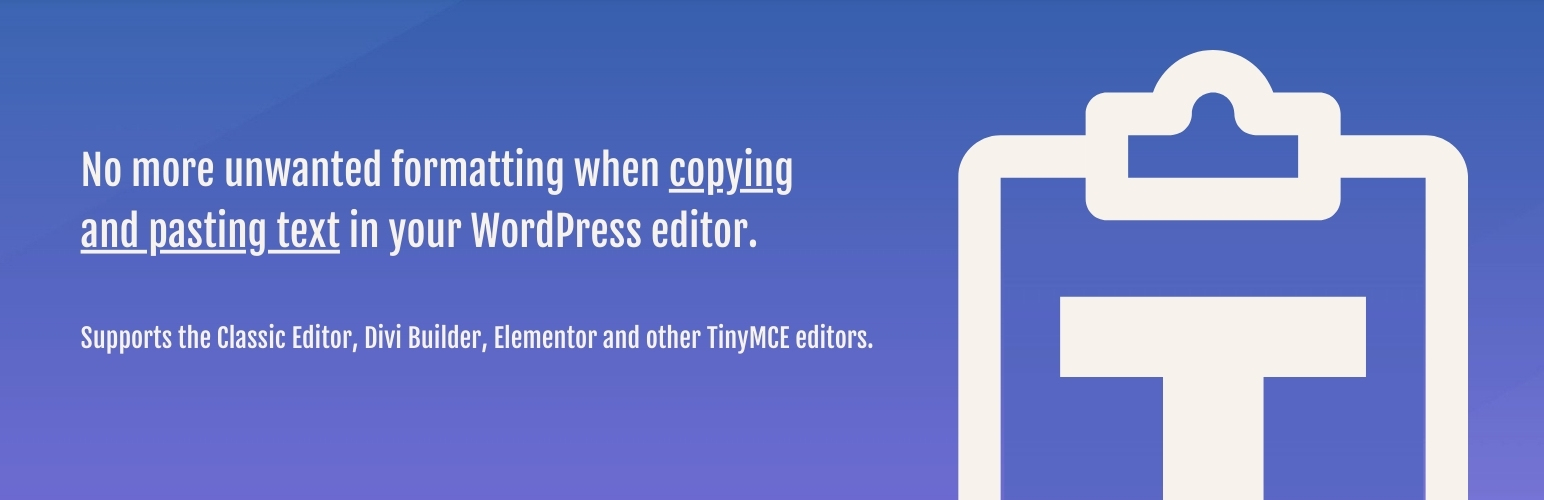
這個外掛可在像 Classic Editor、Divi、Elementor、Beaver Builder、WPBakery 和 WPUF(但不包括 Gutenberg)等編輯器中,點擊一下就能自動啟用預設的貼上純文字模式。
透過這個外掛,您就能在將文字從 PDF 文件、電子郵件或其他網站貼上時,避免匯入與您整體設計不符合的字體和顏色樣式,免去不必要的格式問題和雜訊代碼。
一致的設計風格
不會再出現無法匹配的顏色、字體或其他樣式,為您的網站保持一致的設計風格。
簡潔的代碼
避免您的網站上出現不必要的代碼,讓載入時間更快,並保持良好的設計風格。
快速編輯
您不再需要使用鍵盤快捷方式、Notepad 清理文本或反覆點擊 T 圖示等自訂技巧。
相容性
此外掛支援以下頁面建構器/編輯器:
Classic Editor
Divi Builder
Elementor
Beaver Builder
WPBakery
WPUF (WP User Frontend)
… 還有更多!
此外掛不影響 Gutenberg 區塊編輯器、Brizy Builder 或 Visual Composer。
外掛標籤
開發者團隊
② 後台搜尋「Paste As Plain Text By Default」→ 直接安裝(推薦)
原文外掛簡介
Enable paste as text by default with one click in editors like Classic Editor, Divi (Divi 5 included), Elementor, Beaver Builder, WPBakery and WPUF (but not in Gutenberg).
No more unwanted formatting issues or junk code when copying and pasting text into your WordPress editor. Paste content from pdf documents, emails or other websites without importing colors and font stylings that don’t match your overall design.
Consistent Design
No risk of importing mismatching colors, fonts or other styles when copying & pasting content.
Clean Code
Avoid unnecessary code on your website that could slow down your loading time and break the design.
Fast Editing
No need for custom hacks with keyboard shortcuts, cleaning your text in Notepad or repeatedly clicking the T icon.
Compatibility
This plugin supports the following page builders / editors:
Classic Editor
Divi Builder (Divi 5 included)
Elementor
Beaver Builder
WPBakery
WPUF (WP User Frontend)
… and more!
This plugin does not affect the Gutenberg Block Editor, Brizy Builder or Visual Composer.