外掛標籤
開發者團隊
原文外掛簡介
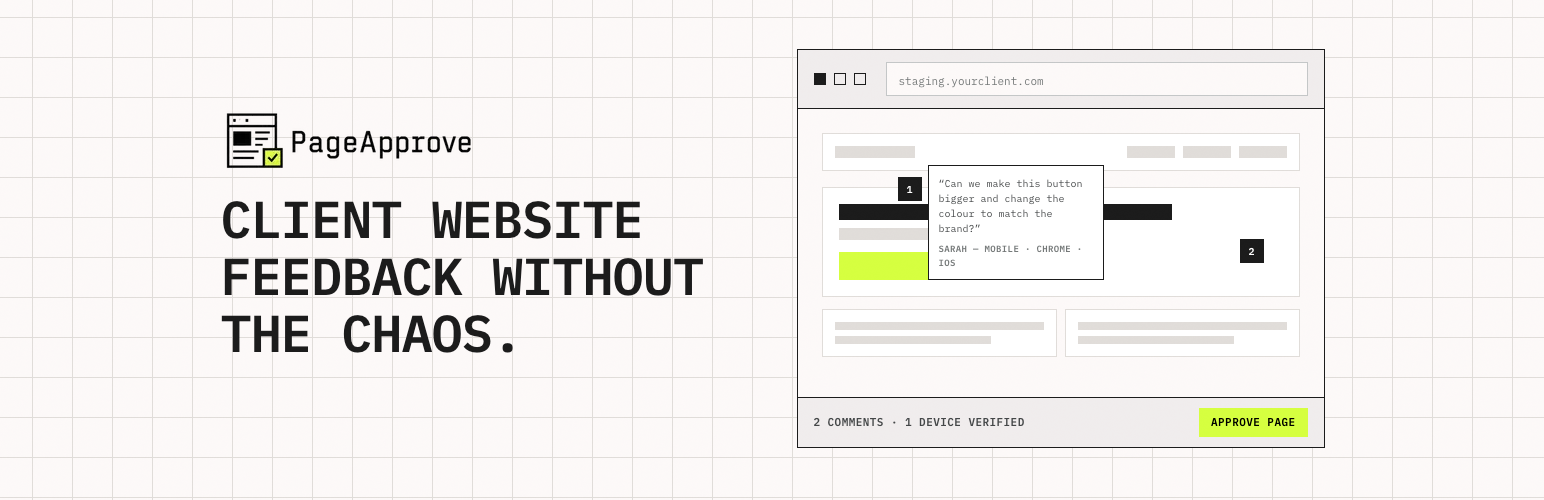
PageApprove adds a feedback widget to your WordPress staging site so clients can:
Click directly on any page element to leave a contextual comment
Have their device, browser, OS, and viewport automatically recorded
Review on the devices you require (mobile, tablet, desktop)
Formally sign off each page before launch
Stop managing feedback through email chains, WhatsApp screenshots, and Slack messages. PageApprove gives every web project a structured review and approval workflow in one link.
External service
This plugin loads the PageApprove widget script from https://pageapprove.com after you configure a Project Public Key and Review Token. The widget connects reviewed pages to your PageApprove project so visitors with the review link can leave feedback and approve pages.
By configuring the plugin, you agree to send the configured project identifiers and front-end review activity to PageApprove. See the PageApprove privacy policy and terms at https://pageapprove.com.
Setup
Install and activate the plugin.
Go to Settings → PageApprove.
Enter your Project Public Key and Review Token — found in your PageApprove dashboard.
Save. The widget will appear on your site’s front-end immediately.
Key Features
Visual click-to-comment on any live staging page
Automatic device verification (mobile / tablet / desktop)
Formal 1-click client sign-off with timestamped approval record
No client account required — share a single link
Enable/disable widget without deactivating the plugin