內容簡介
External Link Icon for Gutenberg 是一款專為 Gutenberg 編輯器設計的外掛,提供一個名為「Link with Icon」的新區塊,讓使用者能夠輕鬆添加帶有圖示的連結,並在同一位置配置所有選項,提升網站的連結展示效果。
【主要功能】
• 新增「Link with Icon」區塊
• 自訂連結文字與圖示選擇
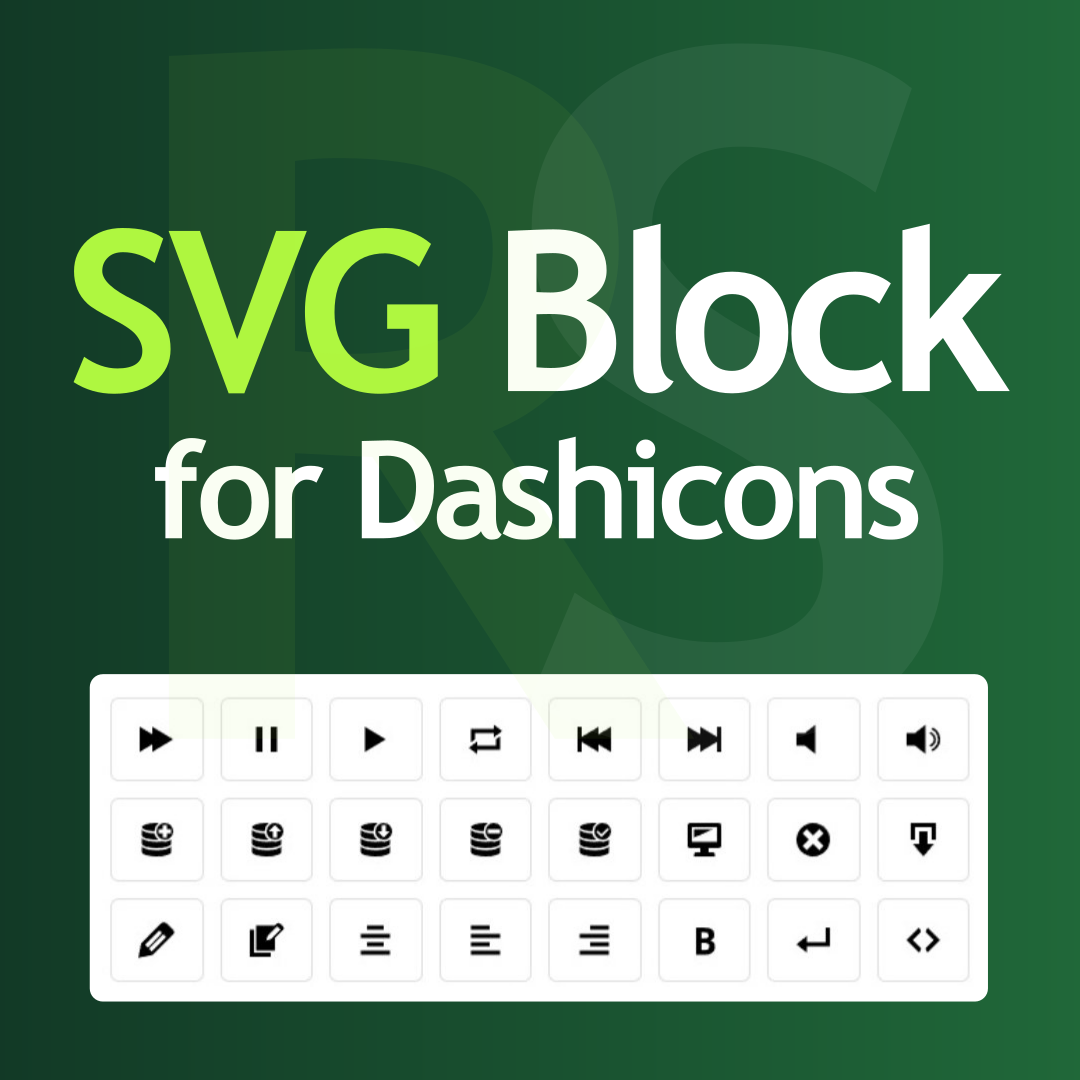
• 支援 Dashicons 與 SVG Icons
• 獨立設定,無全球設定影響
• 實時預覽更新顯示變更
外掛標籤
開發者團隊
② 後台搜尋「External Link Icon for Gutenberg」→ 直接安裝(推薦)
原文外掛簡介
External Link Icon for Gutenberg adds a new Gutenberg block called Link with Icon.
Each block contains its own link URL, link text, icon choice, and display options — all configured in one place. There are no global settings that affect your whole site.
How to use:
In the block editor, click the + button to add a block
Search for “Link with Icon”
Insert the block
Enter your URL in the on-canvas URL field and click Add Link
Open the block sidebar (right panel) to:
Set link text
Toggle new tab / nofollow
Pick an icon from the Dashicons or SVG Icons tab
Set icon position (before or after text)
The live preview updates as you make changes
Icon sets:
Dashicons — WordPress built-in icon font (32 icons, no extra network request)
SVG Icons — 32 bundled stroke-based SVG icons, rendered inline (no CDN, no webfont)
Principles:
No global icon settings — each block is fully independent
Image links are not affected (this is a dedicated block, not a link filter)
Server-side PHP rendering — compatible with all caching plugins
No jQuery required