內容簡介
Outline Page Creator 是一款能快速創建多層次頁面的外掛,透過簡單的文本大綱輸入,能一次性生成所需的頁面結構,節省大量時間與精力。
【主要功能】
• 一次創建多層次頁面
• 支援自訂 URL slug
• 頁面順序自動調整
• 預覽功能顯示結構樹
• 無重複頁面生成
• 一鍵撤銷功能
外掛標籤
開發者團隊
原文外掛簡介
Setting up a new site usually starts with a site map: About, Team, Services, a dozen service pages, Contact. Creating those pages one by one, then fixing every parent and order by hand, takes an hour. Outline Page Creator does it in one step.
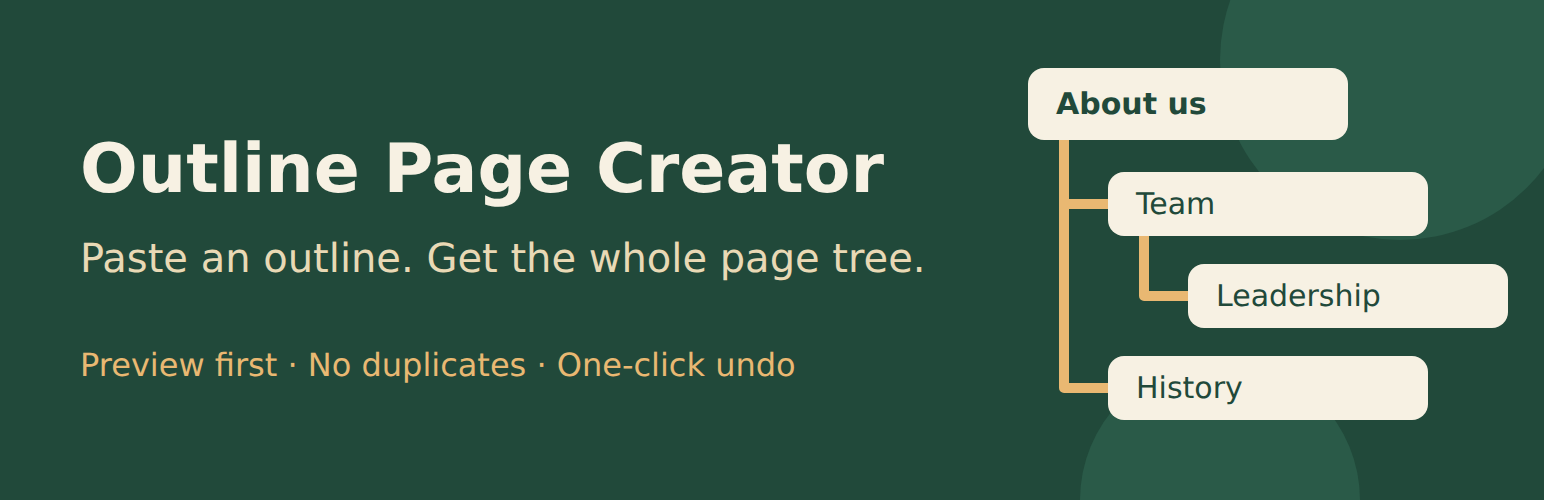
Type or paste an outline, one title per line. Indent a line to make it a child of the line above. Outline Page Creator shows you a preview of the tree, then creates every page with the right parent, order and slug.
About us
Team
History
Services
Web design | web-design
Hosting
Contact
What it does
Nested pages in one go. Any depth. Indent with spaces or tabs, or use leading dashes (“-“, “–“) if you prefer.
Preview before anything is saved. A table shows every title, its level, its slug and whether it is new or already exists.
No duplicates. Items that already exist with the same title and parent are reused, so you can run an outline again later to add missing pages, or add children under an existing page.
Custom slugs. Write Title | my-slug to set the URL slug.
Correct page order. New pages are ordered like the outline, after any pages that already exist under the same parent.
Start under any page. Put the whole outline under an existing parent page.
Any status. Draft, pending review, published or private, as your role allows.
Any content type. Pages, posts, and public custom post types. Hierarchical types keep the tree; flat types get a plain list.
One-click undo. Every run is logged. “Undo” moves exactly the items that run created to the Trash, and nothing else.
Pasting from documents works. List bullets (-, *, •) and non-breaking spaces from word processors are handled.
Built to stay out of the way
No settings page, no ads, no upsell notices.
No external requests, no tracking, no cookies. The plugin never contacts any server.
Only users who can edit pages see the screen, and the plugin checks the right capability for every content type, status and parent.
Uninstalling removes the plugin’s own data (run log, preferences, markers). The pages you created stay.
How to use
Go to Pages > Add from Outline.
Paste your outline. Choose the content type, the parent, the status and how nesting is shown.
Click Preview and check the tree.
Click Create. You get a list of the new pages with edit links and an Undo button.
For developers
Filter outline_page_creator_post_data to change the data passed to wp_insert_post() for each row (for example to set a page template or default content).
Action outline_page_creator_post_created fires after each item is created.
Filter outline_page_creator_post_types changes the offered content types.
Filter outline_page_creator_max_items changes the per-run limit (default 500).
Action outline_page_creator_run_created fires once per run with the IDs of all created items.
Action outline_page_creator_form_options lets you add fields to the options column.
Privacy
Outline Page Creator does not collect, send or store personal data outside your site. It stores, in your own database, a log of the last 20 runs (date, user ID, content type, IDs of created items) so runs can be undone, and each user’s last used options.
About this plugin
Outline Page Creator is made by Bernhard Siegl – oakenbit (https://oakenbit.com/). Legal notice: https://oakenbit.com/legal-notice/. Code produced by an AI system operated by Bernhard Siegl, tested automatically and reviewed by hand by Bernhard Siegl.